This page collects common questions about FreeCell and the FreeCell app. Each article gives the full answer.
About the Game
What is FreeCell?
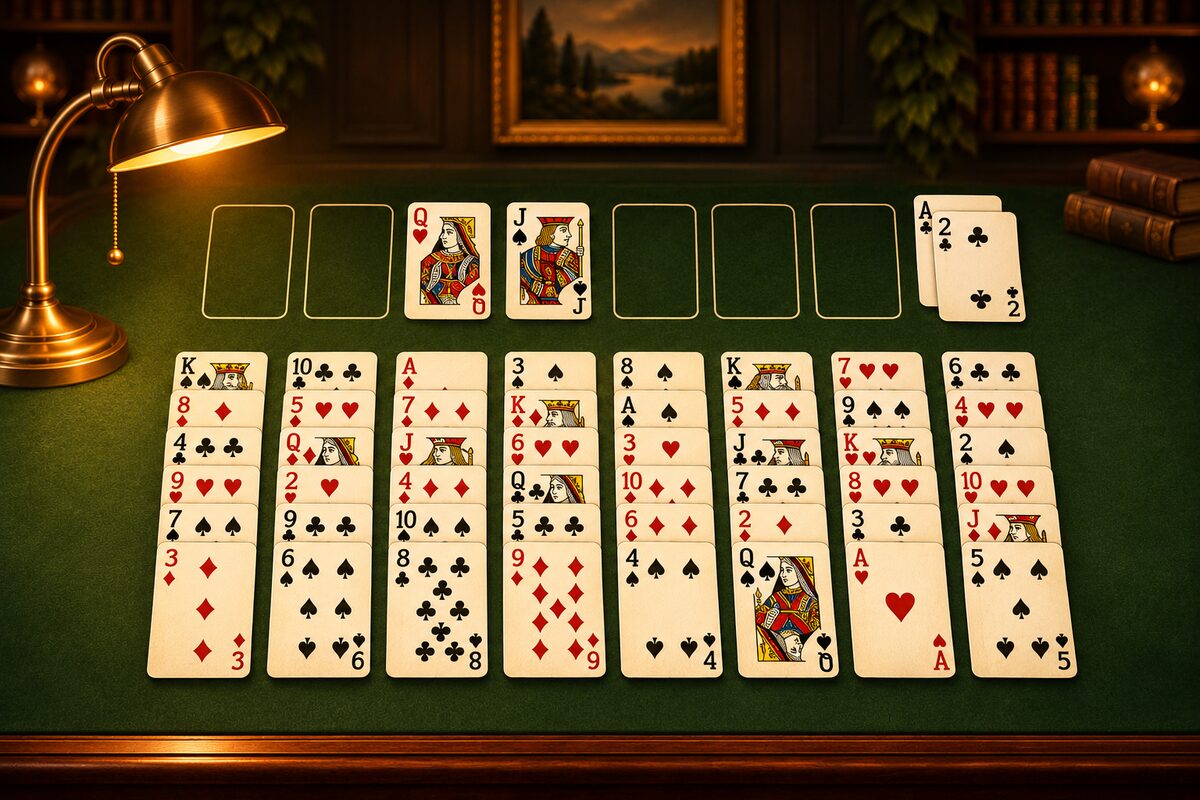
It is a solo card game in which all 52 cards are dealt face up into eight columns, and you use four free cells to build the home cells up by suit from A to K (What Is FreeCell?).
Can you explain the rules briefly?
- In the tableau, stack cards down one number at a time, alternating red and black.
- The four free cells at the top left can each hold any one card.
- Any card can go in an empty column.
- You win when all 52 cards are on the home cells.
For details, see FreeCell Rules and How to Play and Common Questions About the Rules.
How are the cards laid out at the start?
All 52 cards are dealt face up into eight columns, one at a time, starting with the left column. The four left columns get 7 cards and the four right columns get 6 (How the Cards Are Laid Out).
How many cards can I move at once?
In the FreeCell app, up to “the number of empty free cells plus one.” If you use an empty column, you can carry a longer run in several steps (How Many Cards You Can Move at Once).
Can It Be Solved?
Can every deal be solved?
Almost every deal has a solution. In the FreeCell app, we checked 100,000 random deals, and every one of them had a solution. That doesn’t mean it has been proven that all deals can be solved (Almost Every FreeCell Deal Can Be Solved).
What is deal 11982?
Of the numbered deals from number 1 to number 32,000 in the old Windows FreeCell, it is the deal known for being unsolvable. The FreeCell app has no deal numbers (How the App Differs from Windows FreeCell).
How do computers solve it?
They solve it by “search”: trying a move, then looking ahead, from one board to the next (How Do Computers Solve FreeCell?).
Winning
I can’t seem to win
Try keeping three things in mind: get the Aces and 2s out early, keep the free cells empty, and empty one column (FreeCell Tips, Strategy and Winning Methods). If you’re new, start with FreeCell for Beginners.
How should I use the free cells?
They are places to set aside troublesome cards one at a time. The more you fill them, the less you can move, so before you place a card, think about when it can come out (How to Use the Free Cells).
What if I get stuck?
Go back with “Undo,” or play the same deal again with “Restart.” Almost every deal can be solved, so it’s worth going back and rethinking (When You Get Stuck).
About the App
I can’t put a card in a free cell
You put cards in a free cell by dragging. A tap moves a card to a home cell or to a place in the tableau where it fits (Where a Tapped Card Goes).
Can I move a card back from a home cell?
You can move the top card back to the tableau or to a free cell (Moving a Card Back from a Home Cell).
Cards don’t go up to the home cells automatically
In the FreeCell app, cards don’t go up to the home cells automatically. You tap a card that can go up to send it there.
How many times can I undo?
As many times as you like, all the way to the start of the game. Each time you undo, though, your move count goes up by 1, and the time does not go back (How to Use the FreeCell App).
How are moves counted?
Each time you move cards counts as 1, and a run moved together also counts as 1. Undo adds 1 too (Move Count and Moves to Clear, Clearing with Fewer Moves and in Less Time).
Is a game in progress saved?
No. If you quit the app completely, the next time you start from a new game.
Does it cost anything to play?
The FreeCell app can be downloaded at no charge (ads are shown). Ways to play on a computer are also covered in Playing FreeCell on Your Phone and Computer.
What is Dress Up?
As you play, you save up coins and can change your cards, tables, and clear effects (Enjoying Dress Up and Explore).