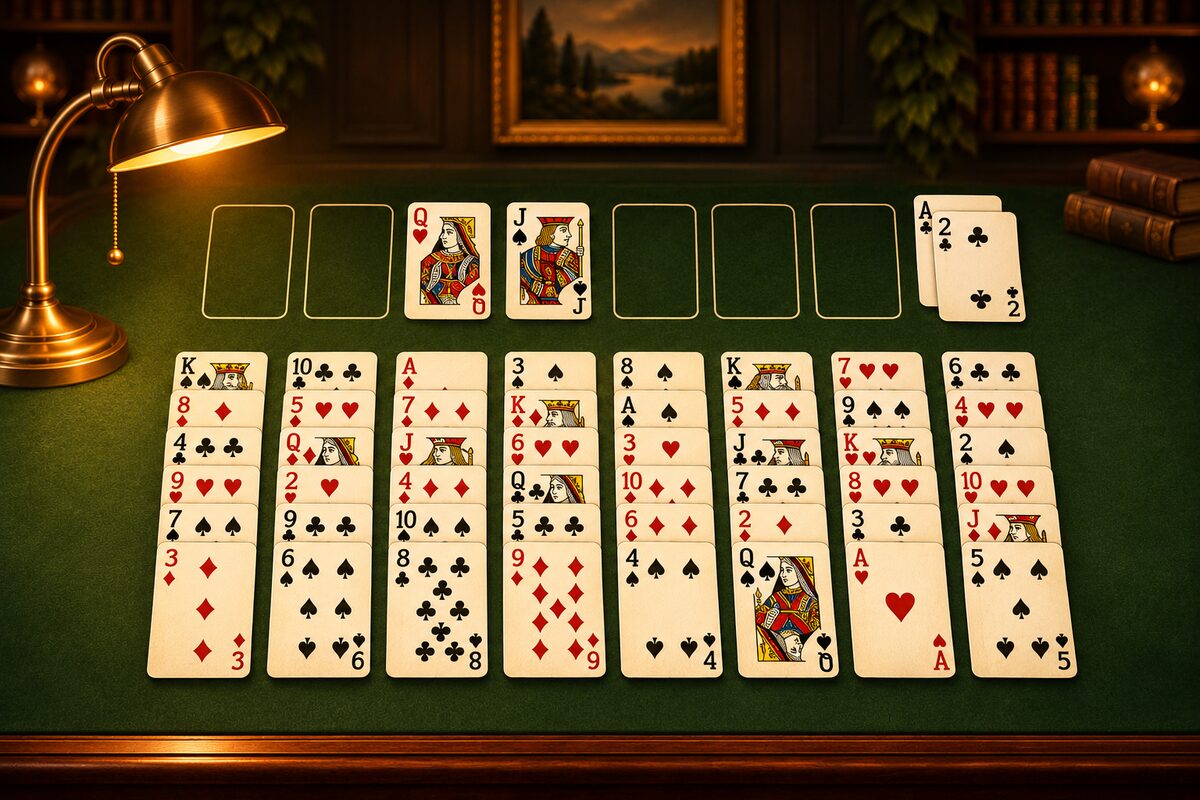
At the top right of the FreeCell app screen, you can see your “Move Count.” When you clear a game, this count appears in the result along with your time. This article explains how moves are counted and how many moves it takes to clear a game.
When the Count Goes Up
| What you do | Count added |
|---|---|
| Move one card | 1 |
| Move a run together | 1 |
| Undo | 1 |
| Move a card somewhere it can’t go | 0 |
- A run moved together counts once: You can move up to “the number of empty free cells plus one” cards together as one move (How Many Cards You Can Move at Once).
- Sending a card to a home cell counts once too: The FreeCell app doesn’t send cards to the home cells automatically. Each time you send one, it counts as 1.
- “Undo” adds to the count instead of lowering it: Even if you take the board back one move, your move count goes up by 1. If you try a move and take it back, the count goes up by 2 each time.
At Least 52 Moves
To clear FreeCell, you have to send all 52 cards to the home cells. Only one card can go to a home cell at a time, so the moves to the home cells alone take 52 moves. No deal can be cleared in fewer than 52 moves.
In practice, you also need moves to dig out Aces and 2s and to set cards aside in the free cells, so there are almost no deals you can clear in 52 moves.
How Many Moves Is Typical?
We searched for solutions with a program made for this page.
We had it solve 10,000 deals made at random, just like the app, and counted the moves in the 9,932 solutions it found. Here is what we got (counted, as in the app, with at most “the number of empty free cells plus one” cards moved together).
| Solutions found | Moves |
|---|---|
| Fewest | 70 |
| Median | 103 |
| Most | 148 |
The remaining 68 deals produced no answer within the limit we set on the number of boards to search. That doesn’t mean they were found to be unsolvable. For Windows deal number 1, a 110-move solution was found.
The solutions the program finds aren’t always the shortest. A skilled player could probably clear many deals in fewer moves. As a rough guide, about twice 52 moves looks like one benchmark.
Carrying with an Empty Column Adds Moves
In the FreeCell app, an empty column doesn’t increase the number of cards you can move at once. When you use an empty column to carry a long run, you move it in several steps, and that adds moves. For example, with two free cells and one empty column, carrying a run of 6 cards takes 3 moves (How Many Cards You Can Move at Once).
How to Use Fewer Moves
- Use “Undo” less: Every card is visible, so think ahead before you move.
- Don’t shuttle cards through the free cells: Putting a card in a free cell and bringing it back takes 2 moves (How to Use the Free Cells).
- Don’t move cards back from the home cells: A card you move back has to be built up again (Moving a Card Back from a Home Cell).
- Keep the free cells empty: You can move more cards at once.
Tips for saving time are covered together in Clearing with Fewer Moves and in Less Time.