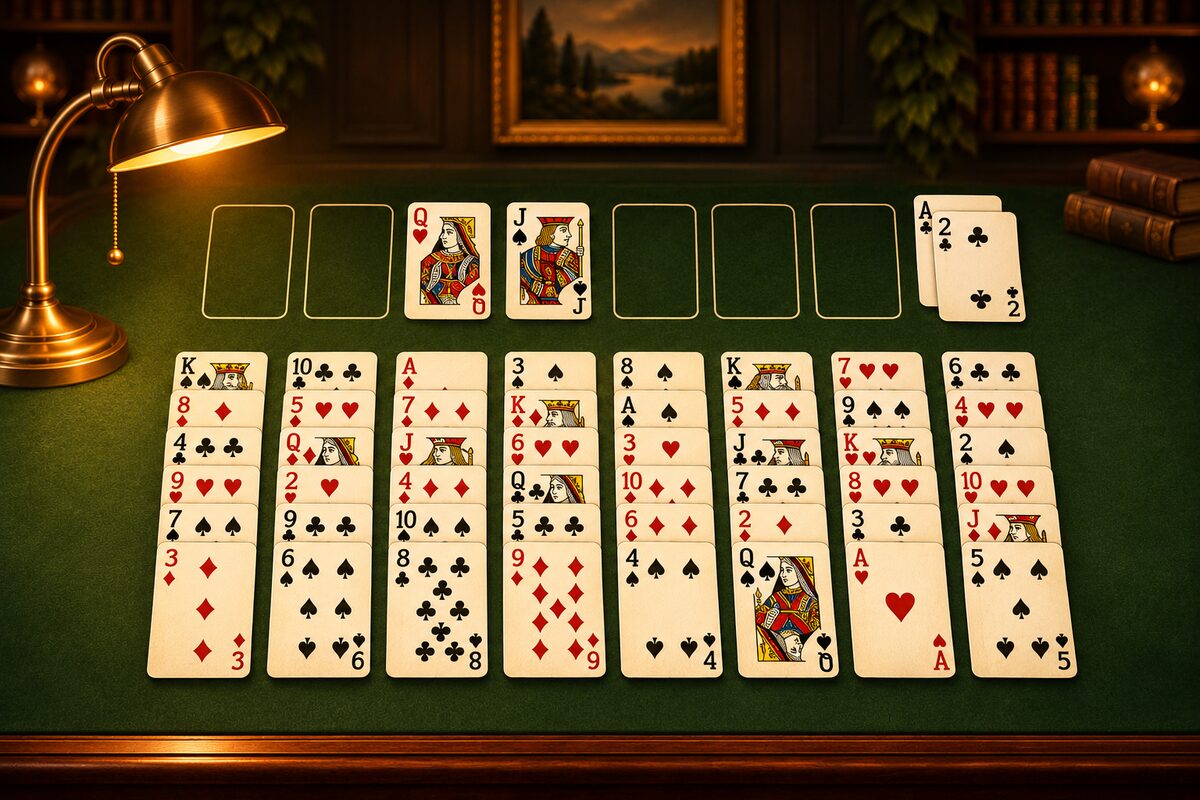
When you get used to FreeCell, try aiming to clear games “faster” and “in fewer moves.” This article explains how time and moves are counted in the FreeCell app, and tips for shortening your record.
How Time and Moves Are Counted
- Time: It counts from the moment you first move a card. It stops while the app is closed, while the Settings or a confirmation screen is open, and while an ad is showing. “Undo” does not turn the time back.
- Moves: It goes up by 1 every time you move a card. A run moved together counts as 1. Undo adds 1 too (Move Count and Moves to Clear).
Tips for Using Fewer Moves
1. Use “Undo” less
Each undo adds 1 to the count, so trying a move and taking it back over and over makes the count swell. Since every card is visible, think ahead before you move so you don’t have to go back.
2. Move runs together
A run of alternating red and black cards can be moved in one move, up to “the number of empty free cells plus one” cards. If you keep the free cells empty, you can move more cards at once and use fewer moves. If you use an empty column and carry a run in several steps, that adds moves (How Many Cards You Can Move at Once).
3. Don’t shuttle cards through the free cells
Putting a card in a free cell and then bringing it back to the tableau takes 2 moves by itself. Use them only when you really need to.
4. Send cards to the home cells in one move
Every one of the 52 cards ends up on a home cell. The moves to the home cells alone take at least 52. If you move a card back after building it up, it takes extra moves to build it up again.
Tips for Cutting Your Time
- Move by tapping: A tap moves a card automatically to a home cell or to a place in the tableau where it fits. It is faster than dragging (Where a Tapped Card Goes).
- Think before your first move: The time starts counting from your first move. If you look at the dealt board and think about where the Aces are and your first few moves before you start, you’ll spend less time hesitating along the way.
- Keep a good tempo in the endgame: Once the tableau is sorted out, tap the cards that can go to the home cells one after another.
Compare with Your Own Records
When you clear a game, it shows your time and move count. A small goal such as “I cleared it in fewer moves than last time” adds to the fun. Replaying the same deal with “Restart” and trying to cut your moves is good practice too.
More tips are collected in FreeCell Tips.