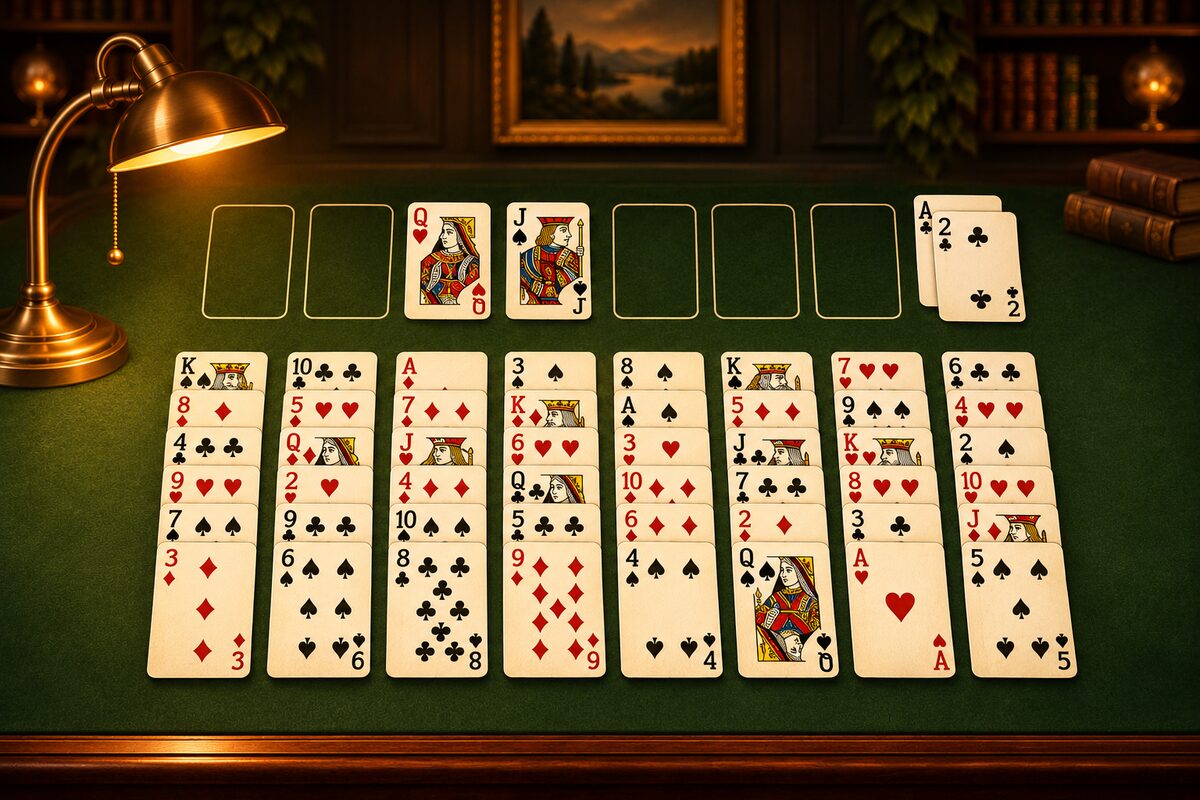
You can play FreeCell on a smartphone or a computer, at no charge. This article explains how to play and what to check when choosing an app.
On a Smartphone: the FreeCell App
The FreeCell app can be downloaded at no charge on iPhone, iPad, and Android (ads are shown).
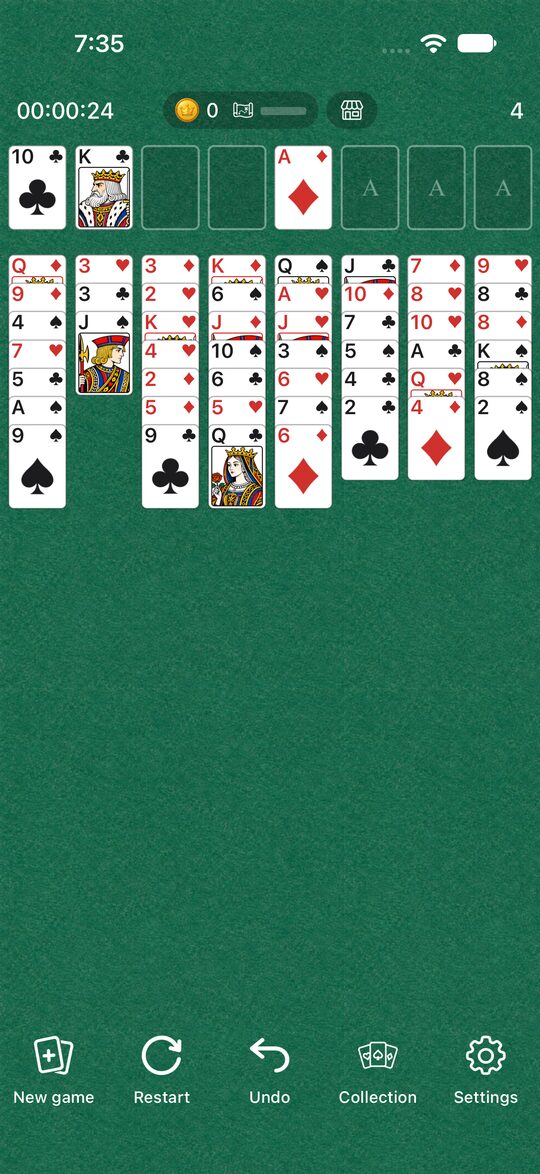
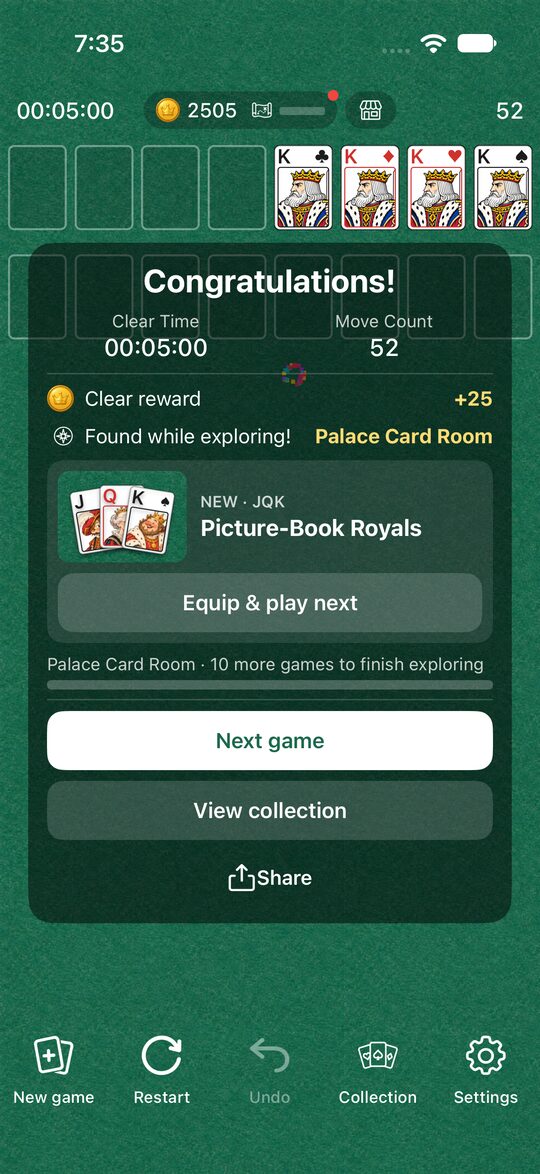
The app has these features.
- A different deal every time: Each time you press “New game,” the 52 cards are shuffled and dealt. We checked 100,000 random deals, and every one of them had a solution.
- Undo and Restart: You can take back a wrong move with “Undo.” With “Restart,” you can replay the same deal from the beginning.
- Tap to move: When you tap a card, it moves automatically to a home cell or to a place in the tableau where it fits. To put a card in a free cell, drag it.
- Dress Up: As you play, you save up coins and can change your cards, tables, and clear effects (Enjoying Dress Up and Explore).
When you clear a game, you see your time and move count. How to use the app is explained in How to Use the FreeCell App.
On a Computer
Windows computers often come with a solitaire collection called “Microsoft Solitaire Collection,” and you can play FreeCell as one of its games. If it isn’t installed, you can get it from the Microsoft Store (How the App Differs from Windows FreeCell).
What to Look For When Choosing an App
FreeCell apps may look alike, but the rules and how comfortable they are to play differ a little.
- How many cards you can move at once: The rule for how many cards you can move in one go differs from app to app. In the FreeCell app, it is up to “the number of empty free cells plus one” (How Many Cards You Can Move at Once).
- Undo: In FreeCell, you get stuck if you misjudge how things play out. Being able to take back a wrong move makes it easier to play to the end.
- Whether you can replay the same deal: When you think “maybe I could have solved it if I had changed that move,” being able to try again on the same deal helps you improve faster.
- Ads: Many apps offered at no charge are supported by ads. How it feels to play changes depending on whether ads appear in the middle of a game or between games. In the FreeCell app, the full-screen ad appears between games, when you move on to the next game with “New game” or “Restart.” It never appears in the middle of a game.
Start with the Rules
If you are new to FreeCell, reading the rules and how to play first will let you start playing right away. When you get used to the game, FreeCell Tips will help too.
You can download the app with the button below this page.