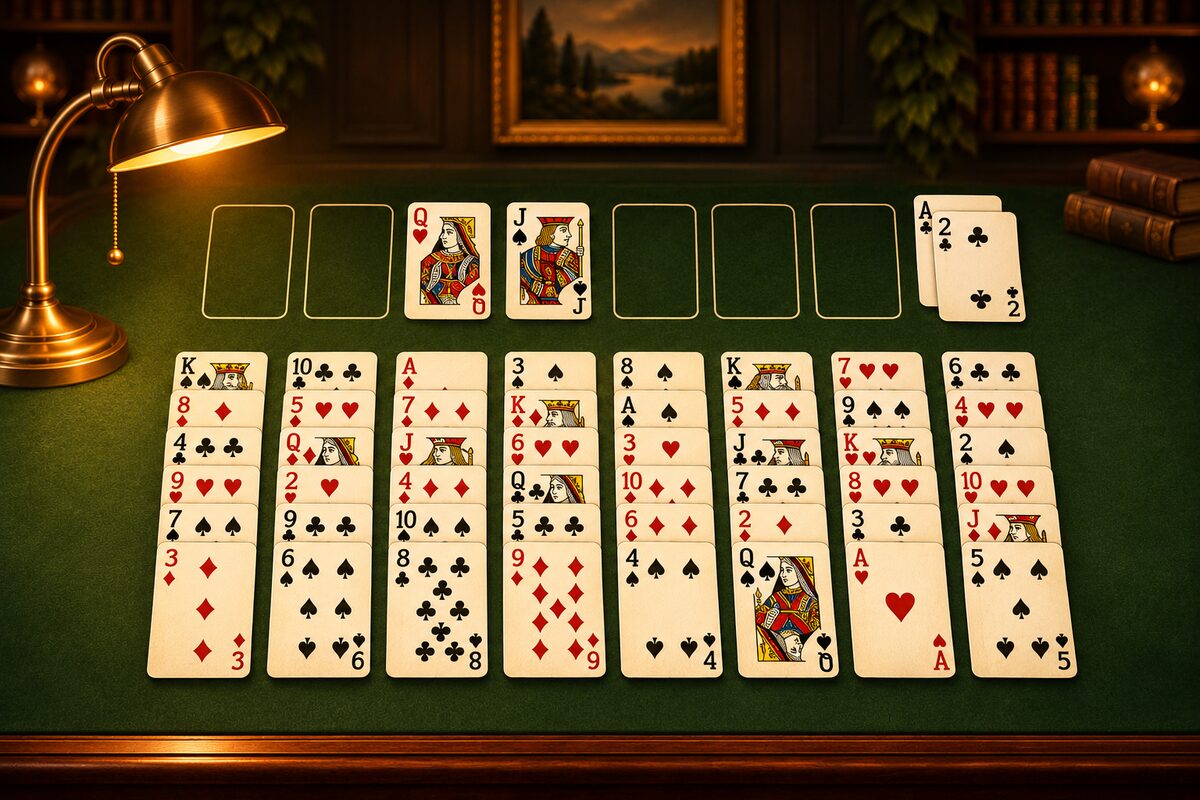
The four spaces at the top left give the game its name. Each can hold any one card, which makes them very handy. But if you keep filling them just because they’re handy, you’ll soon be unable to move. This article explains how to use the free cells well.
What Goes Wrong When the Free Cells Fill Up
You can move fewer cards at once
In the FreeCell app, you can move up to “the number of empty free cells plus one” cards at once.
| Empty free cells | Cards you can move at once |
|---|---|
| 4 | 5 |
| 3 | 4 |
| 2 | 3 |
| 1 | 2 |
| 0 | 1 |
Each free cell you fill cuts the number you can move at once by one. When all of them are full, you can only move one card at a time (How Many Cards You Can Move at Once).
The cards you set aside have nowhere to go
A card in a free cell can’t leave until a home cell or a spot in the tableau opens up for it. If all four fill up with nowhere to go, you can’t set anything else aside.
What to Think About Before Using a Free Cell
Before you put a card in a free cell, think about these two things.
- When and where can that card come out? Can it go to a home cell, or will a spot open up for it in the tableau?
- What can you do once it’s there? The card below can go to a home cell, a column empties, and so on.
“Just put it there for now” is the most dangerous way to use them.
Cards That Are Fine to Put There
- A card that can go straight to a home cell: For example, if the 2 of hearts is already on a home cell and you want to get to the 3 of hearts, temporarily setting aside the card on top of it often pays off.
- A card with an Ace or 2 buried under it: Use it to clear the cards above one you want to dig out (Why Get Aces and Twos Out Early).
- A card that lets you empty a column: If moving the last one or two cards of a column empties it, an empty column is a bigger place to put cards than a free cell (How to Use an Empty Column).
Empty Them Quickly
Get cards out of the free cells as soon as you can.
- Put a card back in the tableau as soon as there’s a spot: When a card one higher than yours and of the other color comes to the top of a tableau column, that’s your chance to bring it back.
- Send it to a home cell when it can go: In the FreeCell app, tapping a card in a free cell moves it to a home cell or to a spot in the tableau where it fits.
Be Careful Putting a King in a Free Cell
A King can’t be stacked on another card in the tableau. A King in a free cell can come out only when it can go to a home cell (when the Queen of the same suit has been built up) or when an empty column opens. Putting a King in a free cell tends to take up that space for a long time.
Summary
- The more you fill the free cells, the less you can move.
- Before you place a card, think about when and where it can come out.
- Get the cards you placed out quickly.
More tips are collected in FreeCell Tips.