Here are answers to common questions about Shisen-Sho and the Shisen-Sho app.
About the Rules
Which two tiles can I remove?
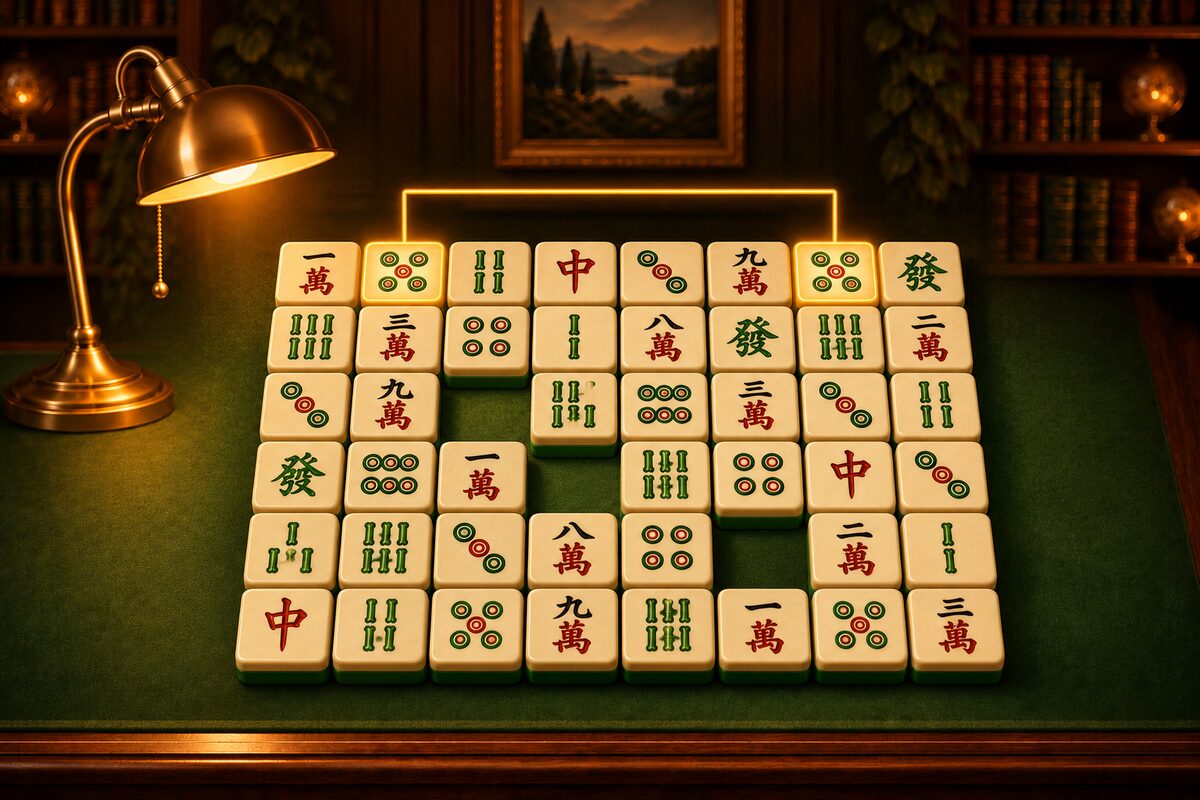
Two tiles with the same picture, when a line connecting them can go around the other tiles with at most two turns. The line runs only up, down, left, and right, and it can also use the one-square border outside the board. You can see diagrams in Shisen-Sho Rules: Remove Pairs with Up to Two Turns.
Can I remove two tiles that are next to each other?
Yes. If they have the same picture, you can always remove them.
Can I play without knowing the rules of mahjong?
Yes. Shisen-Sho is a picture-matching puzzle, so it does not use mahjong hands or scoring. You can learn the names of the tiles in Mahjong Tiles: Kinds and Names.
How is it different from Shanghai?
In Shisen-Sho you remove tiles laid out flat by connecting them with a line. In Shanghai-style games, tiles are stacked up, and you remove the ones that are open on the top and on a side. For details, see What Is Mahjong Solitaire?.
About the Shisen-Sho App
Can I always clear every tile?
Every deal in the app has at least one way to remove all the tiles. Depending on the order you remove them in, though, you can still get stuck (How the App Makes Solvable Deals).
What if there are no more pairs to remove?
The app says “No more matches,” and you can choose Shuffle. It rearranges the remaining tiles into a layout you can clear (When You Get Stuck: Shuffle).
How many hints can I use?
As many as you like, with no penalty (How to Use Hints).
Can I put tiles back after removing them?
Yes. Tap Undo to put back one pair at a time. You cannot go back past a shuffle, though.
Can I choose the board size?
The app has only one board: 6 columns by 8 rows with 48 tiles (12 kinds × 4). The 12 kinds are picked from 34 for each game (Board Size and Tile Count).
Can I play on an iPhone?
The Shisen-Sho app is available for Android. On an iPhone or a computer, you can play the browser version on this site.
What can I restyle?
You can restyle the tile faces, the table, the link line, the clear effect, and the screen theme (Picture Tiles and Restyling, Screen Themes and Tables). You get items by buying them with coins or by finding them through exploration (Exploration and Secrets).
Does it cost money?
The app can be downloaded at no charge, and it shows ads. You earn coins by playing, and you use those coins to get items.