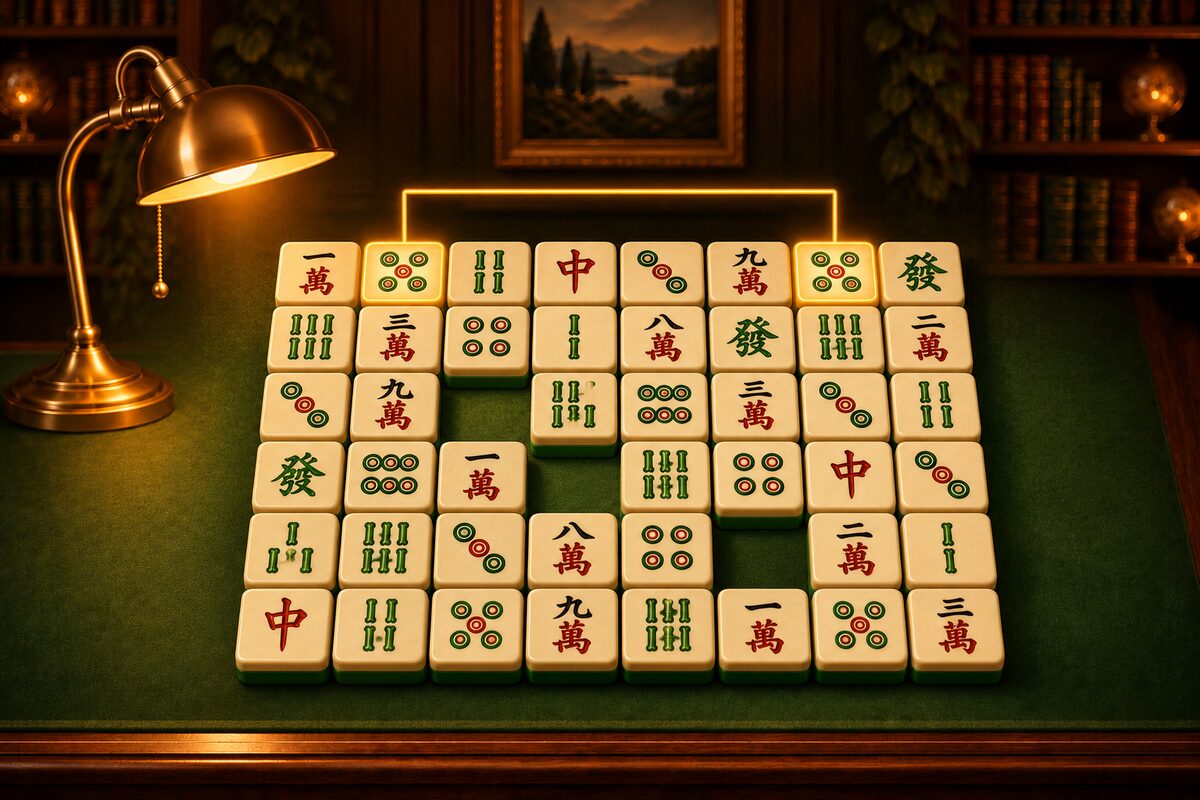
If you place the tiles at random, Shisen-Sho can end up with a layout you cannot clear no matter how you remove the tiles. The Shisen-Sho app makes every deal a layout you can always clear. This article explains how it is made in simple terms.
The Idea: Place Pairs in the Reverse of the Removal Order
To make a layout you can clear, decide the way to remove the tiles first, and then follow it backward.
- Prepare an empty board.
- Place the pair you will remove last first.
- Next, place the pair you will remove second to last.
- Keep going until you reach the pair you will remove first.
When you place a pair, the tiles you have already placed are the ones that will still be on the board when that pair is removed. The squares you have not placed on yet will already be empty by then, because those tiles will have been removed. So treat placed tiles as walls and unplaced squares as empty, and place the pair only where the two squares connect with a line of at most two turns.
When you have placed everything, trace the placement order backward, and every pair connects properly. That is the solution to this layout.
Example: A 4×4 Board
Using this method, we made a small board with 16 tiles (4 kinds × 4).
The last pair placed is the two tiles in the second column from the left, at the bottom (2 of Characters). That is why you can remove this pair first (the gold line). If you trace the placement order backward and remove four pairs, the board looks like this. The fifth pair to remove is the 6 of Characters.
If you remove all eight pairs in order like this, you clear the board.
Making Sure You Never Run Out of Places
This method has one pitfall. If at some point none of the two squares left can connect by a line, you cannot place any more.
The app avoids that by using the following property.
- Two squares next to each other always connect (the line has length 1, so nothing can block it).
- So it always keeps the squares not yet placed on in a state where they can be split exactly into pairs of neighboring squares.
If they can be split that way, you can always move on by placing a pair on two neighboring squares, at worst. A computer can quickly check whether they can be split, by treating it as this problem: color the board like a checkerboard (white and black), and pair white squares with black squares that are neighbors (in mathematics, this is called a perfect matching in a bipartite graph). Because of this property, the two squares of a pair are always different colors on the checkerboard.
Not Only Neighbors
If every pair were adjacent, you could see the answer at a glance. So the app tries two squares far apart first when it chooses where to place.
When we made 2,000 boards of 48 tiles the same way the app does, about 28% of the pairs in the solutions were two adjacent squares. The remaining 70% or so were pairs far apart, removed with L-shaped or U-shaped lines.
Shuffle Works the Same Way
The shuffle you use when no pairs are left works the same way. It places the remaining tiles again, in the reverse of the removal order, within the squares that tiles currently occupy. That is why you can always clear the board after a shuffle.
However, this method only guarantees that there is at least one solution. If you get the order of removal wrong, you can still get stuck. For what to do when you are stuck, see When You Get Stuck: Shuffle.