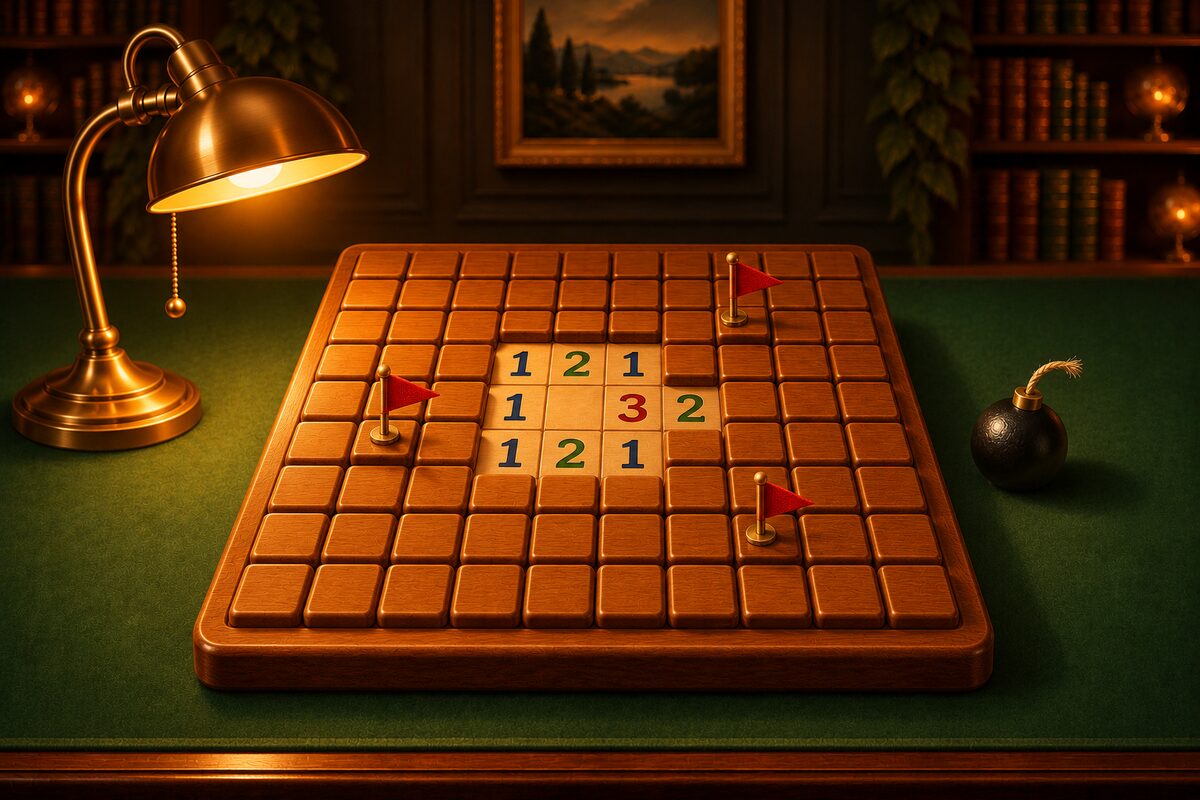
You can play Minesweeper right on this page. There is nothing to install and no need to sign up. On a computer or a phone, just tap a square on the board below to start.
Play Right Away in Your Browser
Use the numbers as clues, and you clear the board when you open every square without a mine. A number is the count of mines in the 8 squares around it.
- Open: tap (click) a square. The first square is always safe, and the area around it opens at once.
- Flag: long-press a square, or right-click on a computer. If you set the switch below to “Flag,” a tap places a flag.
- Chord: tap a number whose flags are complete, and the rest of the squares around it open at once.
- Undo: even if you open a mine, you can go back to before you opened it.
- Restart: replay the same board from the point where the first square was opened.
The boards on this page are made on the same idea as the Minesweeper app. Only boards that can be fully opened by logic alone from the first square you tap are given to you, so there are no 50/50 guesses (we explain how it works in Is Minesweeper a Game of Luck? and How No-Guess Boards Are Made).
You can choose from three boards, Level 1 to Level 3. If you are new, start with Level 1. This page does not keep a record of your games. When you close the page, you start over.
To Play on Your Phone, Try the Minesweeper App
If you want to keep playing on your phone, we recommend the Android app Minesweeper. The download costs nothing (it shows ads). There is no login and there are no in-app purchases.
- Always solvable by logic: every board can be fully opened by logic alone from the first square.
- Five levels, 1 to 5: from 9×7 (8 mines) to 26×15 (75 mines). Pinch to zoom in on big boards and drag with your finger to move.
- Hint: the next square you can work out lights up with a gold ring. You start with 3, and when you use them up you can watch an ad to get 3 more. If you open a mine, it points you to “Undo” without using a hint.
- Large Dig / Flag buttons: right below the board there are two buttons for switching what a tap does. You can also place a flag with a long press.
- Dress Up and Explore: every game you play collects coins, and you can change the tiles, boards, flags, tables, and celebration when you clear a board. As you play, “Explore” moves forward and you find new items.
- No time limit: it keeps time, but you are never rushed.
- 13 languages: besides Japanese, you can play in 13 languages, including English, Chinese, and Korean.
How the Browser Version and the App Differ
- Getting started: this page just opens. The app needs a download.
- Board size: this page has Levels 1 to 3. The app goes up to 26×15 at Level 5.
- Hints: this page has none. The app has “Hint.”
- Records: this page keeps none. The app remembers the current board, so even after you close it you can play the same board again from the point where the first square was opened.
- Fun: the app gives you more reasons to keep playing, with dressing up using coins and Explore.
Suggested Order
- On Level 1 on this page, get used to what the numbers mean and how to place flags (the rules article).
- Move on to Levels 2 and 3 and try the tips and patterns.
- Take on the big Level 4 and 5 boards in the app. If you get stuck, check the next move with “Hint.”
You can download the app with the button at the bottom of this page.