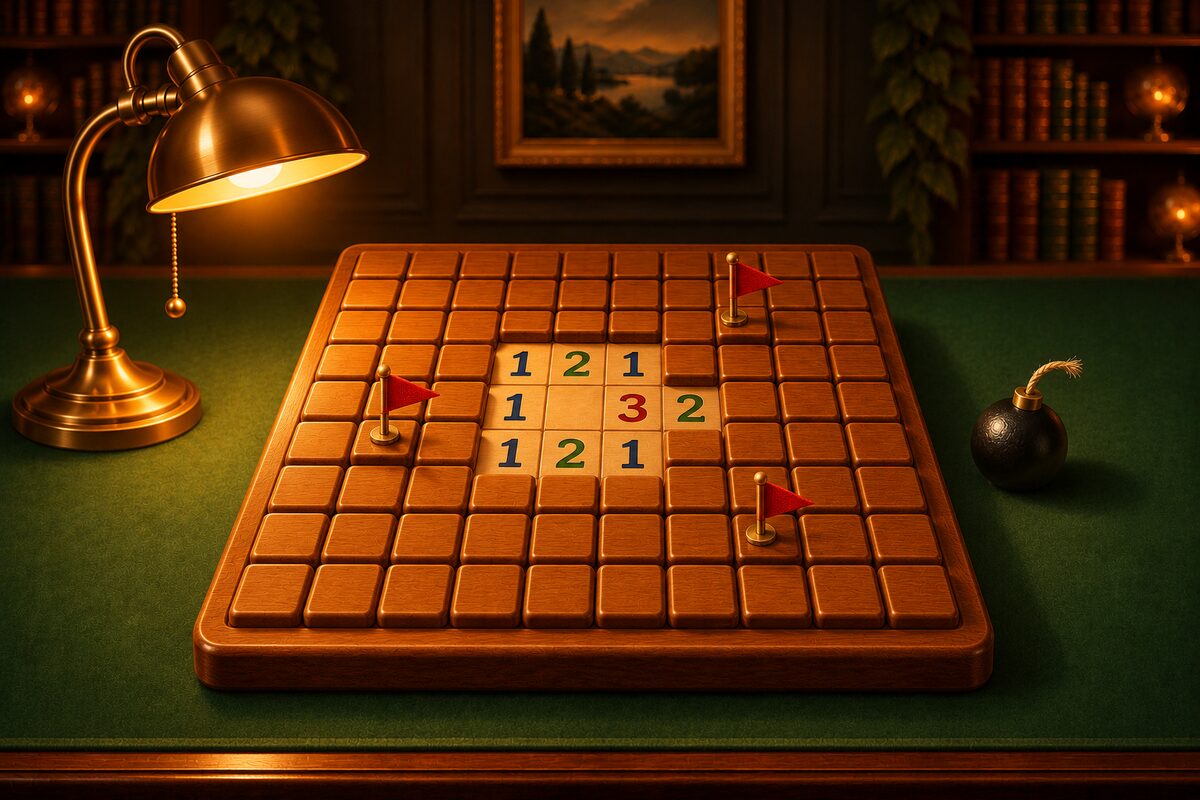
Minesweeper has only one rule.
Open every square without a mine, without opening any mine.
You cannot see which squares have mines. Your only clues are the numbers that appear on opened squares.
A Number Is the Count of Mines in the 8 Surrounding Squares
The number on an opened square shows how many mines there are in the 8 squares around it (up, down, left, right, and diagonals).
The diagram above also shows where the mines are. There are two mines in the 8 squares around the middle square. That is why the number in the middle is “2.”
- A number is anything from 1 to 8. An 8 means all 8 squares around it are mines.
- A square on the edge of the board has only 5 squares around it, and a square in a corner has only 3. The number is the count of mines among those.
- The numbered square itself is not a mine (it was opened, so it is safe).
Squares with Nothing Written, and Why a Big Area Opens at Once
A square with no mines around it is a “0.” No number is written, and it shows as an empty square. All the squares around a 0 square are safe, so they open automatically. If an opened square is again a 0, the squares around it open too. This is how a wide area can open at once with a single tap.
This is what happens when the square with the gold ring is opened. The 0 squares connected up, and 36 squares opened at once. The numbers along the edge of the opened area become your clues for the next deduction.
In the Minesweeper app, the first square you open is always safe, and there are no mines around it either, so the area around it always opens at once on your first tap.
Placing Flags
Place a flag on a square you know is a mine, as a marker. A flag is a note meaning “do not open this,” and you can clear a board without placing any.
In the app, there are two ways to place a flag.
- Long-press a square.
- Set the switch below the board to ”Flag” and tap a square (switch back to ”Dig” and a tap opens it).
A square with a flag does not open when you tap it. “Mines left” in the top bar is the number of mines minus the number of flags.
Chord When the Flags Match the Number
If as many flags as the number are placed around it, all the remaining squares around that number are safe. In the app, tap a number whose flags are complete, and the rest of the squares around it open at once.
There are two flags around the “2” in the middle. There are two mines, so the remaining 6 squares (green circles) are safe. Tap the “2” and the 6 squares open at once.
But if a flag is in the wrong place, you open a mine. Chord only when you are confident about your flags.
When You Open a Mine
In ordinary Minesweeper, the game ends when you open a mine. In the Minesweeper app, even if you open a mine, ”Undo” takes you back to before you opened it so you can try again.
Frequently Asked Questions
Do diagonal squares count?
Yes. A number is the count of mines in the 8 squares: up, down, left, right, and diagonals.
Do I have to place every flag?
No. You clear the board when you open every square without a mine. In the app, when you clear a board, it shows you the remaining mines with flags on them.
Is there a time limit?
No. In the app, the clock starts when you first open a square, and it just shows your time when you clear the board.
Does luck ever decide the game?
In ordinary Minesweeper, you can sometimes get a “50/50” that logic cannot settle. The boards in the Minesweeper app are only ones that can be fully opened by logic alone from the first square, so you never have to guess.
How big are the boards?
In the app, there are five levels, from 9×7 (8 mines) at Level 1 to 26×15 (75 mines) at Level 5.
What to Read Next
Once you understand the rules, try deducing for real. How to Play Minesweeper and the Rules introduces the app screens and tips for deduction. For number colors and counting at edges, see What the Numbers and Colors Mean. For using flags, see Placing Flags and Chording. For the question of luck, see Is Minesweeper a Game of Luck?. Other questions are collected in the FAQ.