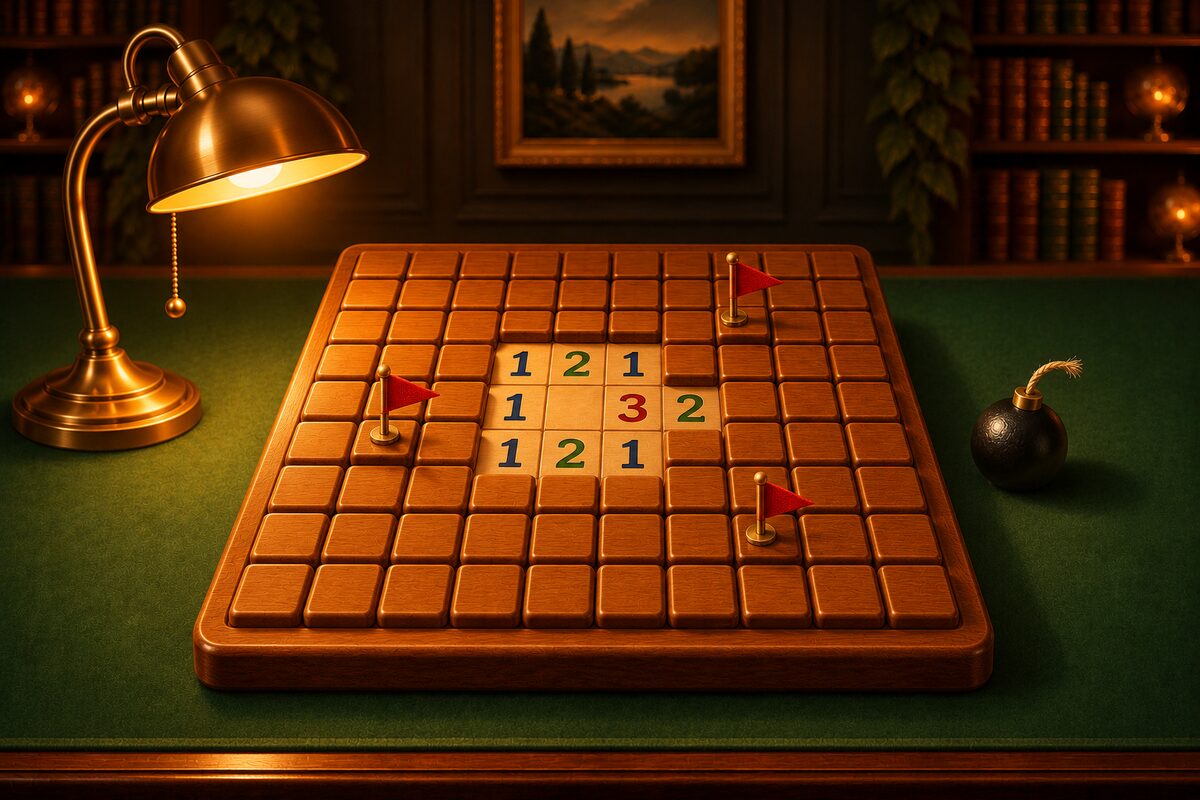
A flag in Minesweeper is a marker that means “this is a mine.” A square with a flag cannot be opened by accident.
How to Place Flags in the App
In the Minesweeper app, you can place a flag in two ways.
- Long press: long-press a covered square and a flag appears. Long-press again to remove it.
- Switch to “Flag” and tap: if you choose “Flag” with the large “Dig” and “Flag” buttons right below the board, a tap places or removes a flag. Switch back to “Dig” and a tap opens the square.
While “Flag” is selected, a long press does the opposite, which is to open the square. Try both and see which suits you.
Chord When the Flags Match the Number
If a number has the same number of flags around it as its value, all the remaining squares around it are safe. In the app, tapping that number opens all the remaining squares around it at once (this is called chording). It works whether “Dig” or “Flag” is selected.
Around the “2” at row 2, column 2, which has the gold ring, there are two flags (row 1, column 2 and row 3, column 2). If the flags are right, the number and the flags match, so the 5 squares with green circles are safe. Tap the “2” and the 5 squares open at once.
If the number of flags differs from the number, nothing happens when you tap.
When a Flag Is Wrong
Chording is handy, but if a flag is wrong, you open a real mine.
The flag at row 1, column 2 (marked with an ×) is actually not a mine. Around the “2” at row 2, column 2 there are two flags, so the number and the flags look like they match. If you tap the “2” here, the real mine at row 1, column 1 opens.
This board can in fact be settled by the numbers alone. The “1,” “2,” “1” in row 2 is the 1-2-1 pattern: the mines are at row 1, column 1 and row 1, column 3, and row 1, column 2 is safe. Before placing a flag, check that the numbers really decide it, and you can avoid mistakes like this.
In the app, even if you open a mine, “Undo” takes you back to before you opened it.
How to Find Wrong Flags
- Compare with the numbers: check whether any number has too many flags around it. If a “1” has two flags around it, one of them is wrong.
- Use “Hint”: if there is a wrong flag, the app’s “Hint” tells you “The flag in the gold ring is wrong” before it points to the next move.
A Few Small Rules About Flags
- You can clear a board without placing any flags. You clear the board when you open every square without a mine. When you clear it, the app places flags on the remaining mines to show you.
- “Mines left” is the number of mines minus the number of flags. If a flag is wrong, this number is off too.
- Squares with flags do not open, even when a large area opens at once. When a connected area of 0 squares spreads, flagged squares stay covered. If you put a flag on a safe square, only that square stays unopened.
Should You Place Flags?
Flags make the board easier to read and let you chord. On the other hand, placing them adds moves. Some people who compete on speed place almost no flags and just open the safe squares.
At first, we recommend placing flags on the mines you have worked out and using chording. Tips for deduction are collected in Minesweeper Tips.