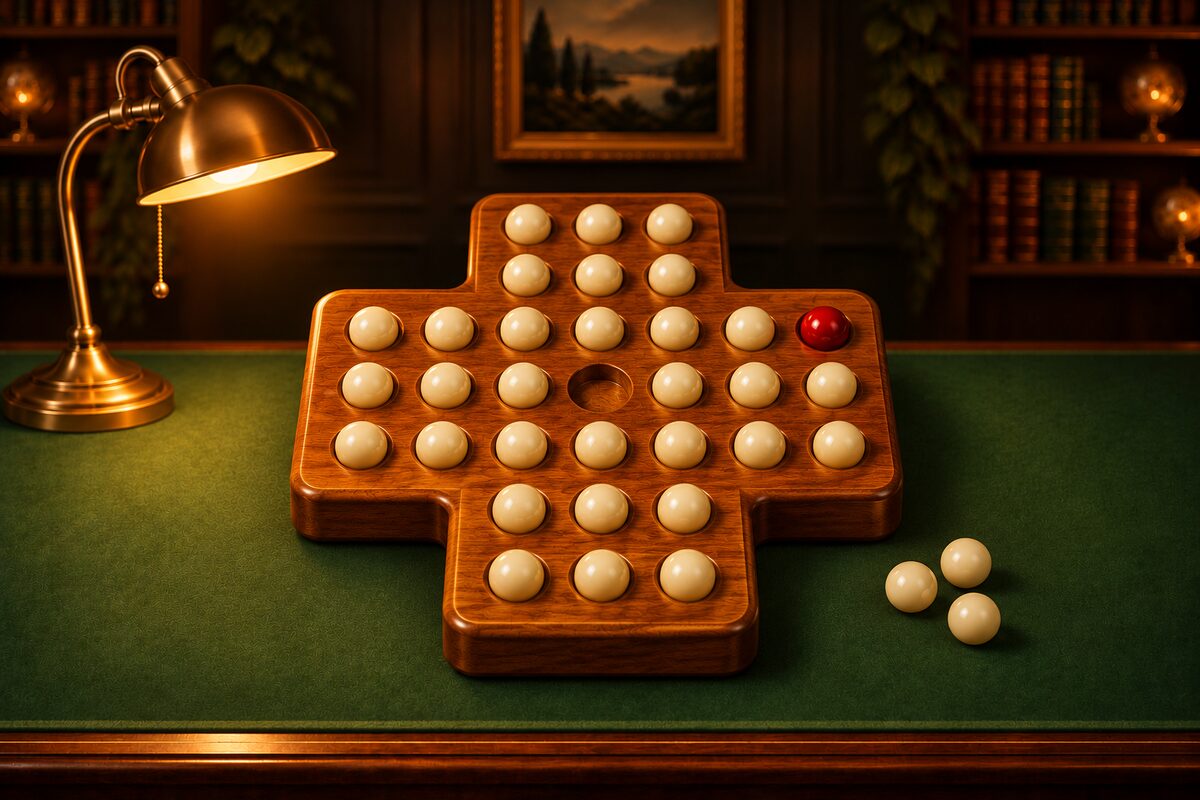
You can play peg solitaire right on this page. There’s nothing to install and no account to create. On a computer or a phone, you can start just by tapping a peg.
Play Right in Your Browser
You move a peg up, down, left, or right, jumping over a neighboring peg into the empty hole right behind it. The peg you jump over is removed. You clear the board when you get down to one peg.
- Jumping: Tap a peg to select it, and dotted rings appear on the holes it can jump to. Tap one of those holes to jump. Tap the same peg again to deselect it.
- Undo: You can undo as many moves as you like. “Restart” takes you back to the starting board.
- Choosing a board: You can switch with the board selector above.
Here are the rules for each board.
- English 33 holes: A cross-shaped board. You start with 32 pegs and only the center empty. The answer is in the solving article.
- Triangle, 15 holes: A triangular board with only the top hole empty. This is the only board where you can jump in six directions, horizontally and diagonally. The answer is in Solving the Triangle.
- Boss ball practice: You clear the board when the red boss ball is the last peg left. The game is over if the boss ball is jumped, so go back with Undo. These are the same rules as Puzzles mode in the app. For tips, see Tips for Leaving the Boss Ball Last.
The three boss ball practice boards were made for this page with the same idea as the app (stacking backward jumps from a board with just the boss ball). We confirmed with a program that checks every move that all of them can be solved. This page doesn’t keep a record of your games. When you close the page, it starts over.
On Your Phone, Try the Peg Solitaire App
If you want to keep playing on your phone, we recommend the Peg Solitaire app. It can be downloaded without charge for iPhone, iPad, and Android (it shows ads).
- A different puzzle every time: In “Puzzles” mode, a board with a different shape is made each time you tap “New Game.” Every one can be solved.
- Five difficulty levels: Choose from ★1 (6 to 9 pegs, a 5×5 board) to ★5 (27 to 32 pegs, an 8×8 board) (for details, see How to Play).
- The classic English 33-hole board: You can switch with “Mode” in Settings. You clear it if one peg is left in any hole.
- Hint: The next move glows. If the board can no longer reach the goal, it tells you how many moves to go back. You start with 3 uses, and when you run out, you can watch an ad to get 3 more.
- Undo: You can undo as many moves as you like.
- Dress-up and exploration: You earn coins as you play, and you can get pegs, boards, backgrounds, clear-celebration effects, and boss balls in the shop or by exploring.
- 9 languages: Besides Japanese, you can play in nine languages, including English, Chinese, and Korean.
Browser Version vs. App
- Getting started: This page just opens. The app needs to be downloaded.
- Boards: This page has five fixed boards. In the app, a new board is made for each “Puzzles” game, and you can choose a difficulty from ★1 to ★5.
- Hints: This page doesn’t have them. The app has Hint.
- Triangular board: This page has it. The app doesn’t.
- Records: This page doesn’t keep any. The app remembers the current puzzle, so even if you restart it, you start from the same puzzle.
Recommended Way to Progress
- On this page, get used to jumping and capturing with “Boss ball practice (8 pegs).”
- Take on the English 33-hole board. If it’s hard, read the tips and follow the moves in How to Solve It.
- In the app’s “Puzzles,” move up to harder boards bit by bit, starting from ★1.
You can download the app with the buttons at the bottom of this page.