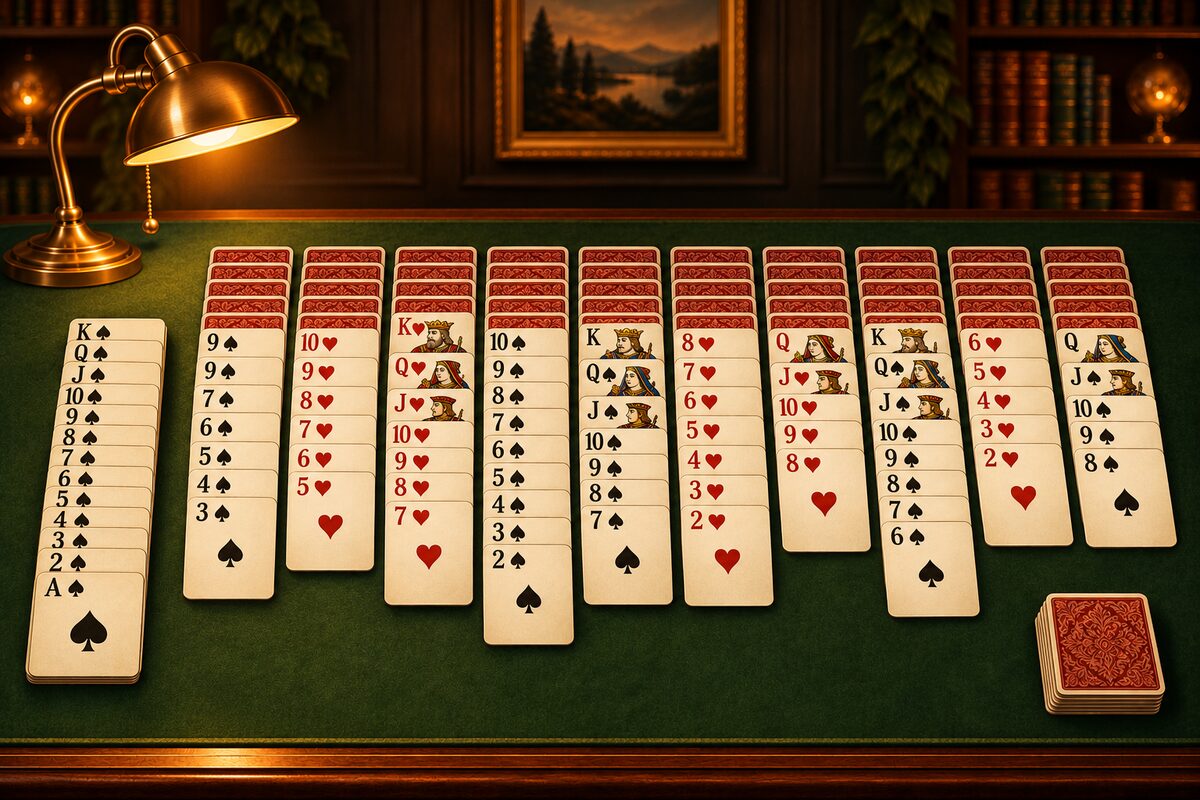
When people hear “Spider Solitaire”, many remember the green-screen card game that came with computers running old Windows. Here we introduce Windows Spider, how to play on today’s Windows, and how it differs from the phone app.
How Windows Spider has changed
Spider was included in “Microsoft Plus! 98” in 1998, and after that came with Windows Me and Windows XP from the start. Some of you may remember being able to choose the difficulty by the number of suits: Easy (1 suit), Medium (2 suits) and Difficult (4 suits). The details are in The history of Spider Solitaire.
From Windows 8, it became one of the games in the “Microsoft Solitaire Collection”, which bundles several solitaire games.
Playing on Windows 10 and 11
Windows 10 and 11 computers often come with the “Microsoft Solitaire Collection”, and you can play by choosing “Spider” in it. If you can’t find it, searching for “Solitaire” in the Microsoft Store will find it. The names and screens shown, and what you can play, may change over time.
If you play on your phone
If you want to play on a phone or tablet, you can use the Spider Solitaire app. If you are used to the old Windows Spider, the rules are the same, so you can play right away.
What is the same
- 104 cards and 10 columns: two decks are dealt into 10 columns, and the remaining 50 cards are the stock (Setup).
- The rules: you stack a card one rank lower in any suit, only a same-suit run can be moved together, and any card can go in an empty column.
- The level names: Easy (1 suit), Normal (2 suits) and Hard (4 suits).
What is special to the Spider Solitaire app
- Tap to move: when you tap a card, it moves to the first column where it fits, checking from the left. You can also drag with your finger, just like dragging with a mouse (Where a tapped card goes).
- Undo and Restart: you can go back one move at a time to the start of the game. With “Restart” you can replay the same deal.
- Time and move count: when you clear a game, you see the time it took and your move count (How the move count is counted).
- Dress Up and spider friends: you earn coins as you play and can change the cards and tables. There are also 12 spider friends you can meet only by exploring (Dress Up and Explore: how to enjoy them).
Which one should you play?
It is fine to use both: Windows for playing carefully on a big computer screen, and the phone app for spare moments. Places to play at no cost are collected in Where to play Spider Solitaire.
How Klondike (the ordinary “Solitaire”) changed on Windows is introduced in Solitaire on Windows.