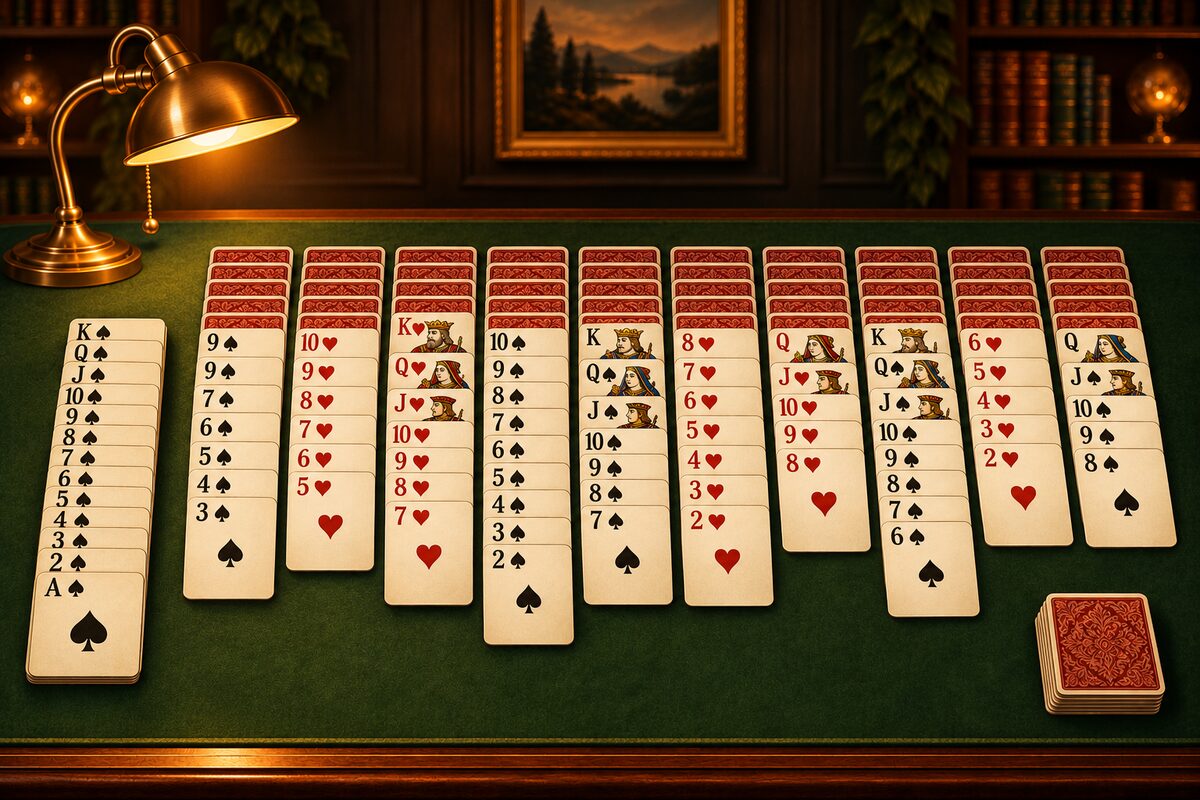
You can play Spider Solitaire on your phone or your computer, at no cost. This page explains how to play and what to look for when choosing an app.
On your phone, the Spider Solitaire app
The Spider Solitaire app can be downloaded at no cost on iPhone, iPad and Android (ads are shown).
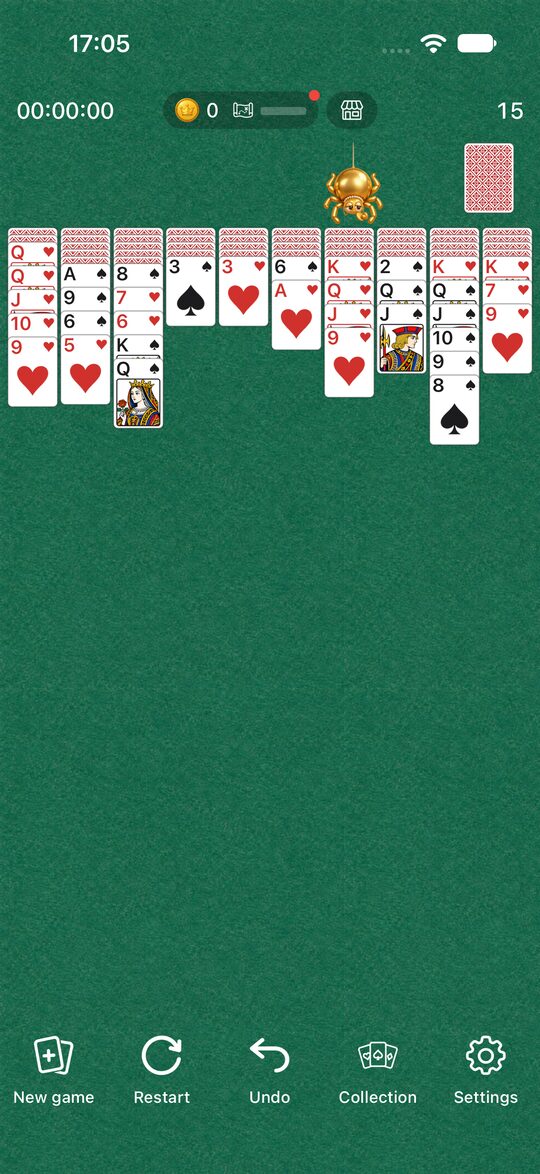
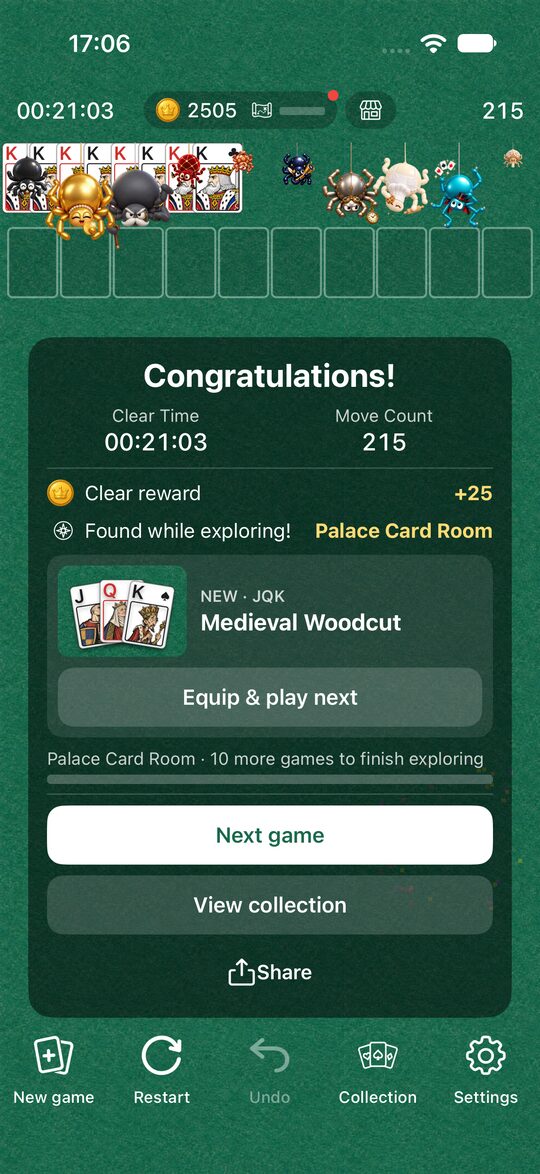
The app has these features.
- 3 levels: choose from Easy (1 suit), Normal (2 suits) and Hard (4 suits).
- Undo and Restart: you can take back a wrong move with “Undo”, all the way to the start of the game. With “Restart” you can replay the same deal from the beginning.
- Tap to move: when you tap a card, it moves automatically to a place where it fits. You can also drag it.
- Dress Up and spider friends: you earn coins as you play, and can change the cards, tables and clear animation. There are also spider friends you can meet only by exploring (Dress Up and Explore: how to enjoy them).
When you clear a game, you see the time it took and your move count. How to use the app in detail is explained in How to use the Spider Solitaire app.
On your computer
Many Windows computers come with a collection of solitaire games called “Microsoft Solitaire Collection”, and you can play Spider as one of them. If it isn’t installed, you can get it from the Microsoft Store (How it differs from Windows Spider Solitaire).
What to look for when choosing an app
Spider apps may look alike, but the rules and how pleasant they are to play differ slightly. When you choose one, it helps to check these points.
- Can you choose the level?: the difficulty of Spider changes a lot with the number of suits used. An app that lets you start with one suit is easier for beginners.
- Undo: in Spider, once you stack on a different suit it is hard to rebuild. Being able to take back a wrong move makes it easier to play to the end.
- Can you replay the same deal?: when you think “if I had changed that move I might have solved it”, being able to try the same deal makes you improve faster.
- Ads: many apps that cost nothing are supported by ads. How they feel to play depends on whether ads appear in the middle of a game or between games. In the Spider Solitaire app, the full-screen ad appears in the break between games, when you go on to the next game with “New game” or “Restart”.
Start with the rules
If you are new to Spider, reading the rules and how to play first will get you playing right away. Once you are used to it, Spider Solitaire tips will help too.
You can download the app with the button at the bottom of this page.