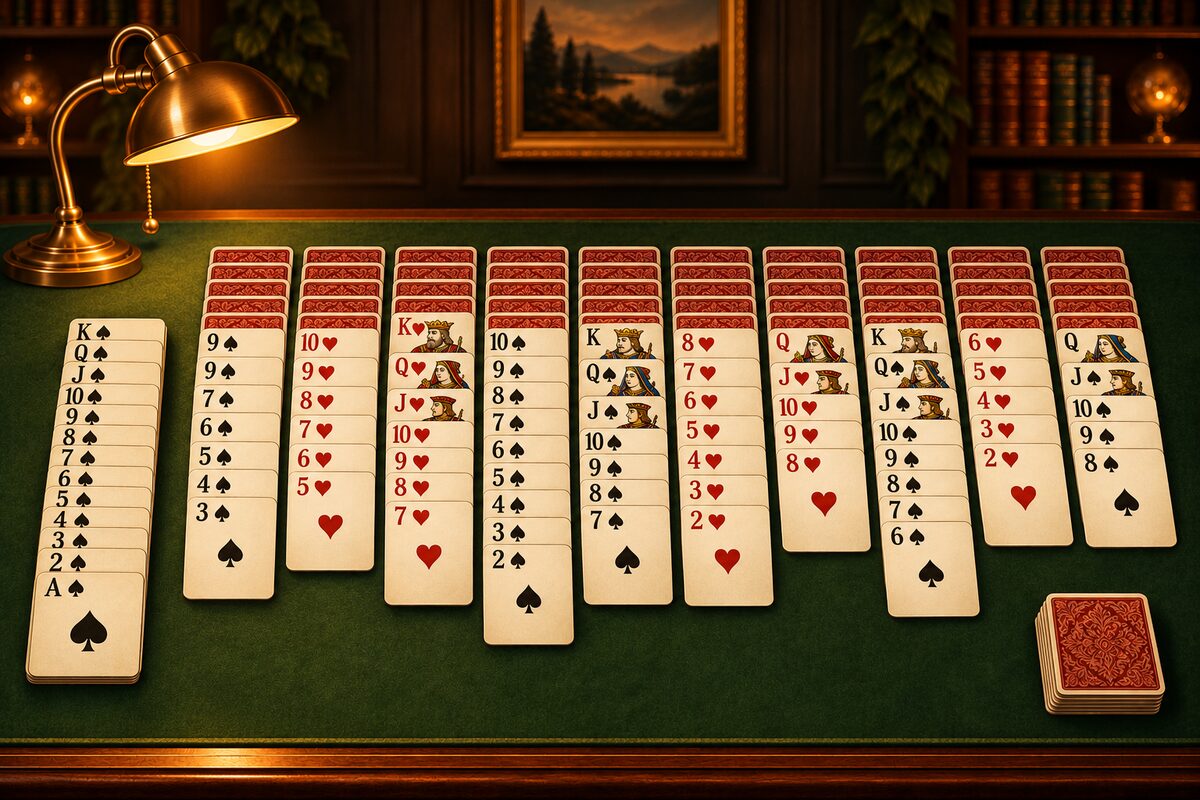
In the Spider Solitaire app, just tapping a card moves it automatically to a place where it fits. But when it fits in two or more columns, there is a rule for which column it goes to. Here is that rule, and how to put a card in the column you want.
The destination is “the first column that fits, from the left”
When you tap a card, the app checks whether it fits starting from column 1, and moves it to the first column where it fits.
The 9 of spades in column 3 in the diagram fits on the 10 of hearts in column 1 and also on the 10 of spades in column 5. When you tap it, it moves to the one on the left, the 10 of hearts in column 1.
Empty columns count as destinations too
Any card can go in an empty column. So a tapped card may also move to an empty column.
When you tap the 9 and 8 of hearts in column 1, the empty column 2 is found before the 10 of hearts in column 10, so they move to column 2. When you want to keep the empty column, drag them onto column 10.
Drag when you want a particular column
With dragging, you choose the destination yourself. Hold the card with your finger, move it over the column you want and let go. If you let go over a column where it can’t go, the card returns to where it was.
- You want to put it on the same suit (Why connect in the same suit).
- You want to put it in a different column while keeping the empty column.
At times like these, dragging is more reliable than tapping.
When you tap and nothing moves
If you tap a card and it doesn’t move, it is one of these cases.
- There is no column it fits in: no column has a card one rank higher at the top, and there is no empty column.
- You can’t move it together: on top of the card you tapped there is a card of a different suit, or a card whose rank doesn’t continue.
- A face-down card: you can’t move a face-down card.
Whether you can move cards together is decided by whether the cards from the tapped card up are all the same suit with consecutive ranks (Common questions about the rules).
If you make a mistake, use “Undo”
If a card goes to a column you didn’t intend, you can take it back with “Undo”. How to use the other buttons is collected in How to use the Spider Solitaire app.