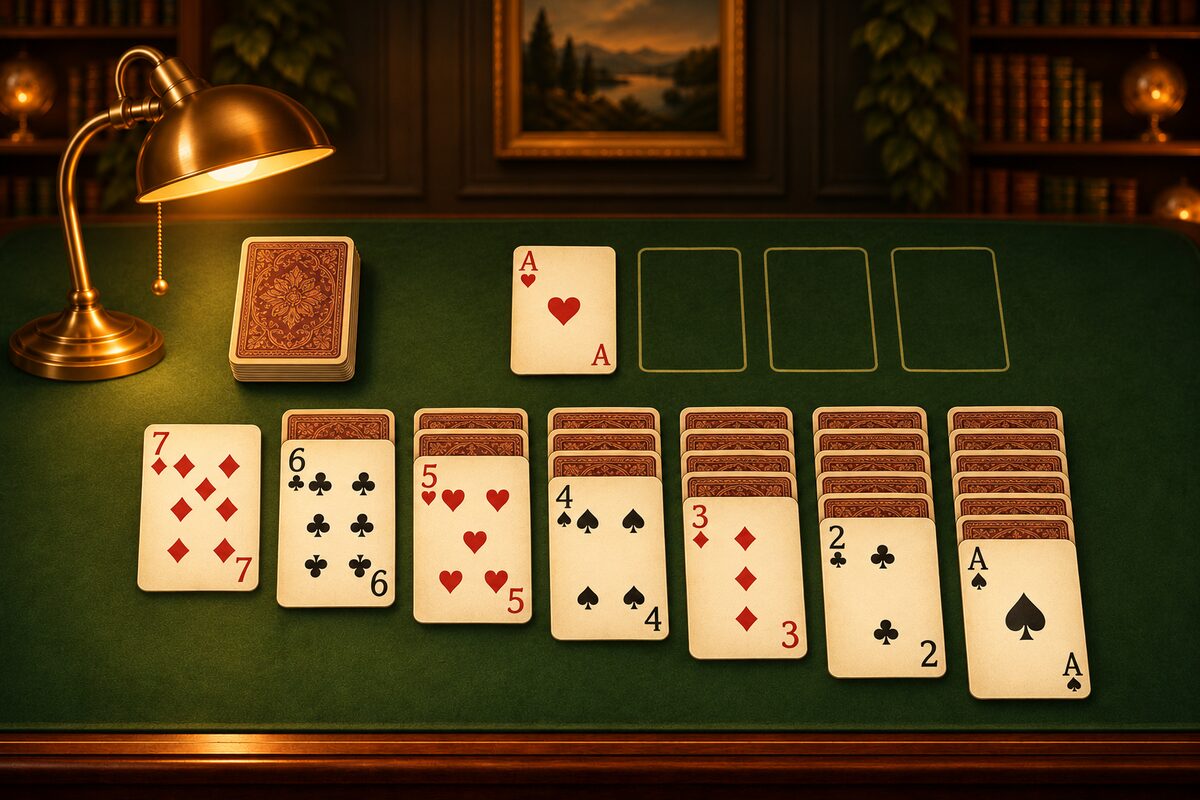
Hear the word “Solitaire,” and many people remember the green-screened card game that came with computers running old versions of Windows. Here is how Solitaire on Windows has changed, and the “Microsoft Solitaire Collection” you can play on Windows today.
How Solitaire on Windows Has Changed
| What happened | Year |
|---|---|
| Included with Windows 3.0 | 1990 |
| Became a collection | 2012 |
| Included from the start again | 2015 |
| Entered the Hall of Fame | 2019 |
The first Solitaire was the Klondike game included with Windows 3.0 in 1990. After that, as Windows versions went up, games such as FreeCell and Spider were added.
In Windows 8 in 2012, it became “Microsoft Solitaire Collection,” which bundled several solitaire games in place of the earlier separate games. It wasn’t included from the start in Windows 8, but in Windows 10 in 2015, it came with the system from the start again. The history of Solitaire is also covered in The History of Solitaire.
What Is Microsoft Solitaire Collection?
Microsoft Solitaire Collection is Microsoft’s collection of solitaire games. It’s often already on Windows 10 and 11 computers, and if it isn’t, you can get it from the Microsoft Store. You can play these five games.
- Klondike: The same game as the old Windows “Solitaire.”
- Spider: With two decks, you gather runs of one suit from K to A.
- FreeCell: All the cards are face up. You use four free cells to solve it.
- Pyramid: You take pairs of cards that add up to 13.
- TriPeaks: You link cards laid out in three peaks when they differ by one number.
In Klondike, you can choose whether to turn over the stock one card or three at a time (What Is Draw Three?). The rules of the other games are also covered in Types of Solitaire.
Playing Solitaire on Windows 11
In Windows 11, too, it may be in the Start menu’s app list under a name like “Solitaire & Casual Games” or “Microsoft Solitaire Collection.” If you can’t find it, search for “Solitaire” in the Microsoft Store. The names and screens you see can change over time.
How It Differs from Playing in a Phone App
Playing with a mouse on a computer and playing with your finger on a phone feel a little different. The Solitaire app is a Klondike made to be easy to play on a phone.
- Tap to move: When you tap a card, it moves to a place where it fits, automatically. You can also drag it.
- Draw one, any number of passes: You turn over the stock one card at a time and can go through it as many times as you like.
- Solvable deals: Every deal that comes up with “New game” has been checked to make sure it has a solution.
- Undo: You can go back as many times as you like, all the way to the start of the deal.
If you’re used to Solitaire on Windows, the rules are the same, so you can start playing right away. Places where you can play for free are collected in Where to Play Solitaire.