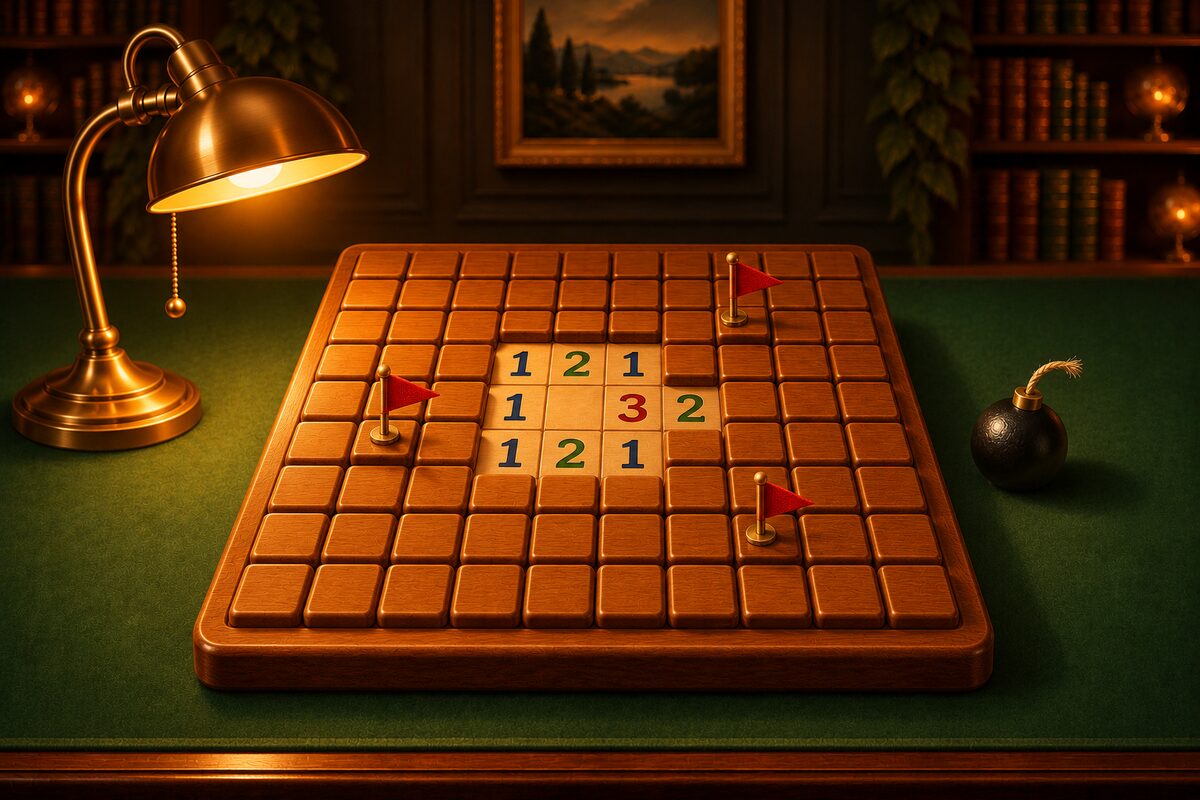
Levels 4 and 5 in the Minesweeper app are the advanced boards: bigger, with a higher share of mines.
| Difficulty | Board | Mines | Share of mines |
|---|---|---|---|
| Level 4 Master | 20×12 | 45 | about 18.8% |
| Level 5 Grandmaster | 26×15 | 75 | about 19.2% |
A Level 5 board has 390 squares, more than six times as many as Level 1 (63 squares). Even so, every board is built so that you can solve it by logic alone. Here are some tips for getting through a long board.
1. Zoom in to avoid mis-taps
On a big board the squares get small. In the app, a board that would be hard to tap when shown whole starts zoomed in to a comfortable size (depending on your screen size, this applies to Levels 4 and 5, for example).
- Pinch to zoom in and out, and drag with your finger to move to the part you want to see.
- On boards you play zoomed in, the button at the bottom right of the board switches between “Show whole board” and “Zoom in.”
Look at the whole board to decide where to work next, then zoom in and open squares. Repeating this cuts down on mis-taps.
2. Start in the middle
For your first square, starting in the middle is a good idea. When we calculated this on Level 5 boards made the same way as the app’s, the first tap opened about 48 squares on average when you started in the middle, and about 21 when you started in a corner (Where Should You Open the First Square?).
3. Clear one area at a time
On a big board, the edge of the opened area gets long and there is more to look at. Rather than opening a little here and a little there, you will miss less if you head in one direction, clearing the squares you can work out as you go.
Check the numbers one by one along the edge, and when nothing more can be worked out, move on to the next edge.
4. You will need two-number deductions
On Levels 4 and 5, you will almost always reach a spot where one number is not enough to move forward. Counting boards made the same way as the app’s, boards that needed a deduction combining two numbers were about 91% of Level 4 boards and about 96% of Level 5 boards.
If you learn patterns such as 1-2-1 and 1-2-2-1 (patterns), you can see the answer just by looking at the edge. When the shape does not match a pattern, use the method of combining two numbers and think about how many mines the shared squares hold.
5. Only flag what is certain
On a big board you place a lot of flags. One wrong flag can make you open a mine when you chord, or throw off the mine count near the end. Place flags only on squares that the numbers have clearly decided. If a flag is wrong, the app’s Hint tells you about it first.
6. Use the mines left at the end
At the end, you may have squares left that are surrounded by flags and mines and touch no number. In that case, look at “mines left” in the top bar. If it is 0, all the rest are safe. If it equals the number of squares left, they are all mines. On Level 5 boards made the same way as the app’s, about 6% of boards needed this method (Endgames Solved by the Mine Count).
7. It is fine to take breaks
Level 5 takes a long time per game. The app keeps time, but there is no time limit. While you have another app open, the clock stops.
However, the app remembers the current board but does not save your moves. If you close the app and open it again, you start the same board again from the point where the first square was opened. For a long board, try to finish it in one go.
When You Are Stuck
- Look at the whole board and check whether there is an edge you have not examined yet.
- Use “Hint” to light up the next square you can work out by logic.
- If you hit a mine, use “Undo” to go back to before you opened it.
You can compare Levels 1 to 5 in Difficulty and Board Size.