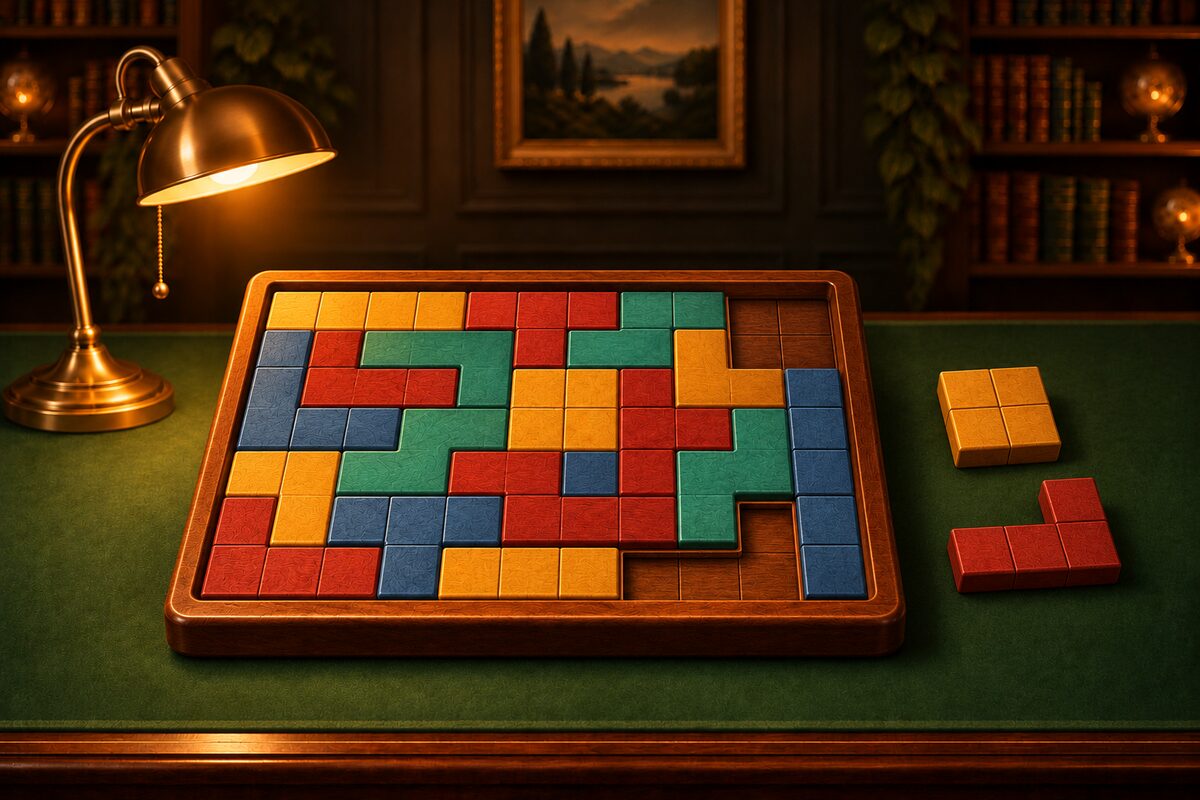
In a block puzzle, it is common to be stumped when the very last piece will not fit. Here are 5 tips for keeping that from happening.
1. Fill Corners and Edges First
Corner and edge cells of the frame fit only a few piece orientations. A middle cell can be filled later with all sorts of pieces.
Counting in a 4×5 frame, a corner cell had 12 placements, and a middle cell had 63 (for how to count, see How to Solve Block Puzzles). If you decide the spots with fewer choices first, you hesitate less.
2. Place Big Pieces First
A 5-cell piece has few places to fit, and if you leave it until last, it tends to have nowhere to go. Save the small 3-cell pieces for adjusting the last gaps.
3. Do Not Create Closed-Off Gaps
The most common mistake is creating a small gap enclosed by pieces.
Look at the cells with gold rings. The single cell at the top right and the two cells at the left are enclosed on all sides. Pieces in the app have 3 or more cells, so no piece fits into a gap of 1 or 2 cells. Once you reach this shape, it can no longer be filled.
If you get into the habit of checking “how many cells of gap will be left around it after I place this,” this mistake drops sharply.
Even if a gap is 3 cells or larger, it cannot be filled if it is a size the remaining pieces cannot make. For example, if only 4-cell and 5-cell pieces remain and a closed gap of 6 or 7 cells forms, nothing fits there anymore.
4. Plan Orientation in the Tray
In the Wood Block Fit app, you can rotate pieces in the tray at any time by tapping. Rotating in the tray does not add to your move count. If you set the orientation in the tray before carrying a piece to the frame, you do not have to place it again and again in the frame.
You can also rotate a piece already in the frame by tapping it, as long as the space around it is open. If the surroundings are blocked and it cannot rotate, the piece shakes slightly to tell you.
5. Go Back Early When You Are Stuck
If a closed-off gap forms, or the remaining pieces just will not fit, your current placement cannot be completed. Try moving not only the last piece you placed but also the one before it.
In the app, you can go back one move at a time with “Undo.” If you use “Hint,” then for a placement that can be completed, the next piece and its spot glow, and for one that cannot, the piece you should take out glows.
One Step Further
If you color the frame black and white like a checkerboard and count, you can sometimes tell before placing that “this shape cannot be filled.” For details, see Checkerboard Coloring: Spotting Shapes That Can’t Be Filled.