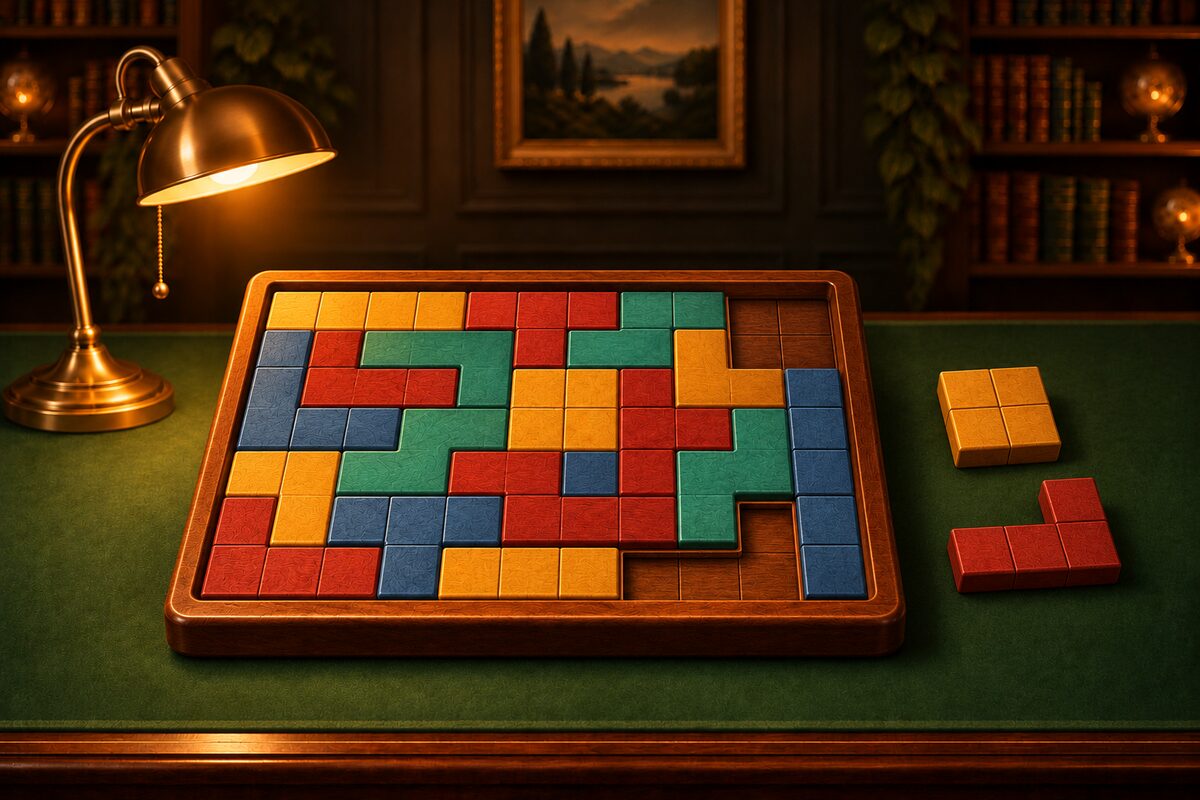
A block puzzle is a puzzle where you arrange pieces made of joined squares inside a frame with no gaps.
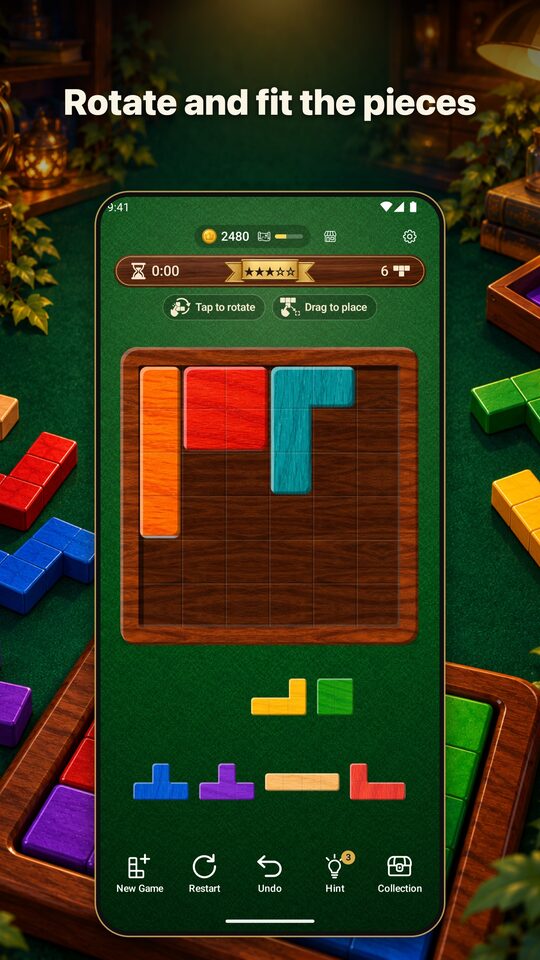
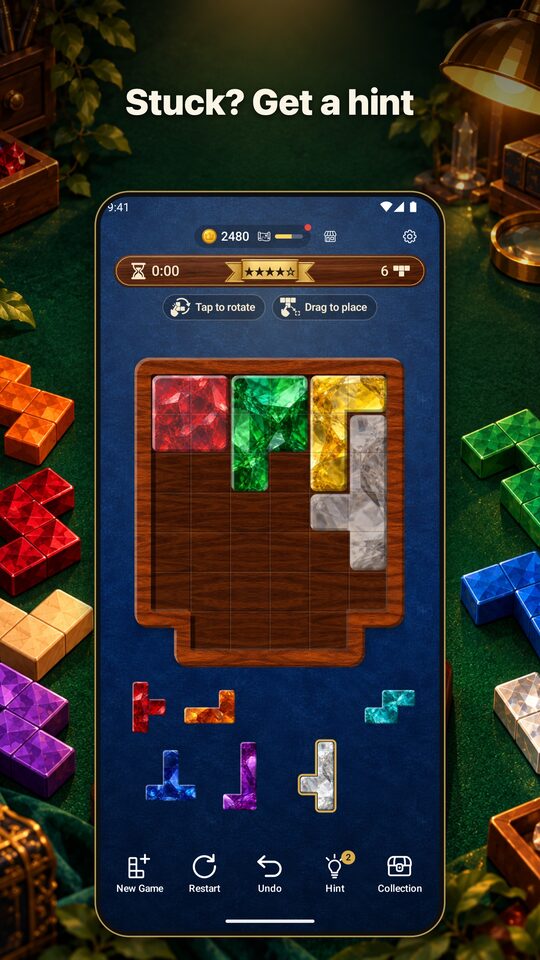
App Screens
These are the Google Play promotional images (the screens inside them are real screens from the Wood Block Fit app).
The Goal
You clear the puzzle when you have fitted every piece into the frame with no gaps and no overlaps.
Carrying Pieces to the Frame
Drag a piece from the tray below and let go over the frame, and it snaps neatly into the nearest cells. If you let go outside the frame, it returns to the tray.
Tap to Rotate
Tap a piece to rotate it 90° to the right. You can rotate a piece already in the frame, too, as long as there is open space around it.
Mode and Difficulty
You can switch in “Mode” in Settings.
- Rectangles: Fill a rectangular frame.
- Shapes: Fill frames of many shapes.
Both have five levels, ★1 to ★5. The more stars, the bigger the frame and the more pieces there are.
| Difficulty | Rectangle frames | Shapes frames |
|---|---|---|
| ★1 Easy | 4×4, 3×5 | 15–17 cells |
| ★2 Normal | 5×5, 4×6 | 22–25 cells |
| ★3 Hard | 6×6, 5×7 | 30–34 cells |
| ★4 Master | 6×7, 6×8 | 40–45 cells |
| ★5 Grandmaster | 7×8, 8×8 | 50–55 cells |
If You Get Stuck
- Hint: The next piece and its spot glow. You can get more uses by watching an ad.
- Undo: Take back moves one at a time.
Tips for Filling Well
- Place big pieces first: Small pieces are handy for filling the last gaps. Decide where the big pieces go first.
- Fill from corners and edges: Corners and bumps in the frame fit only a few pieces. Look for the pieces that fit there first.
- Do not leave a one-cell gap: A single enclosed cell or a long, thin gap leaves no piece that can fit. Before you place a piece, look at what gaps it will leave around it.