 Chess Board
 Peg Solitaire
 Tower of Hanoi
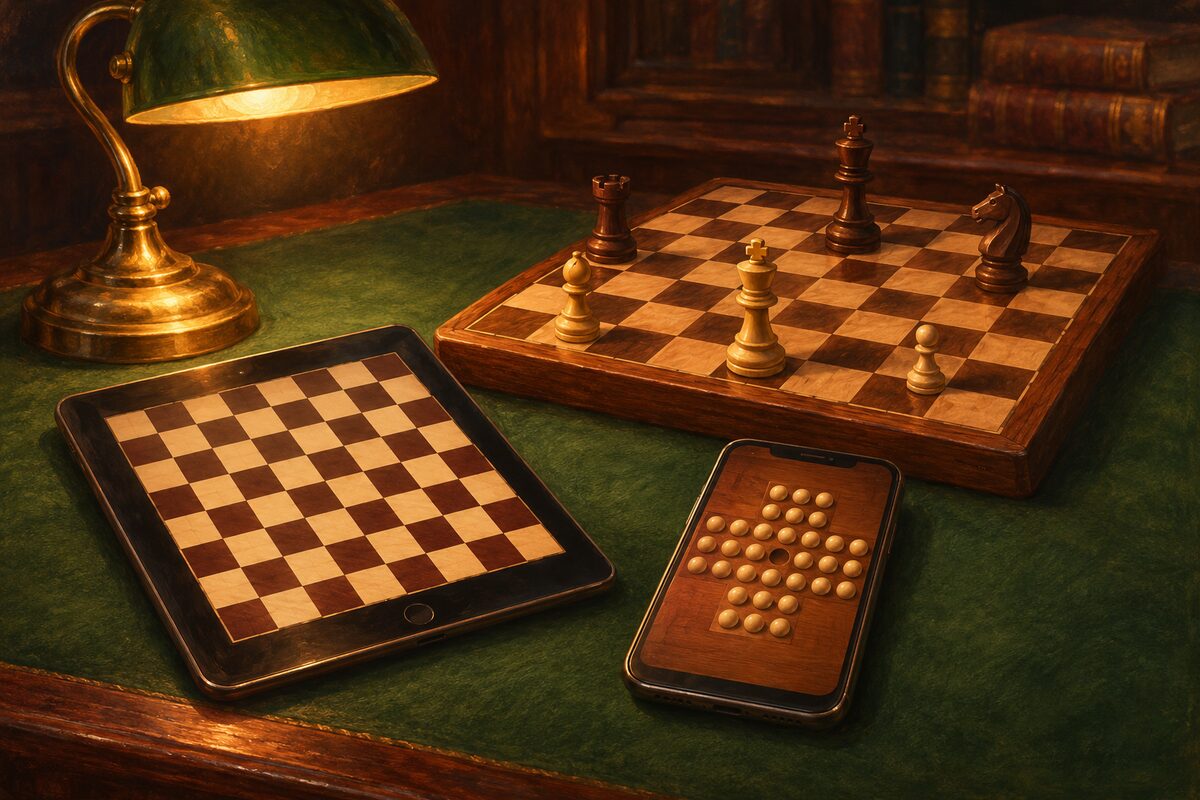
The hard part about board games is getting the board and pieces together. With a phone app, there’s nothing to put away, and you can play right away, anytime. But “board game apps” come in many styles. Here we’ll look at the types of apps and how to choose one.
Four Types of Apps
| Type | Opponent | Internet |
|---|---|---|
| Play against the computer | The computer | Often not needed |
| Two players share one device | The person in front of you | Often not needed |
| Play online | Someone far away | Needed |
| Solo board puzzles | None | Often not needed |
Apps Where You Play the Computer
You can enjoy a match even on your own. Many let you choose the strength, so they make a great practice partner.
Apps Where Two Players Share One Device
You set the phone or tablet down like a real board and play facing each other. They’re good for games with family and friends, and they can stand in for a board when you’re traveling.
Apps for Playing Online
You can play against people all over the world. You can find an opponent anytime, but you need an internet connection, and many require you to sign up for an account.
Solo Board Puzzle Apps
These are board games made for one player from the start, like Peg Solitaire and the Tower of Hanoi. We cover them in detail in Board Games You Can Play Alone.
What to Check When You Choose
- Who you’ll play with: On your own, an app with a computer opponent or a puzzle; with family, an app you share on one device.
- How ads appear: Ads during a game break your focus. Apps that show them between games are a better choice.
- How payment works: Check whether there’s a one-time purchase to remove ads, and whether the games themselves are free to play.
- Whether games are saved: If you can keep a record of your games (the game record), you can look back later, which helps you improve.
- Whether you need to sign up: Apart from online play, many apps can be played without signing up.
Board Apps on This Site
| App | Type | Devices |
|---|---|---|
| Chess Board | Two players share one device | iPhone, Android |
| Peg Solitaire | Solo board puzzle | iPhone, Android |
| Tower of Hanoi | Solo puzzle | iPhone, Android |
All of them are free to play (ads are shown). The Chess Board app isn’t an app for playing the computer. It’s a chess board for family and friends to gather around one device and play. You can play without an internet connection, and the games you play are saved as game records. We explain how to use it in How to Use the Chess Board App.
If you’d like to try without installing an app, you can play on the boards in Play Board Games for Free.