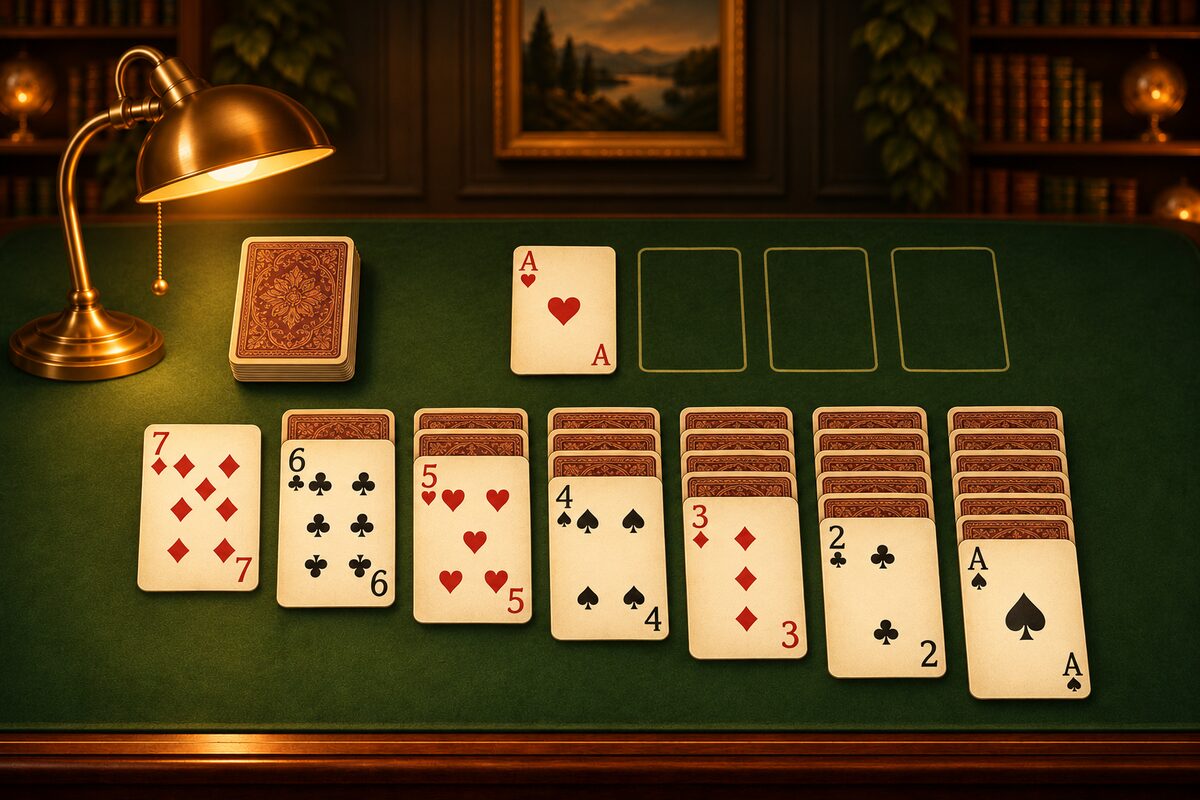
Solitaire is a game for one player that uses a 52-card deck. It’s also called “Klondike,” and it has long been a familiar computer game.
The App Screens
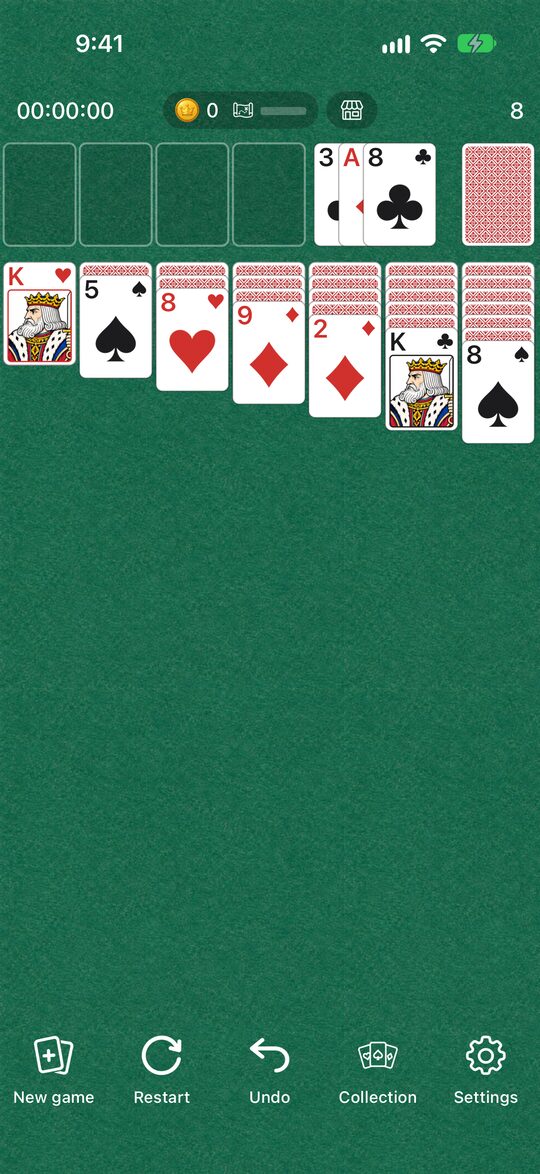
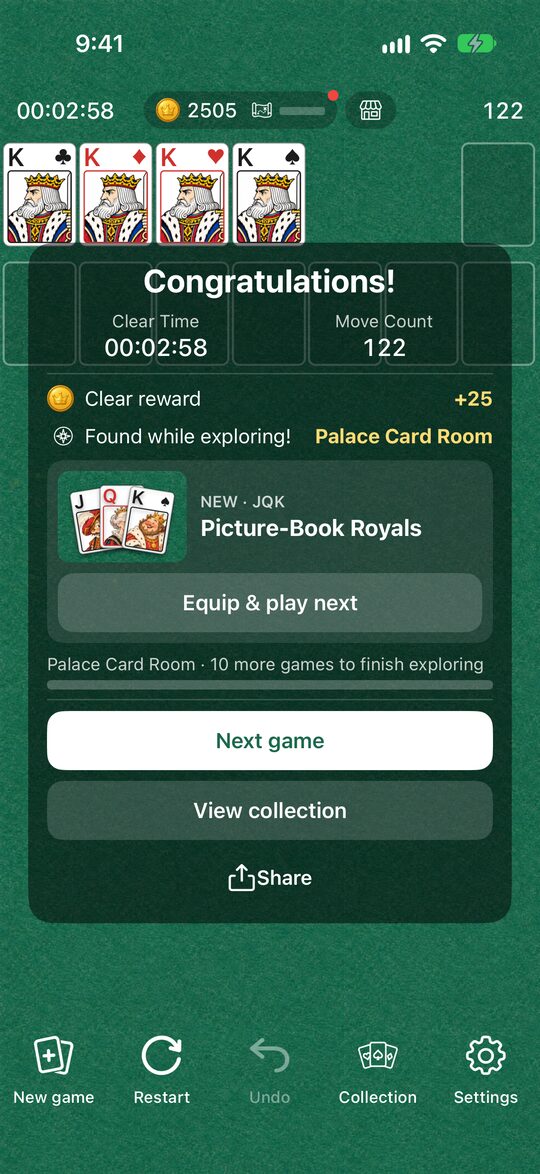
Here are the actual screens of the Solitaire app.
The Goal
On the four foundations at the top right, build each suit in order from A to K. You clear the game when all 52 cards are on the foundations.
The Tableau
The seven columns lined up below are the tableau. Face-up cards can be stacked like this.
- Stack cards in alternating red and black, going down one number at a time (for example, a red 7 on a black 8).
- A run of face-up cards can be moved to another column all at once.
- The face-down card at the bottom of a column turns face up when the cards above it are gone.
- Only a K can go in an empty column (or a run of cards that starts with a K).
The Stock
Tap the stock at the top left to turn over one card at a time. You can move the turned-over card to the tableau or a foundation. When the stock runs out, tap it again to start using it from the beginning. You can go through it as many times as you like.
Moving Cards
- Tap a card and it moves to a place where it fits, automatically.
- You can also drag it wherever you like.
- If you make a mistake, “Undo” takes it back.
Every deal in the Solitaire app is confirmed to have a solution before it is dealt. Depending on your choices along the way you may get stuck, but if you start over with “Undo” or “Restart,” there is always a way to clear the game.
Tips for Beginners
- Start with the columns that have the most face-down cards: Turning face-down cards face up is the shortcut to clearing the game.
- Save empty columns for Ks: Only a K can go in an empty column. If you empty a column when you have no K to place, it may be no use.
- Don’t rush cards up to the foundations: Aces and 2s can go up right away, but high-numbered cards can be useful in the tableau for catching other cards.
- You can use the stock any number of times: A card you can’t use now may help later. Don’t panic, and set up the tableau first.