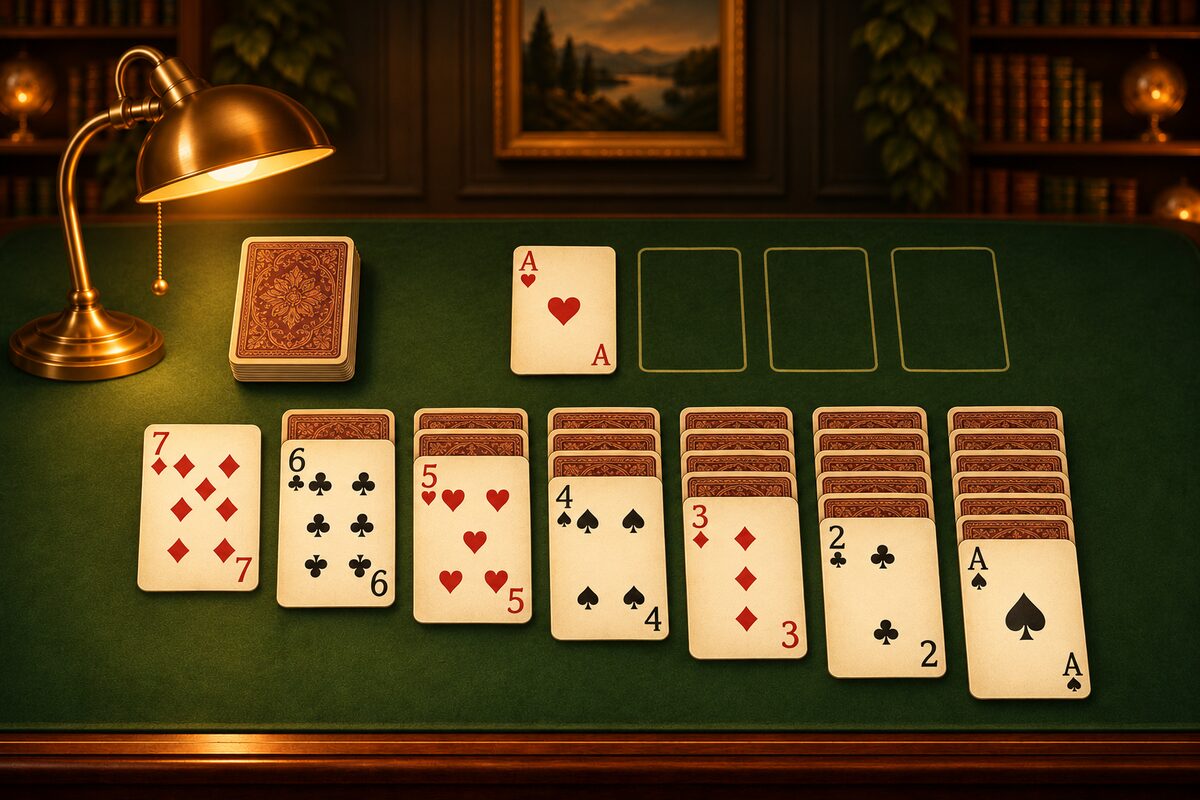
There are plenty of places where you can play Solitaire at no cost. On a phone there are apps, and on a computer there are games that come built in or that run in a browser, so you can start right away. This article covers ways to play for free and what to look for when you choose an app.
On a Phone, Try the Solitaire App
The Solitaire app can be downloaded for free on iPhone, iPad, and Android (ads are shown).
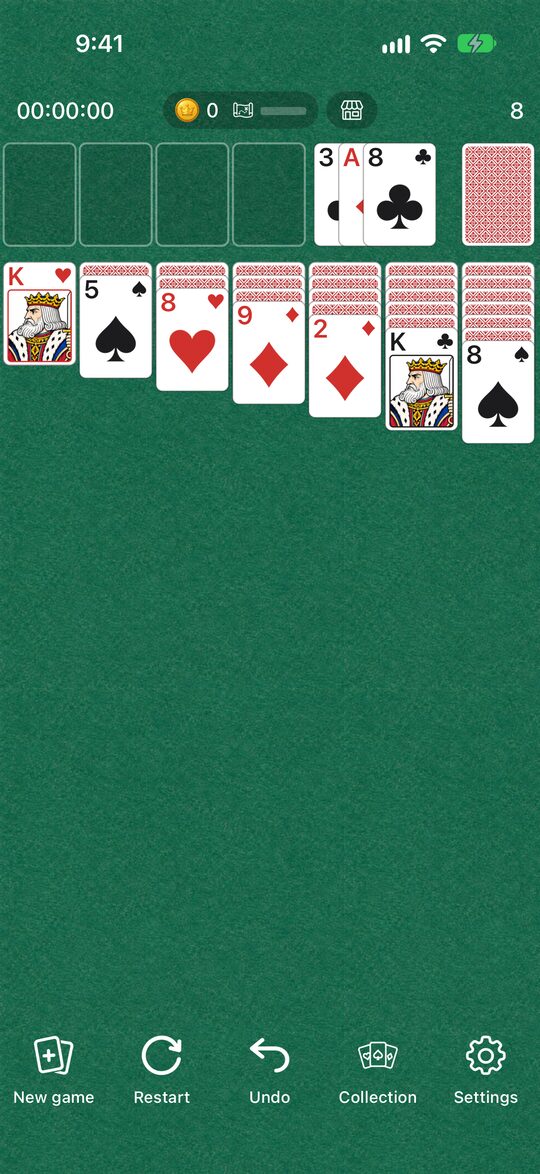
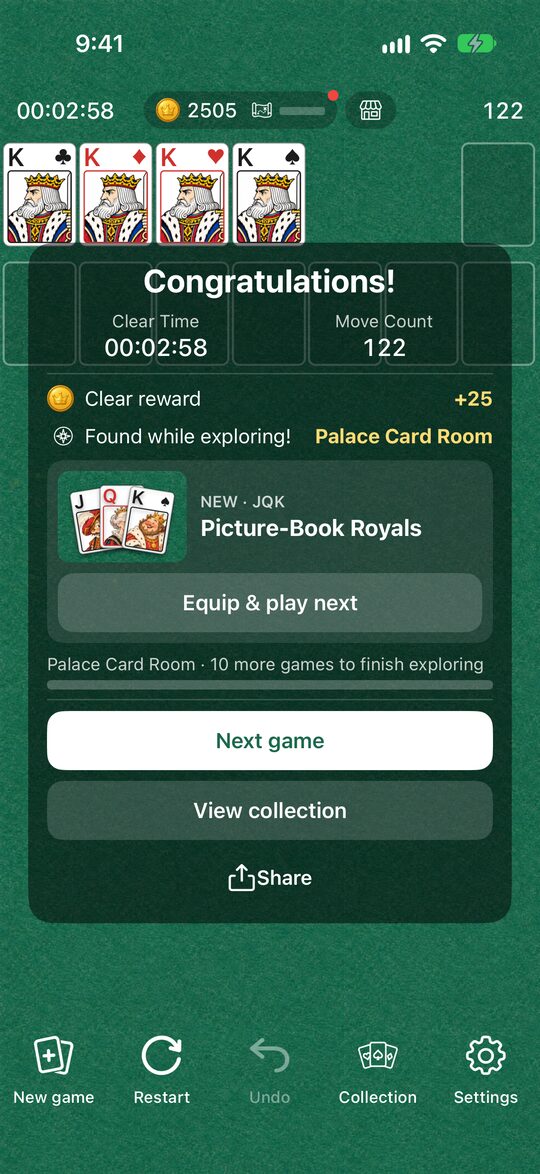
Here are the features of the app.
- Only solvable deals: Every deal that comes up with “New game” has been checked by a computer to make sure it has a solution.
- Draw one, any number of passes: You turn over the stock one card at a time, and when it runs out you can go through it as many times as you like. These are easy rules for beginners.
- Undo and Restart: A mistaken move can be taken back with “Undo.” “Restart” lets you play the same deal again from the beginning.
- Tap to move: When you tap a card, it moves to a place where it fits, automatically. You can also drag it.
- Auto Complete: When the stock is gone and all the tableau cards are face up, the remaining cards can go up to the foundations automatically.
- Dress-up: Playing earns coins, and you can change the card backs, face cards, backgrounds, and clear effects.
When you clear a game, it shows your time and move count. For detailed instructions, see Solitaire Rules and How to Play.
On a Computer
Windows computers often come with a Solitaire game called “Microsoft Solitaire Collection,” which you can play for free. If it isn’t installed, you can get it from the Microsoft Store.
Also, if you search for “solitaire” on Google, a Solitaire game you can play right in the search results sometimes appears. It’s handy when you don’t want to install anything.
What to Look for in a Free App
Solitaire apps can look alike but differ a little in their rules and how pleasant they are to play. It helps to check these points when you choose.
- How many cards you turn over: “Draw one,” where you turn over the stock one card at a time, is easier than “draw three,” where you turn over three at a time. The difference is covered in What Is Draw Three?.
- Whether deals are solvable: Depending on the deal, Solitaire can be impossible to solve no matter what you do. An app that deals only solvable games saves you from wondering whether it can be won.
- Undo: Being able to take back a mistaken move makes it easier for beginners to play to the end.
- Ads: Many free apps are supported by ads. Whether they appear in the middle of a game or between games changes how it feels to play. In the Solitaire app, full-screen ads appear between games, when you go on to the next game with “New game” or “Restart.”
Start with the Rules
If you’re new to Solitaire, reading the rules and how to play first will get you playing right away. Once you’re used to it, the tips for winning more often will help too.
You can download the app with the button at the bottom of this page.