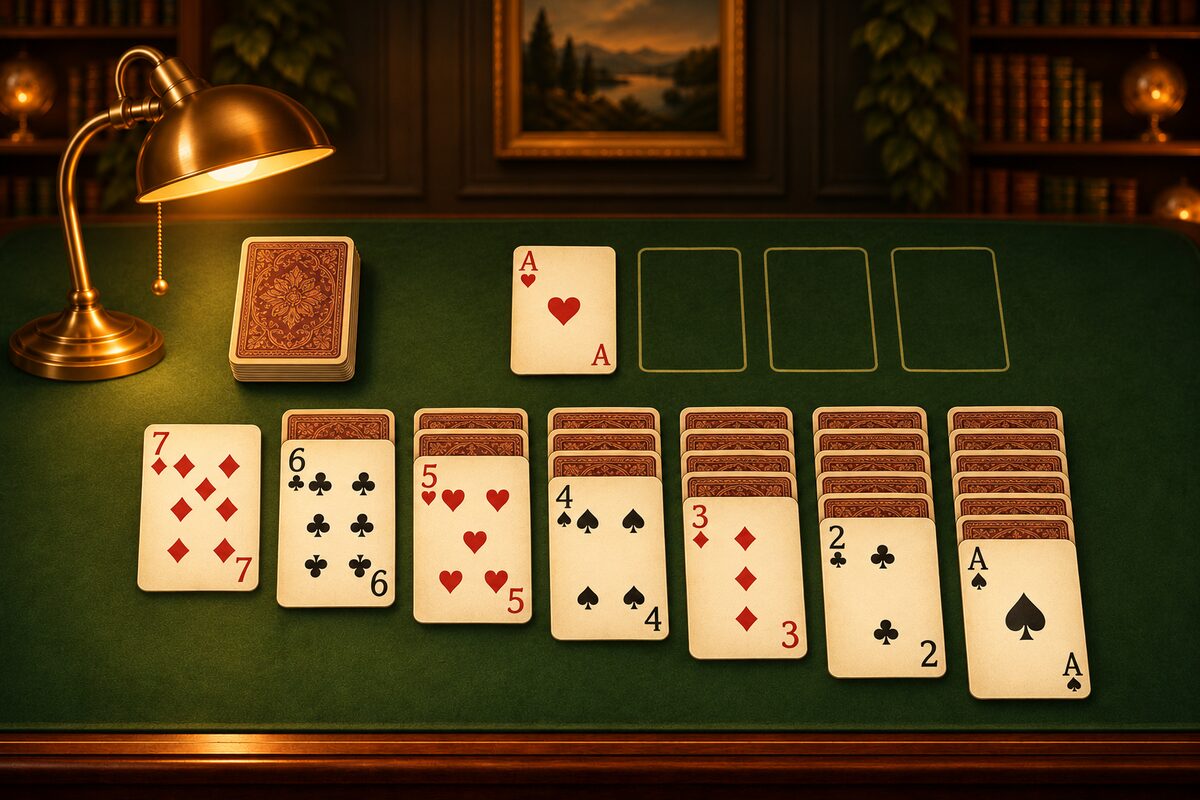
While playing Solitaire, you sometimes can’t move any card anywhere. This is the so-called “stuck” situation. Here is how to tell whether you are stuck and how to get out of it in the Solitaire app.
How to Tell You’re Stuck
You are stuck when both of these are true.
- No moves are left among the tableau columns: No card in any column can be stacked on another column or moved to a foundation.
- Even after going through the stock once, no card is usable: Even if you turn over the stock all the way through, no card comes up that can go on the tableau or a foundation.
In the diagram above, none of the face-up tableau cards can be stacked on another column. The 9 of hearts needs a black 10 and the 4 of clubs needs a red 5, but neither is visible. There is no empty column either, so the king of clubs can’t move. If going through the stock once in this position brings up no usable card, you are stuck.
The stock in the Solitaire app can be used any number of times, but if you go through it again without moving anything, the same cards come up. If you’ve gone through once and couldn’t place anything, turning over more won’t change the situation.
How to Get Out in the App
Every deal that comes up with “New game” in the Solitaire app has been checked by a computer to make sure it has a solution. If you’re stuck, it means one of your earlier moves backfired, and if you go back and try again, there is always a way to clear the game.
- Undo: Go back one move at a time. You can tap it as many times as you like, all the way back to the start of the deal.
- Restart: Play the same deal again from the beginning.
- New game: Play a different deal.
Note that going back with “Undo” doesn’t lower your move count (each undo counts as one move too).
How Far Should I Go Back?
As you go back one move at a time, look for “forks” like these.
- Where you chose one of two cards of the same color and number: For example, which of the two red 7s you used. If you choose the other one, the card that turns face up changes.
- Where you emptied a column: Did emptying the column cause cards to pile up in other columns?
- Where you moved a card to a foundation: The card you moved up may have been needed as a holder in the tableau. In the app, you can also move the top card of a foundation back to the tableau.
- Where you placed a K: Which cards you can follow it with changes depending on whether you placed the red K or the black K.
If you can’t tell where to go back to, starting over with “Restart” is sometimes faster. It’s a deal you’ve already played, so you can go on while remembering what was hidden where.
How to Get Stuck Less Often
- Start with the columns that have the most face-down cards.
- Don’t empty a column until you have a K you can place.
- Don’t rush high-numbered cards up to the foundations.
For more, see Solitaire Winning Strategy and Solitaire Tips.