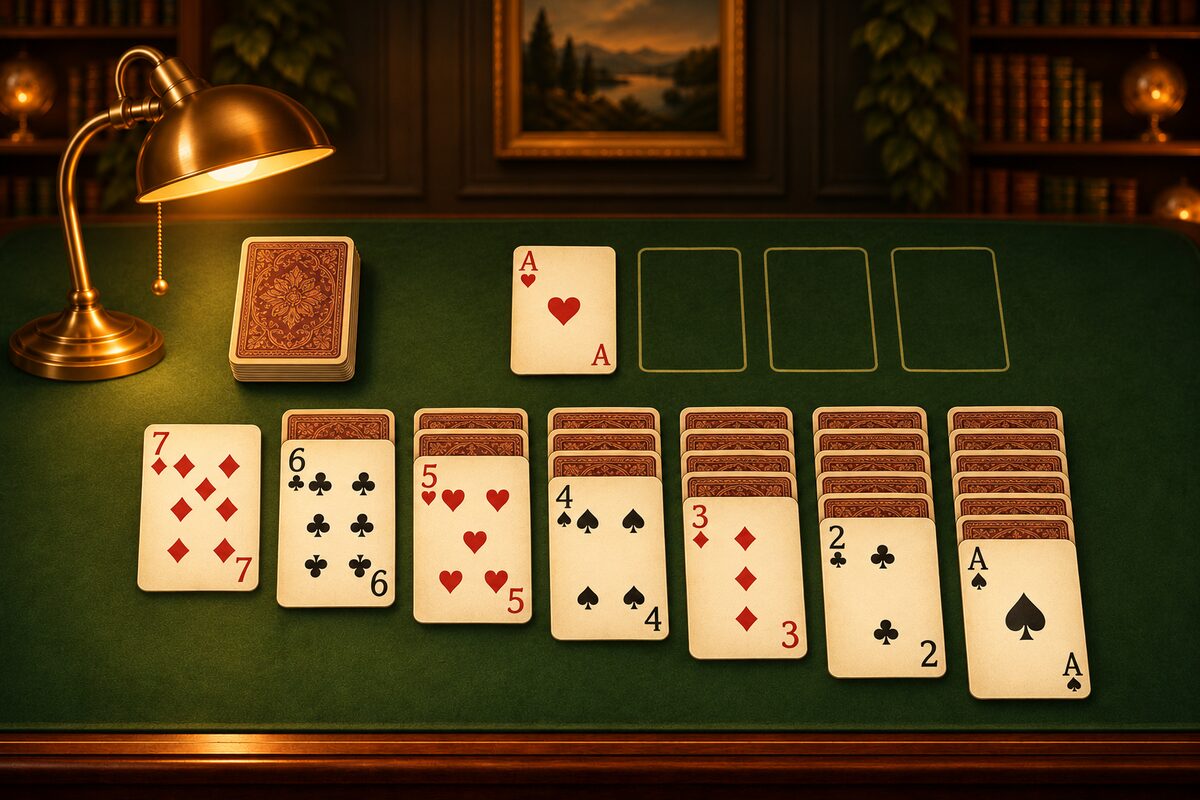
Ordinary Solitaire just shuffles and deals the cards, so some deals can’t be solved no matter what you do (Solitaire Win Rates). In the Solitaire app, the deals that come up with “New game” are first solved by a computer ahead of time, and only the ones that can be solved all the way through are used. Here is a gentle look at how that works.
1. Shuffle and Deal the Cards
First, the 52 cards are shuffled well and dealt just as in ordinary Solitaire. Up to this point it’s an ordinary deal, and nobody knows whether it can be solved.
2. Try Moves One After Another
Next, the computer tries to solve this deal. The method is like feeling your way through a maze.
- Write down every move you can make in the current position.
- Pick one promising move and make it.
- In the new position, repeat steps 1 and 2.
- When there are no moves left, go back to the previous position and choose another move you haven’t tried yet.
- When all 52 cards are on the foundations, the sequence of moves so far is the “solution.”
The computer solves it while knowing what the face-down cards are. That’s different from how a person plays, but it’s enough to confirm that “this deal has a solution.”
Try the promising moves first
For the order in which to try moves, it uses ideas similar to the tips people use. For example, it tries moves that turn a face-down card face up, or that move low cards to the foundations, first. This often gets to a solution sooner. Moves it put off are not thrown away, though. It tries them if it needs to.
Never check the same position twice
Because you can go through the stock any number of times, you can end up back in the same position again and again. So the computer remembers the positions it has already examined, and doesn’t go any further when it reaches one again.
3. Set Limits in Advance
Some deals have a huge number of positions to examine. So the app sets limits for each deal: up to 0.5 seconds, 50,000 positions, and 512 moves.
The results fall into three kinds.
| Result | Used? |
|---|---|
| A solution was found | Used |
| Everything was tried and there is no solution | Not used |
| A limit was reached | Not used |
A deal where a limit was reached might actually be solvable, but it hasn’t been confirmed, so it isn’t used. It matters to tell “unsolvable” apart from “couldn’t be confirmed.”
On an iPhone, we tried 100 fixed deals, and a solution was found for 41 of them within the 0.5-second limit. Even when we extended the limit to 2 seconds, the number stayed at 41.
4. Replay the Solution from the Start to Check It
A solution that was found is replayed once more, one move at a time, from right after the deal, to check it.
- Are all 52 cards there, with no card appearing twice?
- Is every move legal under the rules?
- At the end, are all 52 cards on the foundations?
Only deals that pass all of these are used as “solvable deals.” The app comes with 100 deals confirmed this way from the start. New deals are also made a little at a time while the app is open, so they don’t get in the way of play, and stored up. This work doesn’t use the network.
What Is Guaranteed
What the app guarantees is that ”from the position right after the deal, there is a way to solve it.” Depending on the moves you choose along the way, you may get stuck. When that happens, go back to the fork with “Undo,” or start over with “Restart,” and there is always a way to clear the game (When You’re Stuck in Solitaire).
Note that the solutions the computer finds include roundabout moves and are not the shortest sequences. For the number of moves in the solutions, see How Many Moves Does It Take to Clear?.