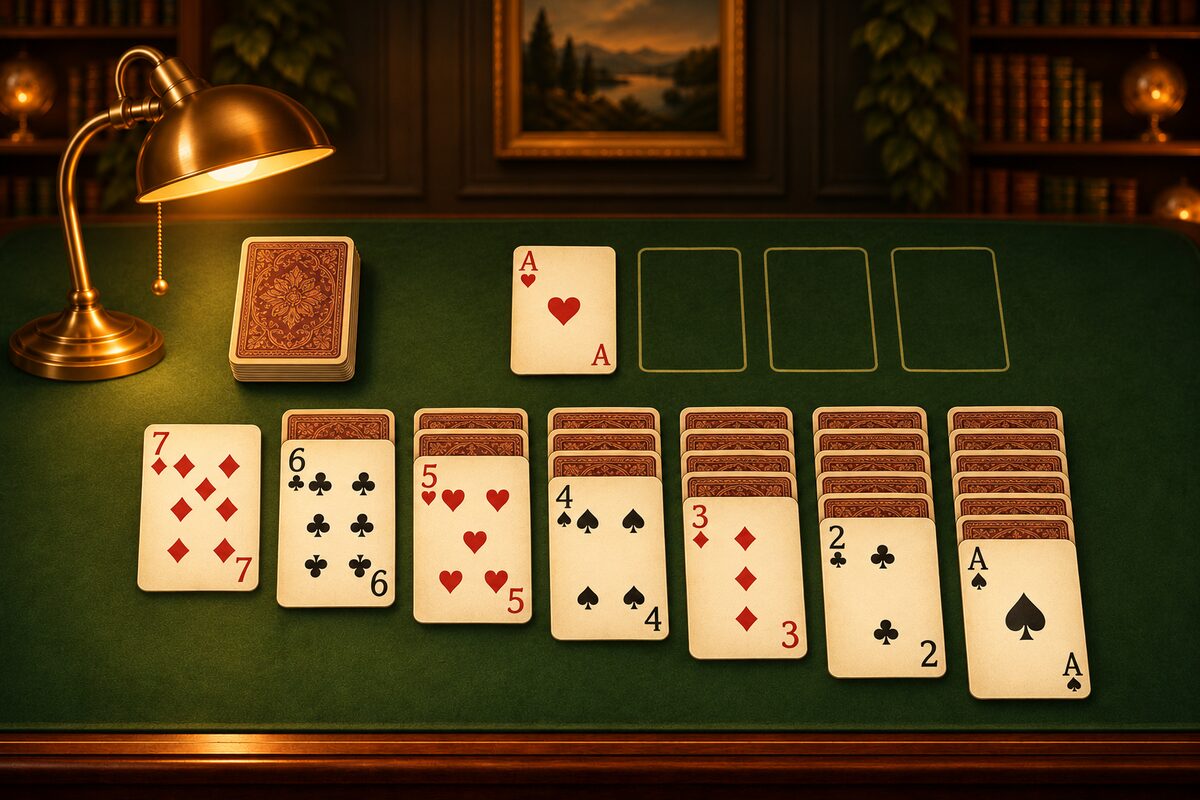
Many people play Solitaire as a quick “mental workout” in a spare moment. So which parts of your head are you actually using? This article covers the skills you use while playing, and how to keep it up without strain.
First, a note. We can’t promise that playing Solitaire will improve your memory or anything else. The Solitaire app is a game for fun. It is not for testing, preventing, or treating any illness. If you have concerns about your health or forgetfulness, please talk to a doctor.
What You Use While Playing
Even a single game of Solitaire has you thinking in several ways.
- Telling things apart: You look at red and black, the size of numbers, and the suits to find cards that can be stacked.
- Thinking about order: Which card should you move first to turn a face-down card face up? You plan the order of your moves.
- Remembering: What cards were in the stock? Which columns probably hide what?
- Comparing and choosing: When two cards have the same color and number, you weigh which one is better to use.
- Trying again: When things go wrong, you look back at where you made a mistake and try a different move.
The rules are easy to learn, but every deal is different, so what you think about changes each time. That’s part of why Solitaire doesn’t get boring.
Tips for Enjoying It a Little Each Day
Start with one game a day
It’s easier to keep going if you decide on one game with your morning coffee or before bed. A little at a time is more fun to keep up than playing for hours.
Enjoy the thinking, not just winning
In ordinary Solitaire, some deals can’t be solved no matter what you do. A losing streak takes the fun out of it, so the Solitaire app only deals hands that are confirmed to have a solution. Even if you get stuck, “Undo” or “Restart” will always lead you to a way to clear the game.
Keep track of your own record
When you clear a game, the app shows your time and move count. A small goal, like “I cleared it in fewer moves than last time,” adds to the fun (Clearing the Game Fast and in Few Moves).
Play-time reminders
In the Solitaire app, “Notifications” in Settings lets you get a “play-time reminder” on the days and at the time you choose (it’s off at first). Try it if you want to make playing a daily habit.
Go Easy on Your Eyes
- If you’ve been looking at the screen for a long time, look into the distance now and then to rest your eyes.
- If the card numbers feel small, playing on a tablet with a bigger screen is one option.
- Staring at a screen alone in a dark room tires your eyes more easily.
With Family and Friends
Solitaire is a game for one, but you can still have fun together. Take turns playing the same deal with “Restart” and compare your move counts. If you have a deck of cards, it’s fun to lay them out on a table together too (How to Play Solitaire with a Real Deck of Cards).
If you’re new to the game, start with Solitaire Rules and How to Play.