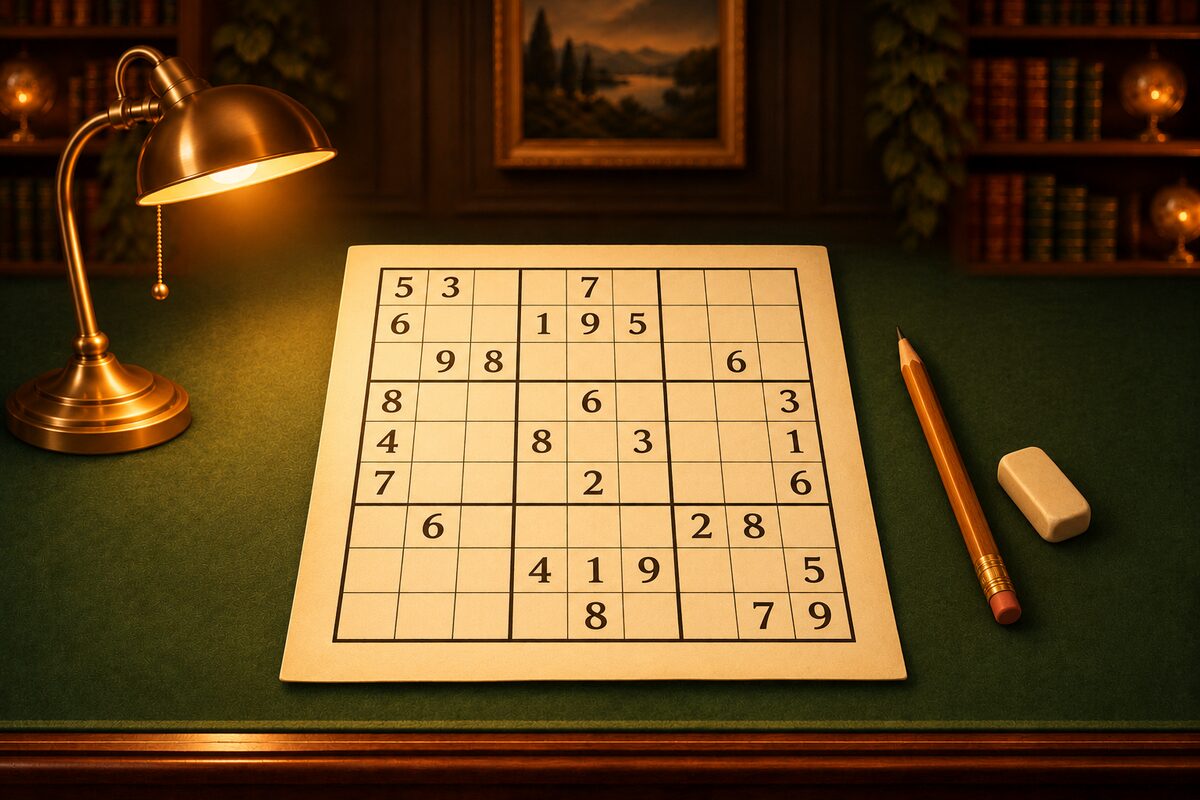
Sudoku is something you can have a computer solve, too. The easiest way is to try digits in the empty squares in order, and when you get stuck, step back one square and try again. This method is called backtracking.
The Idea Behind Backtracking
- Starting from the top left, find an empty square.
- Try the digits 1 to 9 in that square, in order. If the same digit is already in the same row, column, or box, skip that digit.
- If a digit fits, put it in and move on to the next empty square.
- If you reach a square where no digit fits, go back to the previous square and try its next digit.
- When there are no empty squares left, the puzzle is solved.
A person avoids guessing when solving, but a computer can step back right away when it’s wrong, so even trying everything one by one reaches the answer quickly.
In Python
The board is a list of 81 digits, read from the top left to the right and then from top to bottom (0 is an empty square). For square number i, the quotient of i ÷ 9 is the row and the remainder is the column.
def can_place(grid, r, c, d):
    # d can be placed if it is not in the same row, column or box
    for k in range(9):
        if grid[r * 9 + k] == d or grid[k * 9 + c] == d:
            return False
    br, bc = r // 3 * 3, c // 3 * 3
    for rr in range(br, br + 3):
        for cc in range(bc, bc + 3):
            if grid[rr * 9 + cc] == d:
                return False
    return True


def solve(grid):
    # Find an empty square and try 1 to 9 in order. If stuck, step back
    for i in range(81):
        if grid[i] == 0:
            r, c = divmod(i, 9)
            for d in range(1, 10):
                if can_place(grid, r, c, d):
                    grid[i] = d
                    if solve(grid):
                        return True
                    grid[i] = 0
            return False
    return True


puzzle = "3..5..182.....2.9.8.2.91.4...52.9..6724.1.8396..4.85...5.12.9.7.3.7.....267..4..8"
grid = [0 if ch == "." else int(ch) for ch in puzzle]
solve(grid)
for r in range(9):
    print(" ".join(str(v) for v in grid[r * 9 : r * 9 + 9]))
When you run it, the answer is printed like this. The puzzle is a ★1 puzzle from the NumberPlace app.
3 4 9 5 6 7 1 8 2
5 1 6 8 4 2 7 9 3
8 7 2 3 9 1 6 4 5
1 8 5 2 3 9 4 7 6
7 2 4 6 1 5 8 3 9
6 9 3 4 7 8 5 2 1
4 5 8 1 2 3 9 6 7
9 3 1 7 8 6 2 5 4
2 6 7 9 5 4 3 1 8
Counting How Many Solutions There Are
When you make a puzzle, you want to check whether it has exactly one solution (Why a Sudoku Has Only One Solution). If you change the program a little so that it keeps going and counts instead of stopping when it finds a solution, you can learn how many solutions there are. As soon as it finds two, you know the puzzle doesn’t have exactly one, so it stops there.
def count_solutions(grid, limit=2):
    # Stop once limit solutions are found (finding 2 means "not exactly one")
    for i in range(81):
        if grid[i] == 0:
            r, c = divmod(i, 9)
            found = 0
            for d in range(1, 10):
                if can_place(grid, r, c, d):
                    grid[i] = d
                    found += count_solutions(grid, limit - found)
                    grid[i] = 0
                    if found >= limit:
                        break
            return found
    return 1


grid = [0 if ch == "." else int(ch) for ch in puzzle]
print(count_solutions(grid))
For the ★1 puzzle above, it prints 1. For a puzzle with two solutions, it prints 2.
Ways to Make It Faster
Instead of trying squares from the top left, try the square with the fewest digits that can go in first, and it gets much faster. If you fill in squares with only one candidate first, you hardly ever have to step back. The NumberPlace app tries squares in this order when it checks the number of solutions.
Solving with Human Techniques
Backtracking is fast and reliable, but it doesn’t tell you “why does this digit go here?” The NumberPlace app uses another method for Hint and for judging how hard a puzzle is.
- Keep the digits that can go in (the candidates) for each empty square.
- Look for a technique you can use, starting with the easiest.
- After one move, start again from the easiest technique.
There are 15 techniques, ordered from easiest to hardest: from “only this square can hold it” and “only this digit fits”, through locked candidates and pairs, to the X-Wing, XY-Wing, and Swordfish (How to Solve Sudoku). Because it proceeds in the same order a person would, you can tell which techniques were needed, and that is how the app decides the stars and shows the reason with Hint.