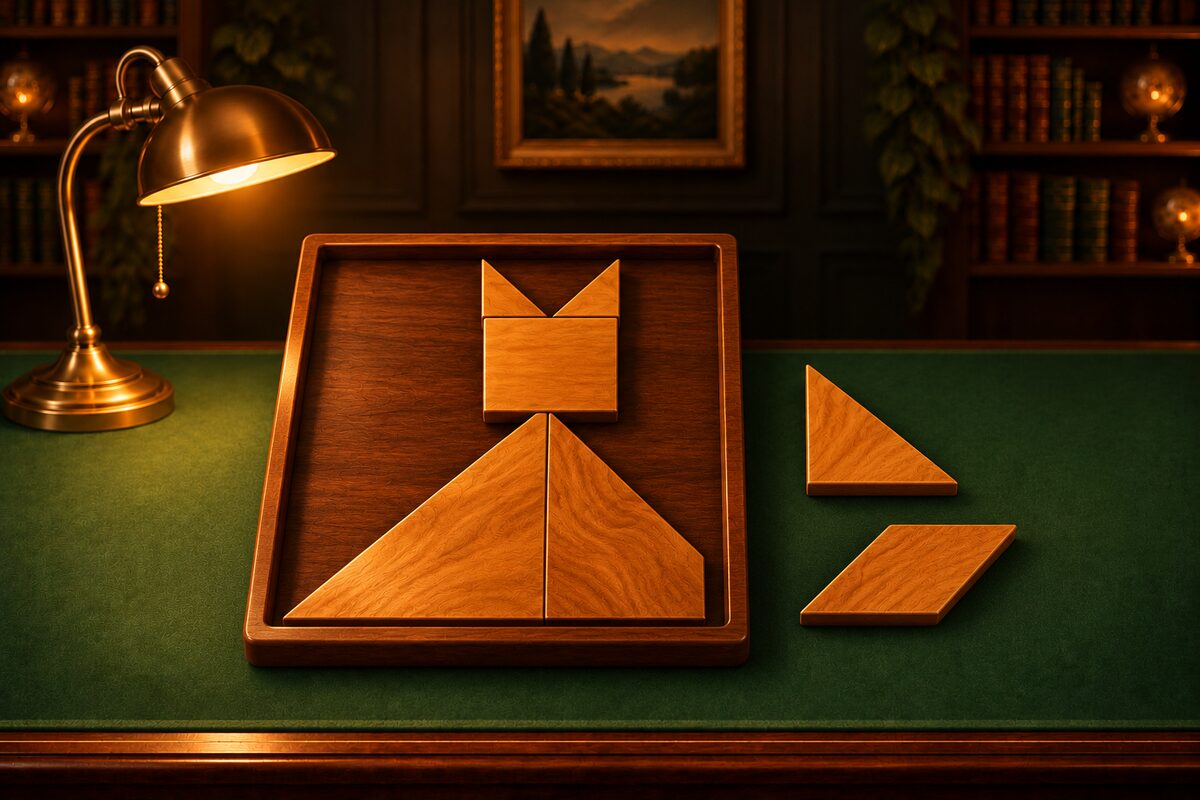
When you get stuck in the Tangram app, use Hint.
What Hint Does
When you tap Hint, it looks for a way to solve the puzzle from the current board and shows you one of the following.
- When a piece can be placed: The next piece to place and its spot light up. The spot shows the shape of the piece, turned to the right angle.
- When the current arrangement cannot fill the frame: A piece you should take out lights up, and a message says “Take out the glowing piece to get back on track.”
Hint searches by trying whether a piece fits, starting from the topmost corner of the empty area in the frame. In Tangram mode, it also tries the parallelogram flipped over.
How Many You Get
You start with 3 hints. After you use them up, you can get 3 more by watching an ad. An ad appears only when you choose “Watch Ad” yourself.
Using Hint Well
- Use it for the first piece: When you do not know where to start, ask where a big piece goes and work out the rest yourself.
- Ask which piece to take out when you are stuck: When it looks like everything should fit but the last piece will not go in, some earlier placement is wrong. Hint tells you which piece to remove.
- Match the angle to the glowing spot: Tap the piece to rotate it until it faces the same way as the shape shown, then place it.
If you want to build your own skills, read Tangram Tips too.