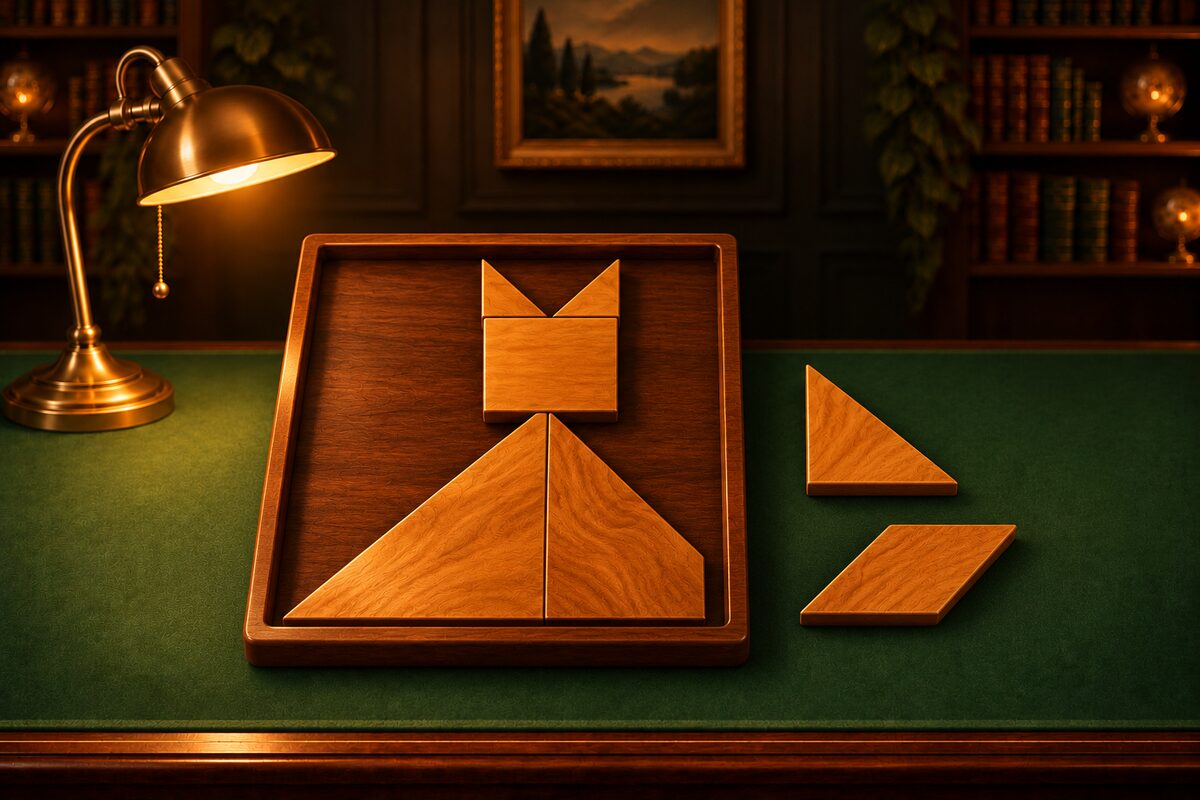
Tangram is a puzzle where you make all kinds of shapes from triangle and quadrilateral pieces that look like a square cut apart. It was born in China and has been played around the world.
The App Screens
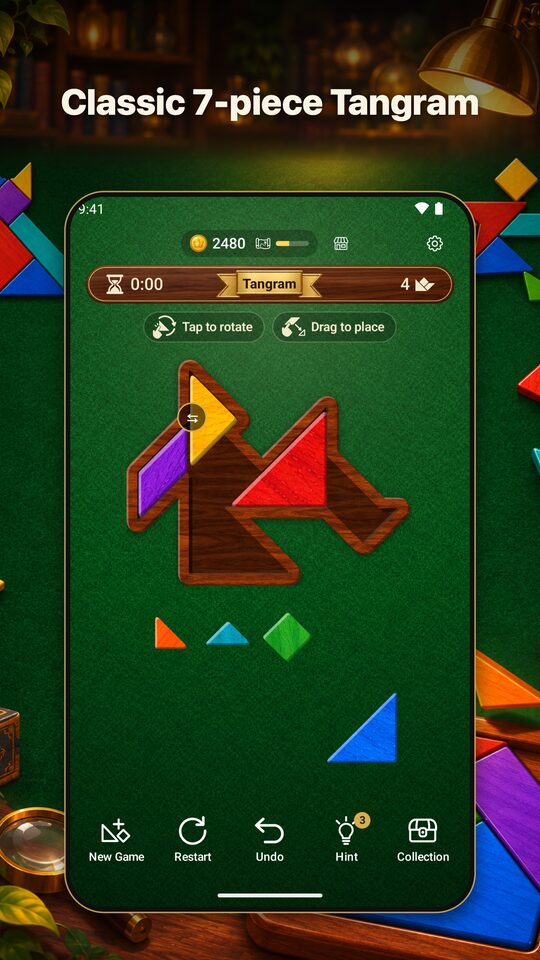
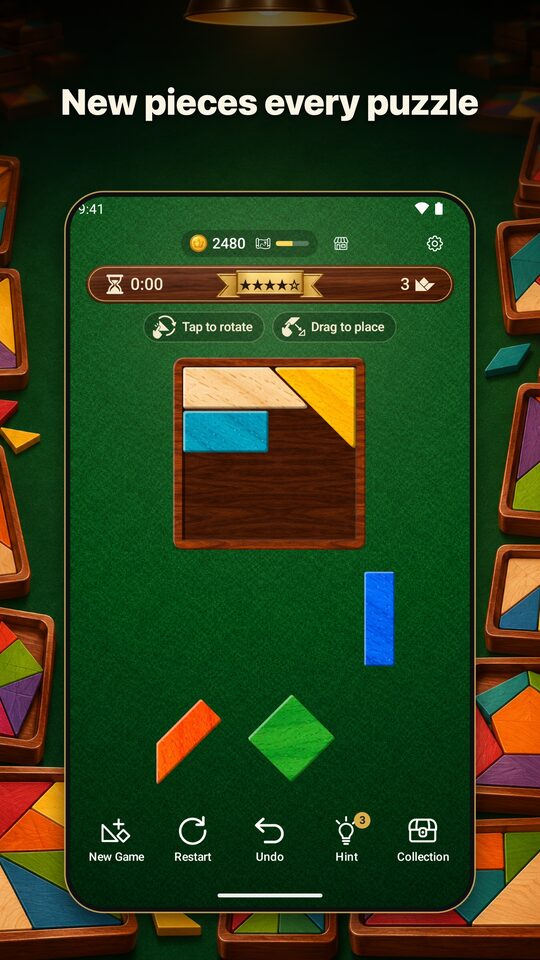
These are the Google Play promotional images (the screens inside are real screens from the Tangram app).
The Goal
You clear the puzzle when all of the pieces fit in the frame with no gaps and no overlaps.
Moving Pieces into the Frame
Drag a piece from the tray below and let go over the frame, and it snaps neatly to a nearby corner. If you let go outside the frame, it goes back to the tray.
Rotating and Flipping
- Tap a piece to rotate it 45° clockwise. A piece in the frame can be rotated too, as long as there is open space around it.
- You can flip the parallelogram piece with the ⇆ button at the top right. Use it when rotating alone does not give the right angle.
The Three Modes
You can switch modes with “Mode” in Settings.
| Mode | What you do | Number of pieces |
|---|---|---|
| Rectangles | Fill a rectangular or square frame | 3 at ★1 up to 7 at ★5 |
| Silhouettes | Fill a spiky shape | 3 at ★1 up to 7 at ★5 |
| Tangram | Fill shapes with the classic 7 pieces | Always 7 |
In Rectangles and Silhouettes, the pieces change with each puzzle, and the more stars, the more pieces. Tangram uses the classic seven pieces that have been used for ages (two large triangles, one medium triangle, two small triangles, one square, and one parallelogram). It has no difficulty levels, and all kinds of shapes appear.
If You Get Stuck
- Hint: The next piece to place and its spot light up. You can get more hints by watching an ad.
- Undo: Takes back your moves one at a time.
Tips for Putting Shapes Together
- Place the large triangles first: In Tangram, once you decide where the two large triangles go, the rest becomes easier to assemble.
- Look for the sharp corners: Only the sharp corner of a triangle fits into a sharp corner of the frame. Decide the pieces that fit the corners first.
- Try the parallelogram flipped over, too: If it just will not fit, try flipping the parallelogram.