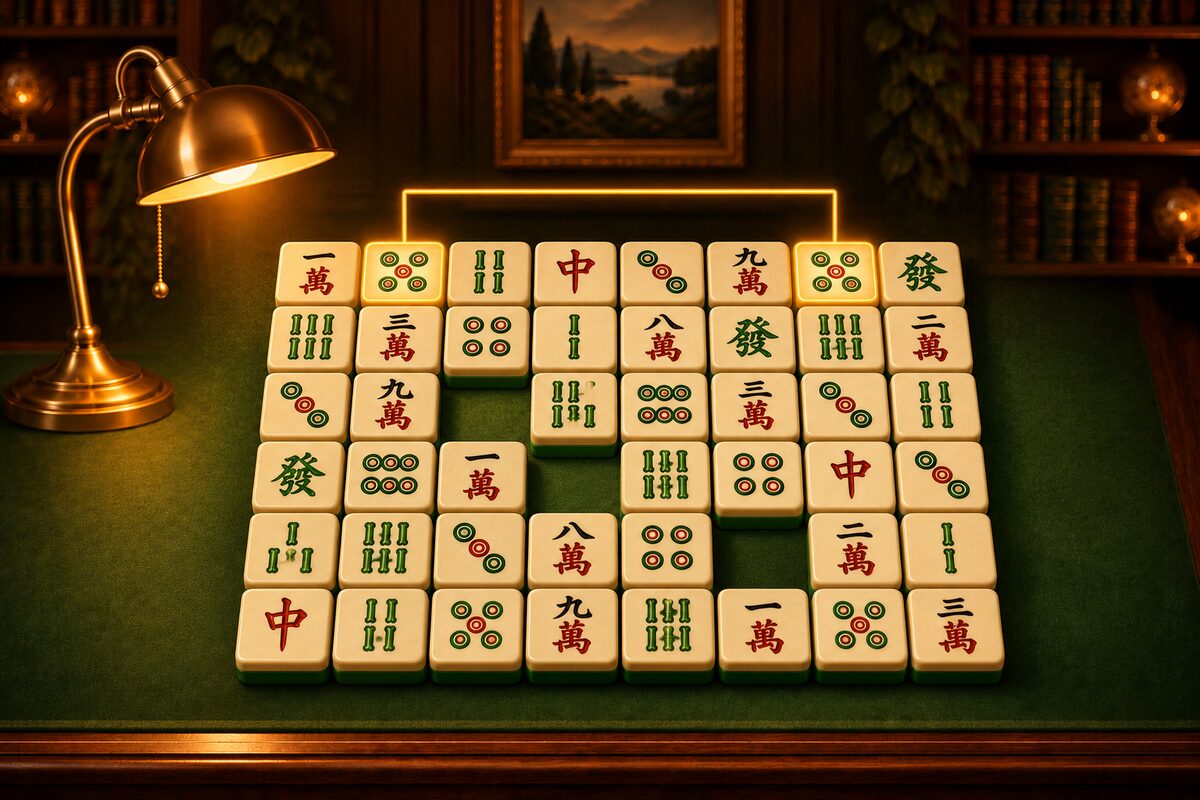
In the Shisen-Sho app (Android), the top bar shows your time and the number of pairs left while you play. When you clear a game, the result shows how long it took. This article shares tips for clearing faster.
The Time Goes to Searching
In Shisen-Sho, what takes time is not removing tiles but searching for two tiles with the same picture. The shortcut to a fast clear is to decide how you search.
Tip 1: Look at Easy Pairs First
- Tiles next to each other: Two adjacent tiles with the same picture can always be removed. First look for neighbors across the whole board.
- Tiles at the edge: Tiles at the edge of the board connect easily by lines along the outside. If the same picture is at the edge of the same side, you can remove the pair by going around the outside (Lines Along the Outside of the Board).
- Around the place you just cleared: When you remove a tile, paths open around it. Check whether any new pair near that place has become removable.
Tip 2: Decide on a Picture and Search for It
Instead of just looking over the board, deciding on a picture to look for, such as “next, I’ll look for the Green Dragon” or “next, I’ll look for Circles,” helps you find it faster. Honor tiles with clear colors (the green of the Green Dragon and the red of the Red Dragon) are especially easy to spot (How to Tell Honor Tiles Apart).
Tip 3: Remember All Four Locations at Once
When you find one tile, also take note of where the other three tiles with the same picture are. That cuts the time you spend searching for the same picture again later.
Tip 4: Cut Down on Time Spent Wondering
- If you are unsure about similar tiles, tell them apart by how the marks are arranged (How to Tell Characters, Circles, and Bamboo Apart).
- If you really cannot find a pair, use Hint. There is no penalty no matter how many times you use it.
Clearing Matters More Than Speed
If you rush and get the order of removal wrong, you can get stuck. You can keep going with Shuffle, but we recommend aiming first to clear reliably, and paying attention to time once you are used to it. For how to think about the order of removal, see Shisen-Sho Tips.