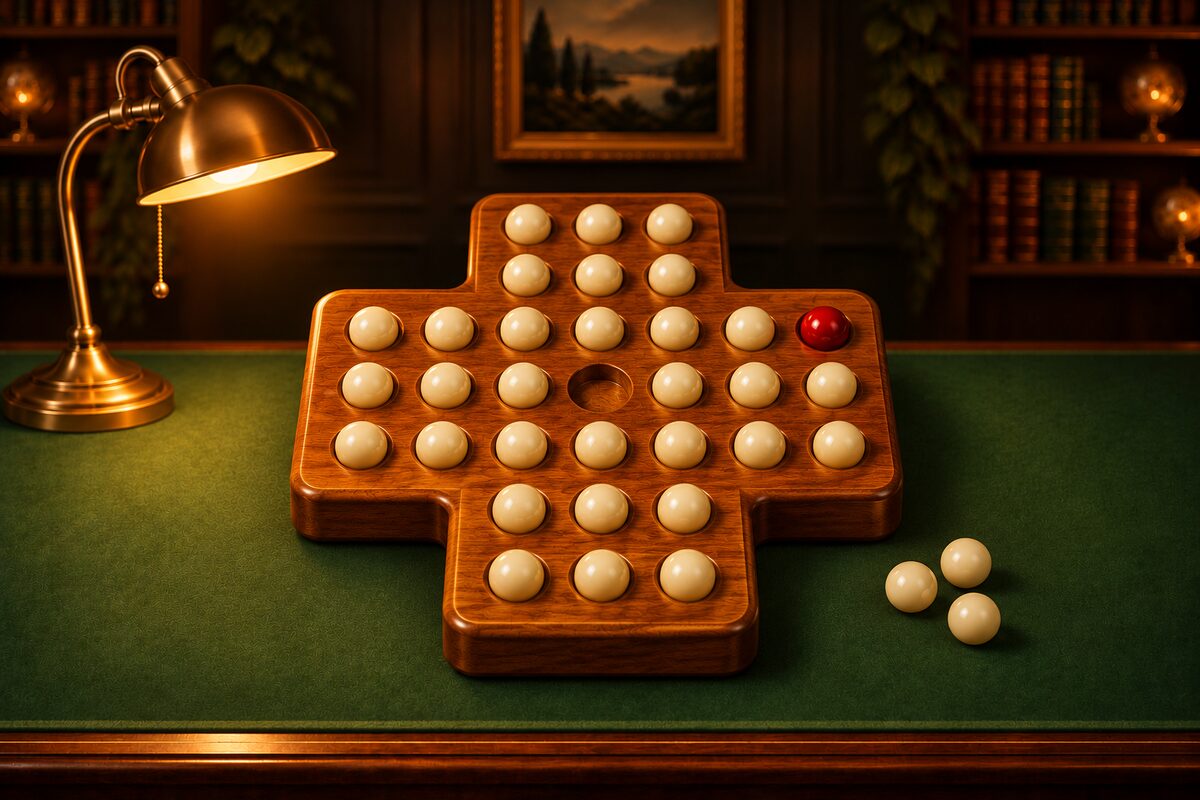
In peg solitaire, being unable to move while two or more pegs are left is called being stuck. When you’re stuck, all you can do is go back and try again. So how many moves should you go back? The hole names (columns a to g, rows 1 to 7) are the same as in the solving article.
Going Back Just the Last Move Usually Doesn’t Fix It
The cause of being stuck isn’t always the last move. Often, a move you made long before had already left a board that can’t be reduced to one.
Let’s look at an example. This starts from the board after move 24 of the English 33-hole answer (8 pegs left), plays e5→c5 as move 25, and continues from there.
- Move 25 e5→c5
- Move 26 d7→d5
- Move 27 e7→e5
- Move 28 e4→e6
- Move 29 c5→e5
- Move 30 e5→e7
- After move 30 Pegs left: 2
At the end, two pegs, c7 and e7, are left, and you’re stuck.
Going back one or two moves from this board doesn’t let you get down to one. When we checked every move, we found that the moment move 25, e5→c5, was played, the board could no longer be reduced to one. To get back to a board that can be reduced to one, you need to go back 6 moves, to the board after move 24.
Of the 5 moves you can make from the board after move 24, only d5→f5 gets you down to one (the tips article).
A Rule of Thumb for How Far to Go Back
- Go back to where the shape broke down: Look for the move that led to a shape such as a leftover corner peg or a peg left on its own, and go back to just before that move.
- Compare with the shapes along the answer: If you remember the answer, compare with the shape at the end of each stage (in the solving article, the shapes with 24, 16, and 8 pegs left) and go back to where it stops matching.
- Go back a little at a time and try again: Go back one move and try another, and if that doesn’t work, go back one more move and try another. It takes time, but you can always get out in the end.
Undo in the App
Undo in the Peg Solitaire app lets you go back as many moves as you like. You can go back even after you’re stuck, and even after the boss ball has been captured in “Puzzles” mode.
- “Restart” goes back to the start of the same board. If you’ve made at least one move, it asks you to confirm that you really want to start over.
- After you clear a board, “Undo” and “Restart” can’t be pressed. Next, start with “New Game” or “Next game.”
Hint Tells You How Many Moves to Go Back
When you don’t know how far to go back, use the app’s Hint.
- If the board can still reach the goal, the next move (the peg to move and the hole it goes to) glows.
- If the board can no longer reach the goal, it tells you how many moves to go back, as in “Go back 3 to finish with one” (in “Puzzles,” “Go back 3 to save the boss ball”). The “Undo” button also glows with a gold ring.
- Each time you go back one move, the remaining count goes down. When you’ve finished going back, you can use Hint again to check the next move from there.
It also works on boards where you’re stuck, or where the boss ball has been captured. For details, see How to Use Hint.