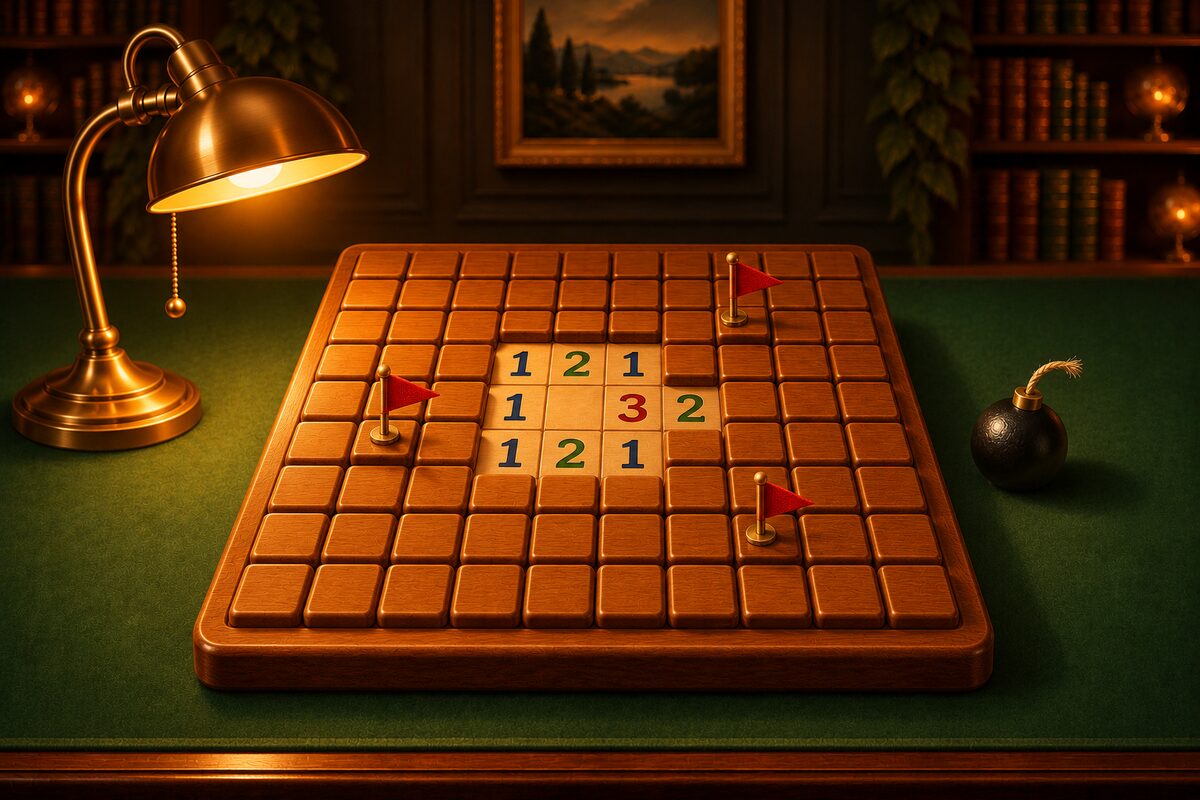
Minesweeper is an Android app where you play boards that can always be solved by logic alone. Here is how to use the screen and the buttons.
Reading the Screen
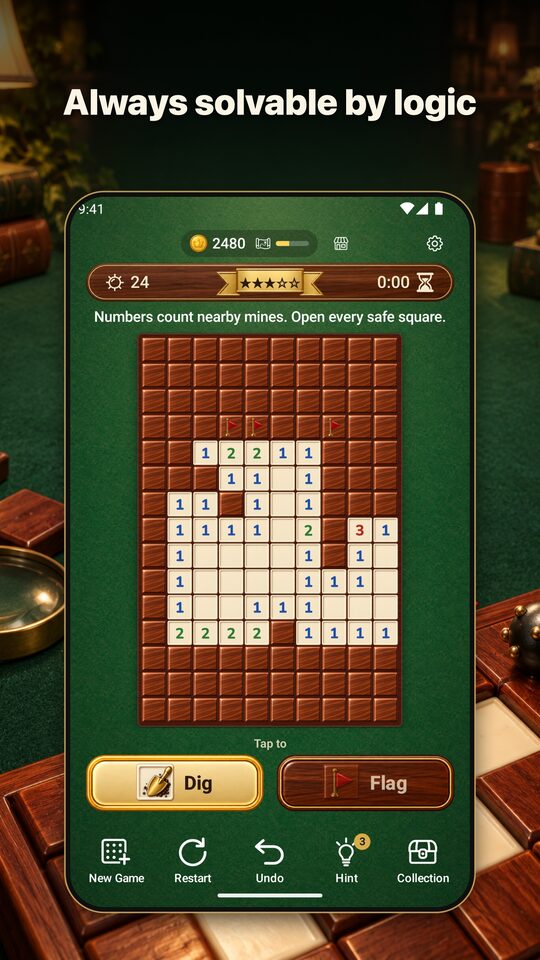
From top to bottom, you will see the following.
- Top band: your coins and exploration progress, plus the Shop and Settings buttons.
- Top bar: mines left on the left, the stars for the current difficulty in the middle, and the time taken on the right. The row below shows the goal, a short hint message, and the result.
- Board: brown tiles are covered squares, and the lighter squares are opened squares.
- “Dig” and “Flag” buttons: these switch what a tap does.
- Five buttons at the bottom: New Game, Restart, Undo, Hint, and Collection.
Playing Squares
- Open: choose “Dig” and tap a square.
- Place or remove a flag: long-press a square. While “Flag” is selected, a tap places or removes a flag, and a long press opens the square.
- Chord: tap a number whose flags are complete, and the rest of the squares around it open at once. It works in both “Dig” and “Flag.”
See Placing Flags and Chording for details on using flags.
Zooming Big Boards
On a board where showing the whole thing would make the squares too small, the game starts zoomed in to a size that is easy to tap. Pinch to zoom in and out, and drag with your finger to move to the part you want to see. On boards you play zoomed in, the button at the bottom right of the board switches between “Show whole board” and “Zoom in.”
The Five Buttons at the Bottom
- New Game: start a new board. Progress on the current board is lost, so the app asks you to confirm before switching.
- Restart: replay the same board from the point where the first square was opened.
- Undo: go back one move. You can also undo a move that opened a mine. You cannot undo after clearing the board.
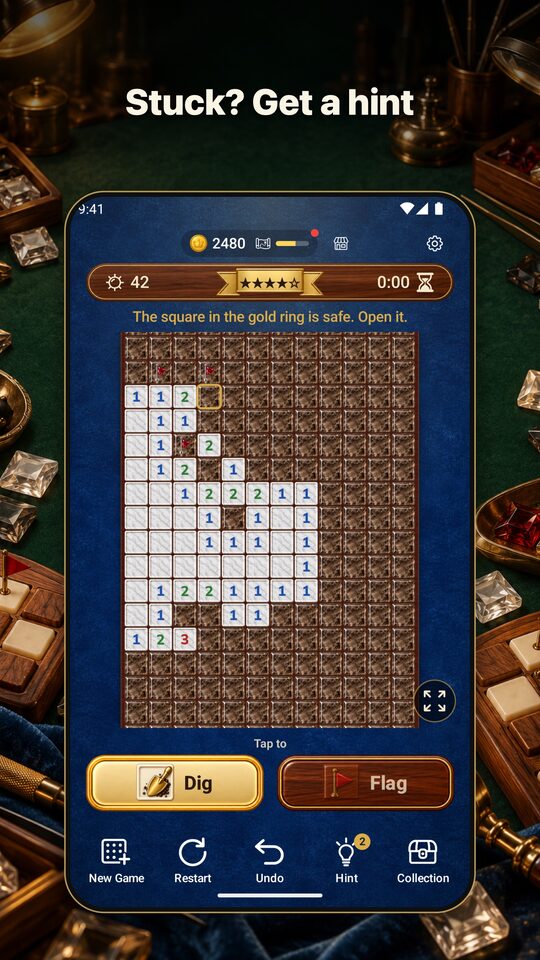
- Hint: the next square you can work out by logic lights up with a gold ring (How to Use Hints).
- Collection: opens the Dress Up, Explore, and Shop screens (Dress Up and Explore).
When You Clear a Board
You clear the board when you open every square without a mine. The app shows your time and the coins you earned. With “Share,” you can send the result as text to another app. “Next game” starts a new board at the same difficulty.
Time and Saving
- The clock starts when you first open a square. It stops while the app is closed or while an ad is showing. There is no time limit.
- The current board is saved. However, your moves are not, so when you reopen the app you start the same board again from the point where the first square was opened.
What You Can Do in Settings
Open Settings with the gear button at the top right.
- Difficulty: choose Level 1 to Level 5. If you are in the middle of a game, you can choose to abandon the current board and switch now, or switch from the next game.
- Sound: turn sound effects on or off.
- Language: 13 languages: Japanese, English, Chinese (Simplified and Traditional), Korean, Spanish, French, German, Portuguese (Brazil), Indonesian, Thai, Vietnamese, and Russian. At first the app follows your device’s language.
- How to play: view the rules again.
- There are also ad privacy settings, the privacy policy, rate this app, and license information.
About Ads
The app is free to download and shows ads. There is no login and there are no in-app purchases. You can refill Hints and use the Explore boosts “Quick steps” and “Luck Up” by watching a video ad, but only when you choose to.
You can download the app with the button at the bottom of this page.