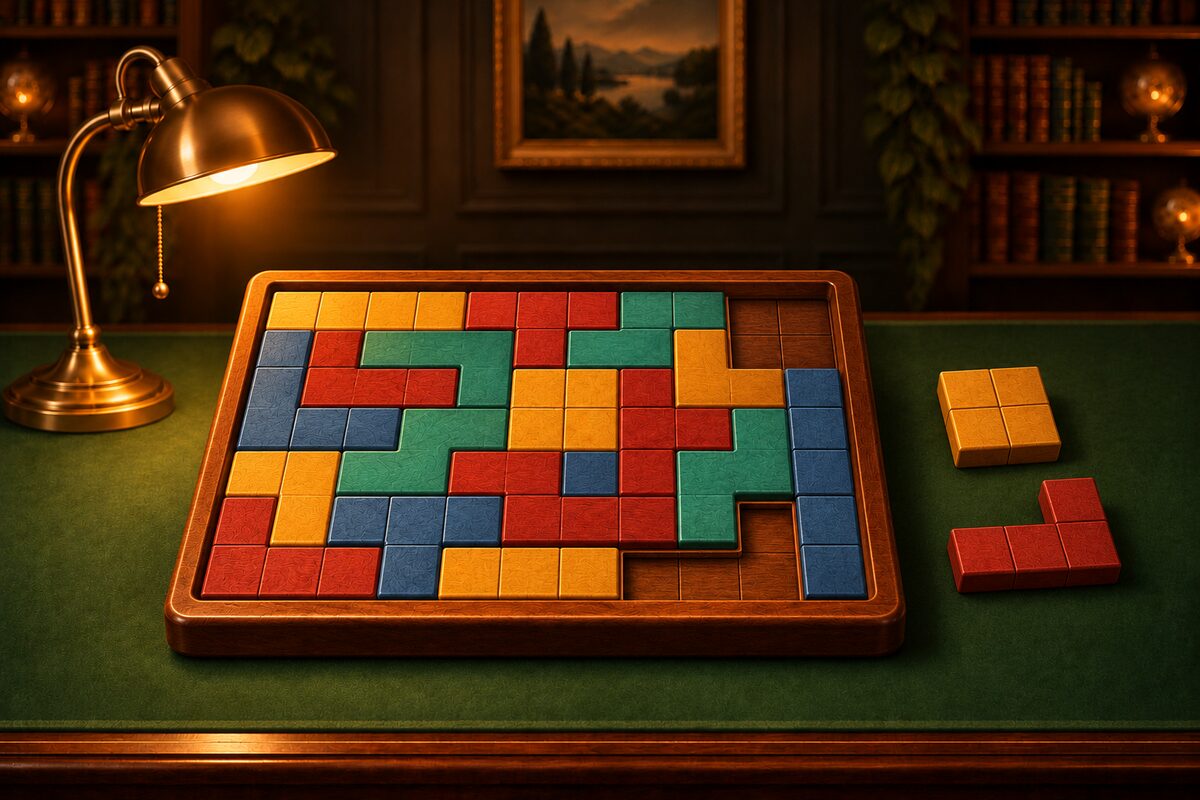
You can play this block puzzle right on this page, at no cost. There is nothing to install and no account to make. On a computer or a phone, you can start just by moving the pieces.
Play in Your Browser Right Away
Drag a piece from the tray below and let go over the frame, and it snaps into the nearest cells. Tap a piece to rotate it 90° to the right. You clear the puzzle when you have fitted every piece into the frame with no gaps and no overlaps.
- Difficulty: Easy (4×4 and 3×5 frames, 3- to 4-cell pieces), Normal (5×5 and 4×6, 3 to 5 cells), Hard (6×6 and 5×7, 4 to 5 cells). These are the same sizes as ★1 to ★3 of Rectangles in the app.
- Undo: Takes back your moves in the frame one at a time.
- Hint: The next piece and its spot glow. You can use it as many times as you like. If you press “Place it” after it glows, the piece goes to that spot. If your current placement cannot be completed, the piece you should take out glows.
- Restart: Starts the same puzzle over from the beginning.
- New Game: Starts a different puzzle.
You can drag a piece already in the frame to a different spot. If you let go outside the frame, it returns to the tray. With a keyboard, you can select a piece and press the Enter key to rotate it.
The puzzles are made by cutting a frame into pieces, so every one of them can be solved. For ideas on how to approach solving, see How to Solve Block Puzzles. The board on this page does not save a record of what you played. If you close the page, you start over.
On a Phone, Try the App Wood Block Fit
If you want to keep playing at length on a phone, there is the Android app ”Wood Block Fit”. Downloading it costs nothing (ads are shown).
In addition to the board on this page, the app lets you do the following.
- Besides Rectangles, with rectangular frames, there is a Shapes mode where you fill frames of many shapes.
- There are five difficulty levels, ★1 to ★5. At ★5 you can take on large frames up to 8×8.
- You earn coins as you play and can get blocks, frames, backgrounds, and clear effects in the Shop to dress up your game.
- Every 10 games you play, the exploration of the place you chose ends and you always find one item. There are also Secret items you can only find by exploring.
Browser Version vs. App
- Getting started: This page just opens. The app needs to be downloaded.
- Controls: In both, you drag to place and tap to rotate. There is no flipping.
- Puzzles: In both, they can always be solved. The idea behind making them is the same, but you will not get the same puzzles.
- Difficulty: This page has 3 levels and rectangular frames only. The app has ★1 to ★5 and also Shapes frames.
- Hint: On this page, as many times as you like. In the app, you start with 3, and you can get more by watching an ad.
- Records: On this page, nothing is kept. In the app, your coins and collected items stay on your device.
Try solving one puzzle on this page first, and if you like it, keep going in the app.