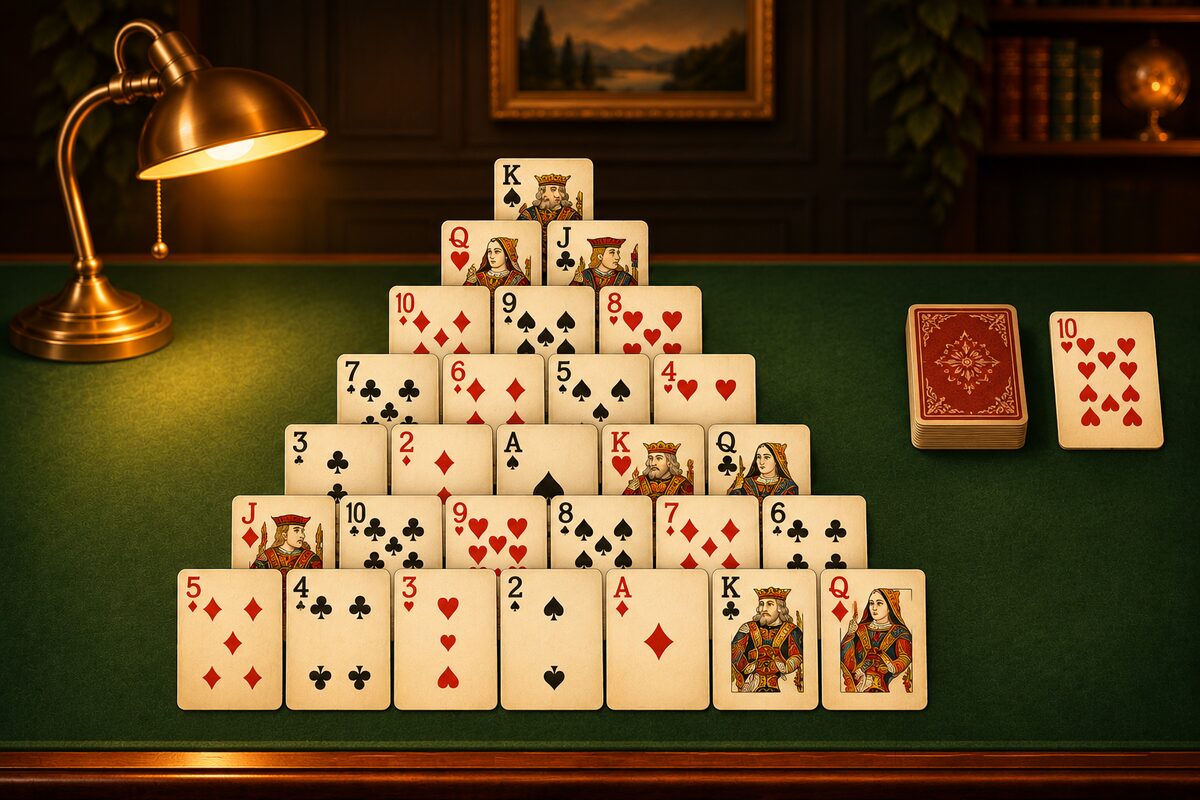
Pyramid is a solo game where you remove pairs of cards that total 13 from playing cards laid out in a pyramid. You can play it on this page or in a phone app, at no cost.
Play on This Page
You can play right on the board below. Of the face-up cards, tap two that total 13, one after the other, to remove them. A K needs just one tap. Tap the stock at the bottom left to turn over one card, and the turned-over card can be paired with a pyramid card too.
- The numbers count like this: A is 1, J is 11, Q is 12, and K is 13.
- When the stock runs out, tap it again to use it from the start. You can recycle it as many times as you like.
- Undo also counts as one move (the same as in the Pyramid app).
- This board only deals hands that are confirmed to have a solution. Your play isn’t saved on your device.
On Your Phone, Try the Pyramid App
You can download the Pyramid app on iPhone, iPad, and Android at no cost (ads are shown).
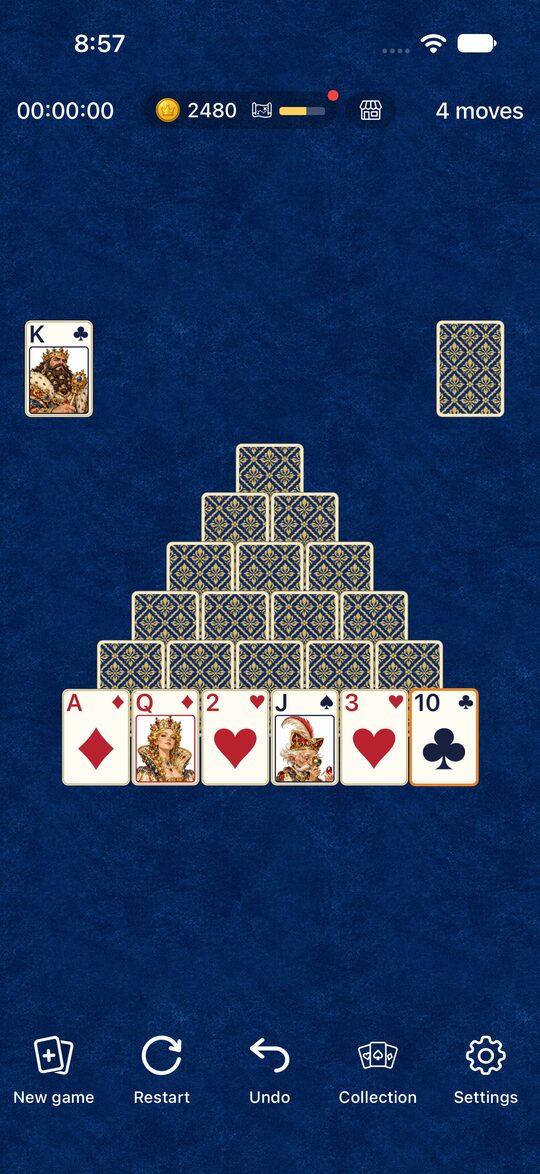
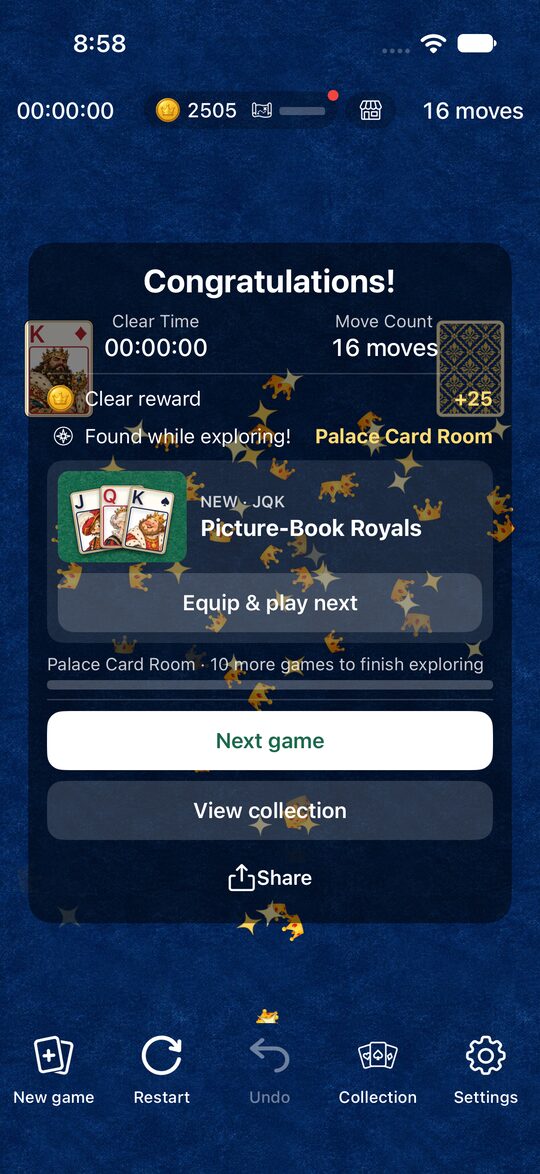
Here are the features of the app.
- A different deal every time: Each time you tap “New game”, 52 cards are shuffled and dealt. It doesn’t pick only winnable deals, so some deals can’t be cleared.
- Unlimited stock: When the stock runs out, tap it to use it from the start.
- Undo and Restart: Use “Undo” to take back a mistaken move. Use “Restart” to replay the same deal from the beginning.
- Tap or drag: Tap two cards in a row, or drag a card onto its partner, to remove them.
- Dress-up: You earn coins as you play, and can change the cards, backgrounds, and clear effects.
The top of the screen shows your time and move count.
What to Look for When Choosing an App
Pyramid apps may look alike, but their rules differ slightly.
- How many times you can use the stock: Some versions limit the number of times you can go through the stock. The fewer times, the harder the game. The Pyramid app lets you recycle it as many times as you like.
- Which cards can pair: Some versions let you pair turned-over cards with each other. In the Pyramid app, the only stock card you can use is the top card of the waste pile, and it pairs with a pyramid card.
- Undo: If you take cards in the wrong order, you may not be able to clear the game. Being able to go back makes it easier to play to the end.
- Ads: Many apps that cost nothing are supported by ads. In the Pyramid app, full-screen ads appear in the gap when you move on to the next game with “New game” or “Restart”. They don’t appear in the middle of a game.
Start With the Rules
If you’re new to Pyramid, reading the Rules and How to Play first will get you playing right away. Once you’re used to the game, Pyramid Tips will help, too.
You can download the app from the button at the bottom of this page.