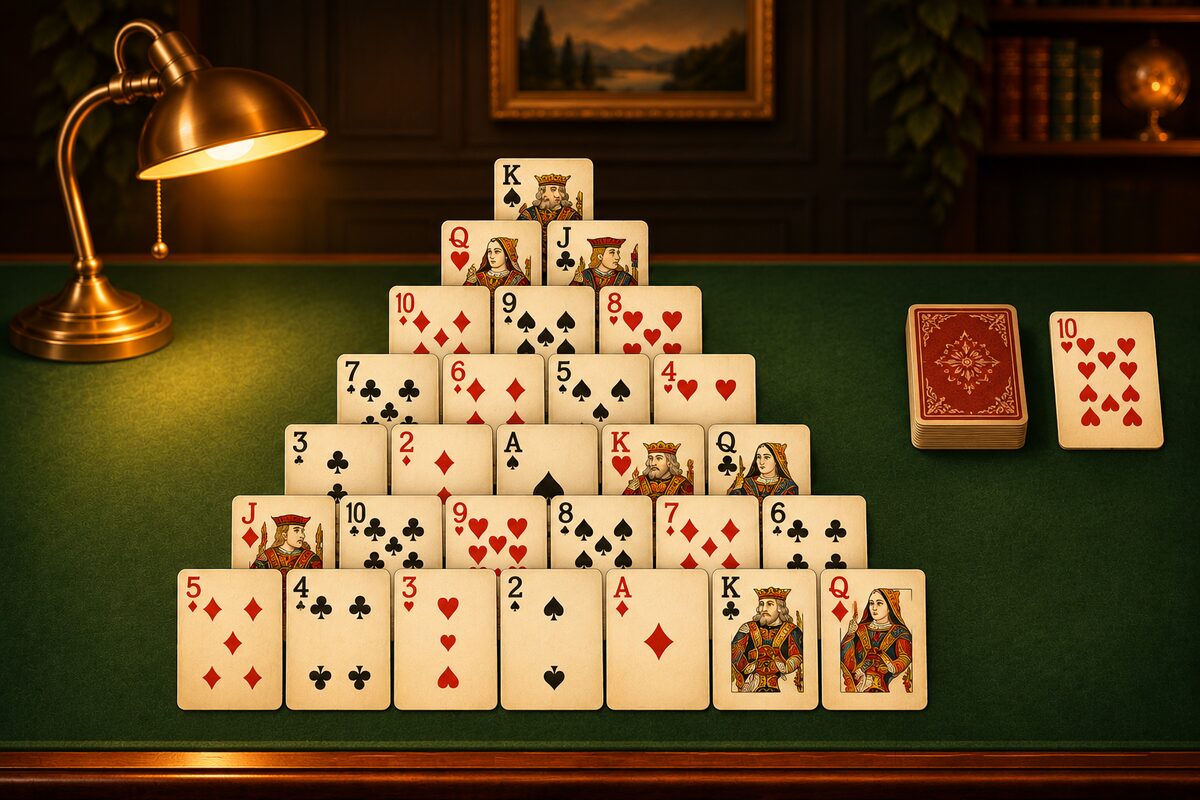
Pyramid is a solo game played with a 52-card deck. You remove cards laid out in a pyramid by adding their numbers.
App Screens
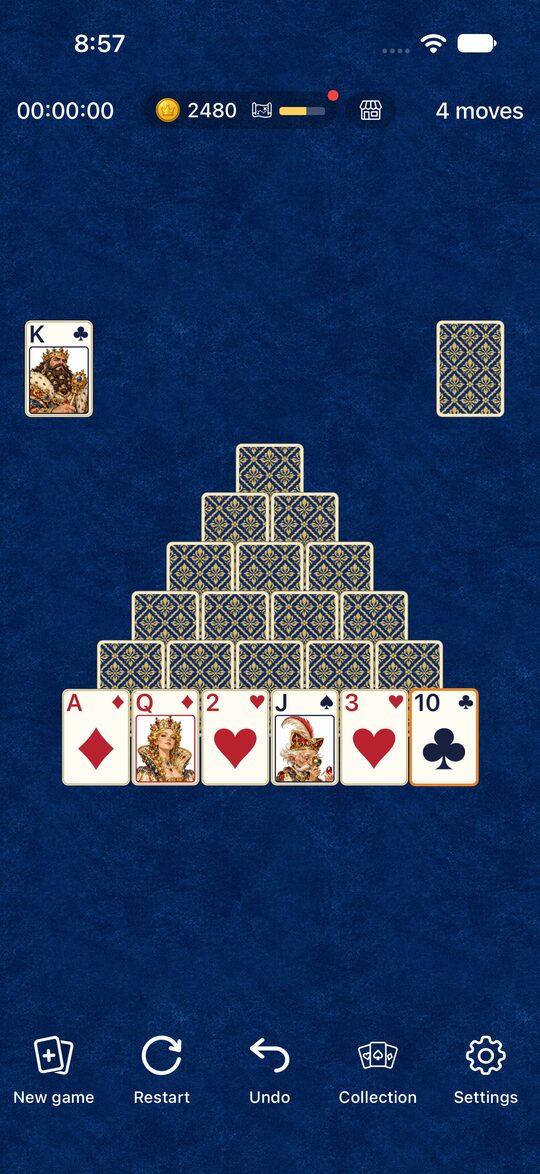
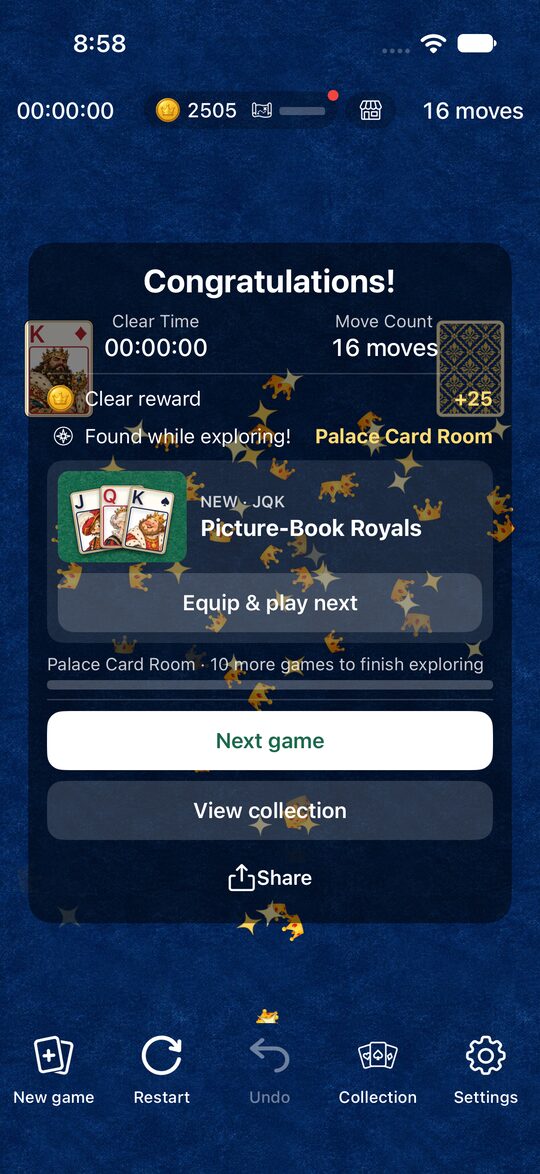
Here are actual screens from the Pyramid app.
The Goal
You win when you remove all 28 cards of the pyramid, laid out in seven rows. It’s fine if there are still cards left in the stock.
Making 13
If the numbers of two face-up cards add up to 13, you can remove those two cards. The numbers count like this: A is 1, J is 11, and Q is 12. A K is 13, so you can remove it on its own.
| Pair | Total |
|---|---|
| A and Q | 1 + 12 |
| 2 and J | 2 + 11 |
| 3 and 10 | 3 + 10 |
| 4 and 9 | 4 + 9 |
| 5 and 8 | 5 + 8 |
| 6 and 7 | 6 + 7 |
| K | 13 (by itself) |
At the start, only the bottom row is face up. A card in an upper row turns face up once the two cards below it are gone, and then you can use it.
The Stock
The 24 cards not used in the pyramid make up the stock. Tap the stock to turn over one card at a time, and a turned-over card can be paired with a pyramid card and removed too. When the stock runs out, tap it again to use it from the start. You can recycle it as many times as you like.
Moving Cards
- Tap two cards in a row to remove them as a pair.
- You can also drag a card onto its partner to remove them.
- If you make a mistake, use “Undo” to go back. Use “Restart” to replay the same deal.
Tips for Clearing the Game
- Prioritize opening the upper rows: When there are several pairs you could remove, take the pair that turns an upper-row card face up first.
- Watch out for competing cards of the same number: For example, if the pyramid has two 6s but only one 7 is visible, which 6 you pair it with changes which cards open up afterward.
- Remember the stock: Since you can go through the stock any number of times, remembering which cards are where makes it easier to plan the order of removal.
Want to Know More?
- Memorize the 13 pairs: 13 Pairs Cheat Sheet
- Rules people often wonder about: Common Rules Questions
- Get better: Pyramid Tips
- Try it first: Play Pyramid Solitaire Online