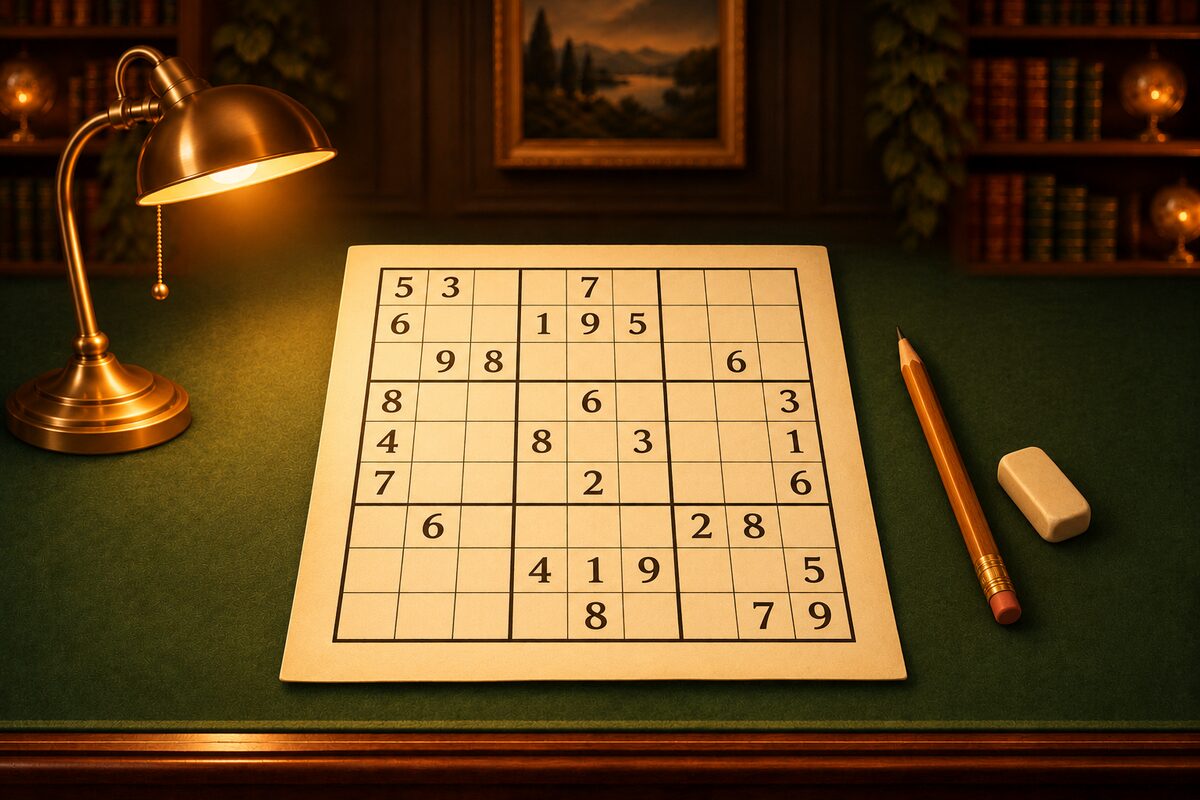
You can play sudoku right here on this page. There’s no installation or membership sign-up. On a computer or a phone, you can start just by tapping a square on the board below.
Play in the Browser Right Away
Fill in the empty squares so that every column, every row, and every bold box holds each digit exactly once. 6×6 uses 1 to 6, and 9×9 uses 1 to 9.
- Tap a square to select it, and enter a digit with the keys below. Tap the same digit again to erase it. On a computer, you can also use the keyboard’s number keys and arrow keys.
- The small number on a key shows how many more squares that digit can go in.
- When you switch to Notes, you can write the digits that might go in a square, small, in that square. When you place a digit, it is erased from the notes in the same column, row, and box.
- When you fill in every square, it checks your answer.
The puzzles are made the same way as in the NumberPlace app, and every one has just one solution. Each difficulty has three puzzles, and you can switch with “Another puzzle”. If you’re new, start with 6×6, and when you’re used to it, try a 9×9 ★1. How to solve is explained with diagrams in How to Solve Sudoku.
The board on this page doesn’t keep a record of your play. When you close the page, you start over.
To Play on Your Phone, the NumberPlace App
If you’d like to keep playing at length on your phone, we recommend the NumberPlace app. You can download it without a fee on iPhone, iPad, and Android (ads are shown). You don’t need to sign in.
- Two modes: the classic 9×9, and the 6×6 Mini for spare moments.
- Difficulty from ★1 to ★5: In 9×9, the stars are set by how hard the techniques are that you need. ★1 can be solved with singles alone, and ★5 is a puzzle that uses advanced techniques two or more times.
- A different puzzle every time: Puzzles are made on the spot inside the app, so you can play as many times as you like. Every puzzle has one solution and can be solved all the way with techniques alone.
- Hint: The next square you can settle lights up with a gold ring, and a reason such as “Only 7 fits in this square” appears. You start with 3 hints, and when you use them up, you can watch an ad to get 3 more.
- Pick up where you left off: Even if you quit midway, the next time you open it you continue the same puzzle.
- Dress-up: You collect coins every time you play, and in the shop you can change the tiles, boards, frames, backgrounds, and clear effects.
How the Browser Version and the App Differ
- Getting started: This page just opens. The app needs a download.
- Number of puzzles: This page has three puzzles for each of four difficulties. The app has ★1 to ★5, and a different puzzle every time.
- Hints: This page doesn’t have them. The app has Hint.
- Records: This page doesn’t keep any. The app remembers your moves and time midway, so you can pick up where you left off.
- How mistakes are shown: In both, the answer is checked only when you fill in every square. This page marks digits that clash within the same unit in red. In the app, Hint tells you which square has the wrong digit.
A Suggested Way to Progress
- Solve a 6×6 on this page to get used to the rules and entering digits (How to Solve the 6×6 Mini).
- Solve a 9×9 ★1 (we solve one together in Sudoku for Beginners). You can solve it with just the “only this square can hold it” method from the solving article.
- Move up the stars bit by bit in the app, to ★2 and ★3. When you get stuck, look at the reason Hint gives, and learn the techniques one at a time.
You can download the app from the button at the bottom of this page.