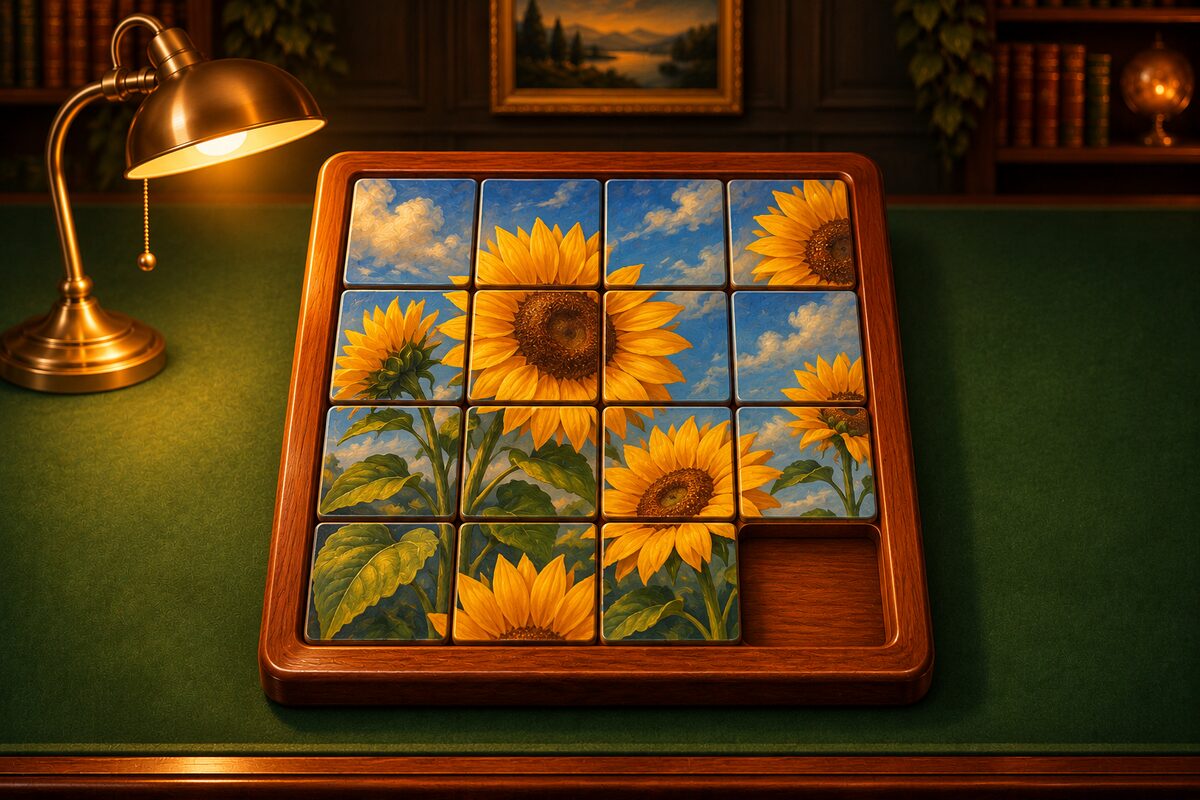
Slide Puzzle is a game where you slide tiles around a board with one empty space until the picture is complete. It is also known as the 15 puzzle.
App screens
These are the Google Play promo images. The screens inside are real screens from the app “Slide Puzzle”.
The goal
When every tile is back in its original place, the picture is complete and you clear the puzzle. Every puzzle can always be solved.
Sliding the tiles
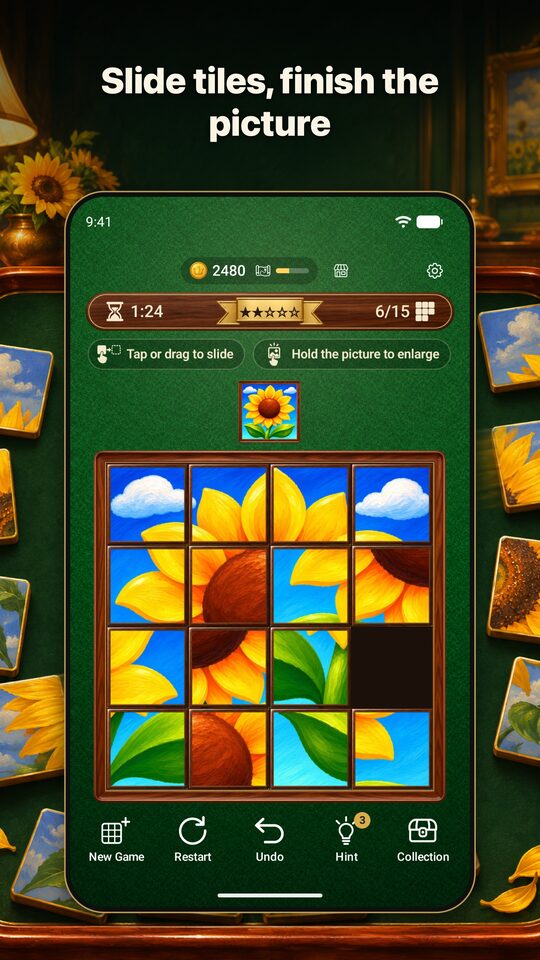
Tap a tile that is in the same row or column as the empty space, and it slides toward the empty space, taking the tiles in between along with it. You can also drag with your finger.
Checking the finished picture
The small picture above the board is the finished picture. While you press it, it appears large over the board. If you are not sure which tile goes where, take a look.
Difficulty
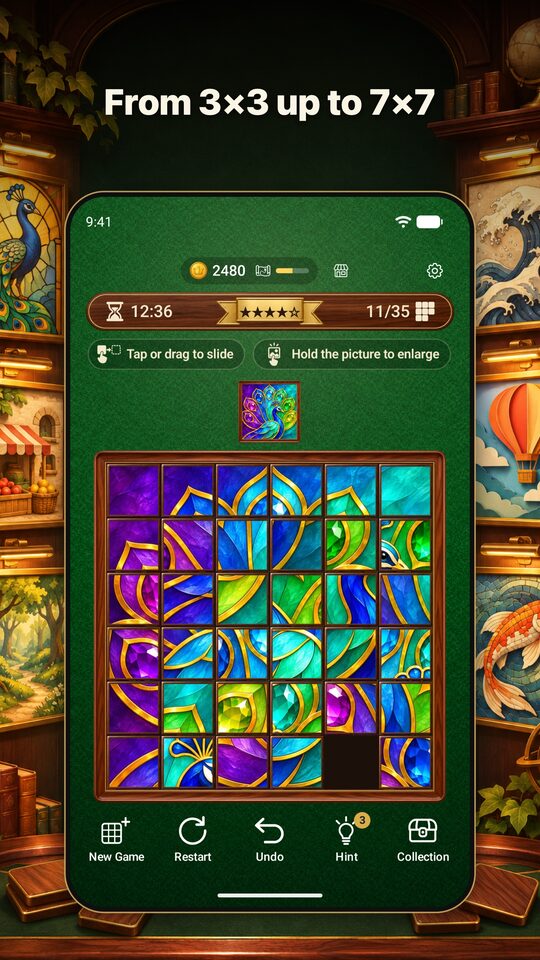
The more stars, the more pieces the picture is cut into.
| Difficulty | Board size | Number of tiles |
|---|---|---|
| ★1 Easy | 3×3 | 8 tiles |
| ★2 Normal | 4×4 | 15 tiles |
| ★3 Hard | 5×5 | 24 tiles |
| ★4 Master | 6×6 | 35 tiles |
| ★5 Grandmaster | 7×7 | 48 tiles |
If you get stuck
- Hint: Guides you step by step until the next tile is in place. You can watch an ad to get more hints.
- Undo: You can undo as many times as you like, at no cost.
Solving tips
The classic way to solve a sliding puzzle is to work row by row from the top.
- Move the tiles of the top row into place, one by one from the left.
- Once the top row is done, leave it alone and complete the second row.
- When only two rows remain, switch to working column by column from the left.
- Finish by rotating the last 2×2 block into place.
When you place the last tile of a row, it will not go in directly. First slide the tile before it down, then pair the two tiles and slide them in together. If you get stuck, try “Hint” to see the steps.