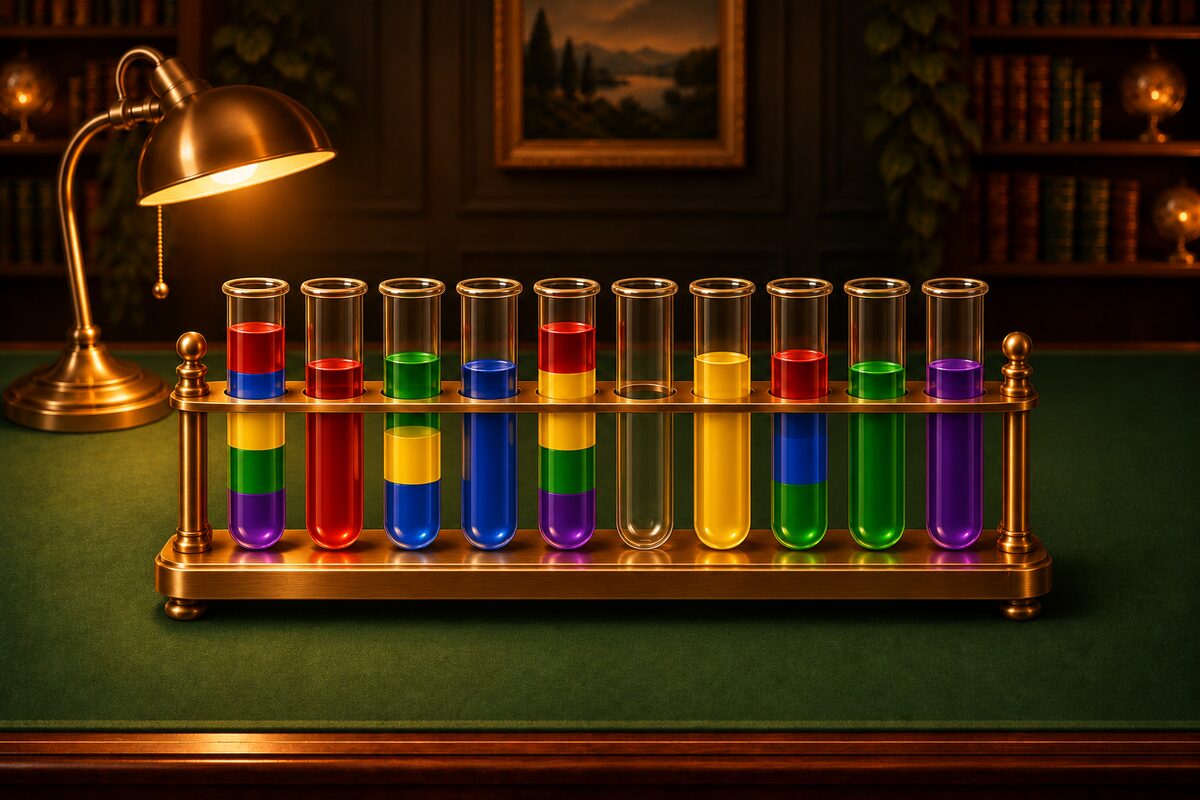
Sort puzzles are about telling colors apart and sorting them. But when similar colors sit side by side, they can be hard to tell apart. In ★4, for example, all 10 colors are used. The app Sort Puzzle has settings for times like that.
Show Color Symbols
Turn on ”Show color symbols” in Settings, and a white symbol that belongs to each color is laid over it. You can tell colors apart by shape as well as by color.
Here are the 10 colors and their symbols.
| Color | Symbol |
|---|---|
| Red | ● |
| Orange | ▲ |
| Yellow | ■ |
| Lime | ◆ |
| Green | ★ |
| Sky blue | ♥ |
| Blue | ♣ |
| Purple | ♠ |
| Pink | + |
| Brown | ⬢ (hexagon) |
Even similar colors get different symbols, such as lime (◆) and green (★), or sky blue (♥) and blue (♣). The symbols go over the colored water in Pour mode and over the balls in Stack mode. Even if you dress up the contents, the same color keeps the same symbol.
On the board in Play in Your Browser on this page’s site, you can also tick “Symbols” to lay the same set of symbols over the colors.
Playing with a Screen Reader
If you turn on Android’s screen reader (TalkBack), the app reads the tubes aloud one at a time.
- Tube number: It reads “Tube 1” and so on.
- Contents: From the top, it reads each color and its count, like “red 2, blue 1.” An empty tube is read as “empty,” and a sorted tube as “sorted.”
- Controls: Double-tap to lift a tube, then double-tap another tube to move. If you pick a tube that can’t receive the color, it says “Can’t move there.”
- Hint: It reads the next move aloud, like “Hint: from tube 1 to tube 3.”
Less Motion
- With ”Move animation” in Settings, you can switch the animation of the contents flying across on or off.
- If you have “Remove animations” turned on in your device settings, the app doesn’t show the flying contents, the shaking tube, or the hint’s ghost image.
Other Settings
- Sound: Turn sound effects on or off. You can pick the sound you like for the pour sound and the stack sound.
- Language: Make the app follow your device, or pick from 13 languages.
Symbols and the screen reader are meant for when colors are hard to tell apart. Everyone sees differently, so play with whatever combination is easiest for you to see.